Dota 2 skin changer
On this page
Octarine's skin changer unlocks every item in Dota 2. They show up right in your inventory and go on your heroes as if you'd bought them — arcanas too, with their animations, effects and sounds. The changer also reworks the map — terrain, weather, river and trees — and Minify strips the clutter from the screen and the sound.
The changer is built into Octarine for Dota 2: there's nothing extra to download, and you can try it for free.
Every item in your inventory
The changer is on by default: launch Dota 2 with Octarine and every item is already in your inventory. Equip them just like your own, from the hero page's loadout. The switch in Changer → Inventory turns the changer off, even mid-match.
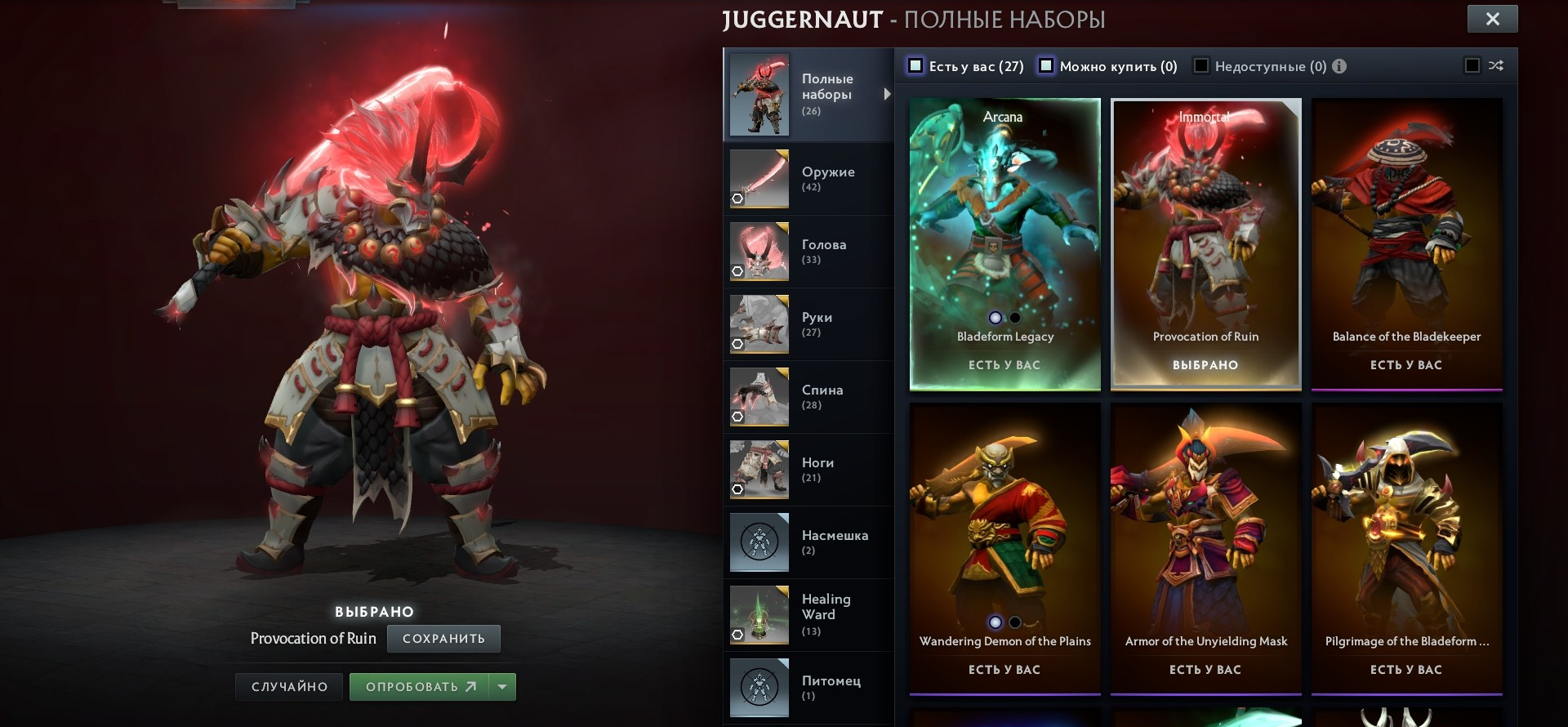
Arcanas, like the real thing
Arcanas from the changer work like real ones: animations, effects, sounds, voice lines and on-screen counters. 14 arcanas are supported, from Juggernaut and Pudge to Faceless Void and Ogre Magi.
- Animations follow the hero's state: running, standing, chasing, distance to the target. Queen of Pain and Razor attack differently up close and at range.
- Buff and kill effects are the same ones the owner of a real arcana gets.
- Item progress is counted the way the game does it and kept between matches. Don't want to grind? Turn on Unlock item progress and the progress styles open right away.
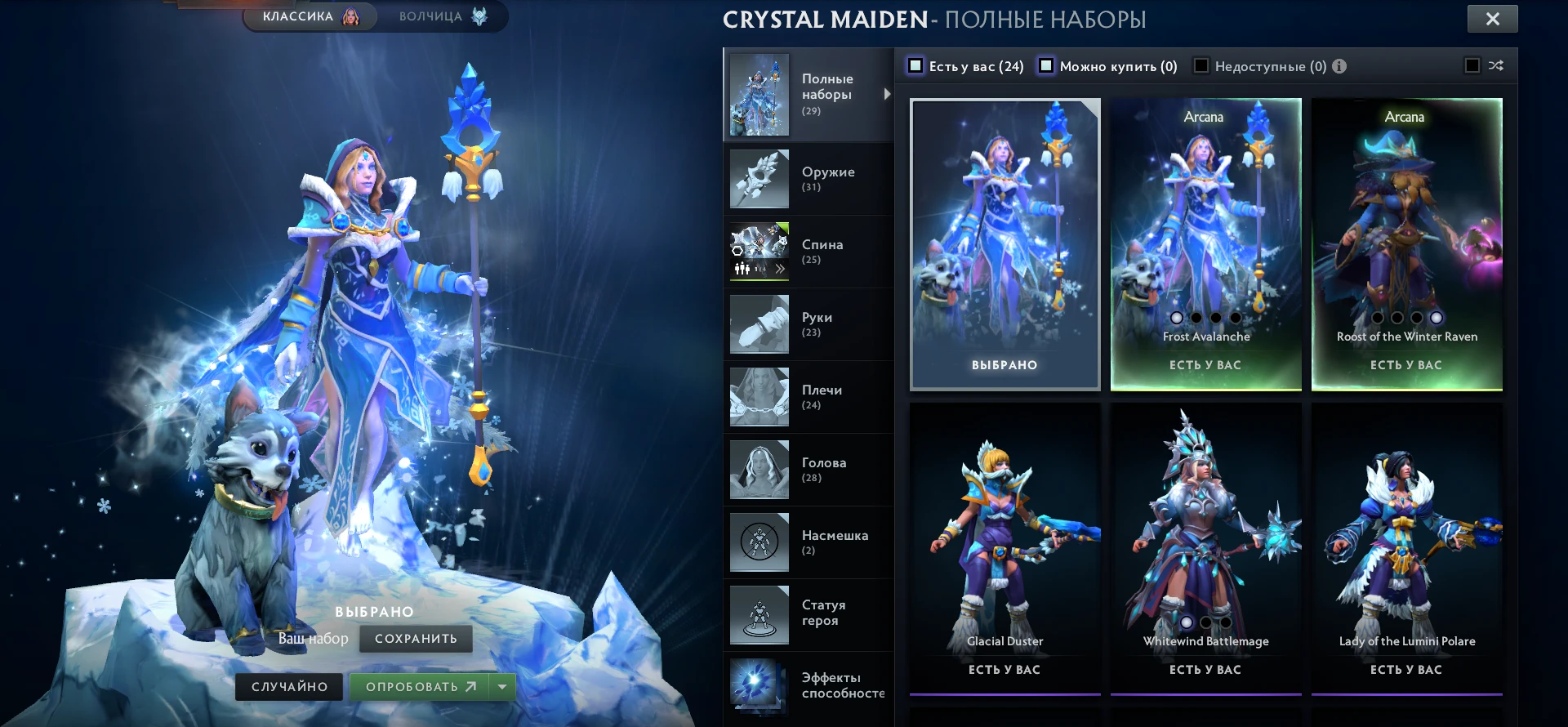
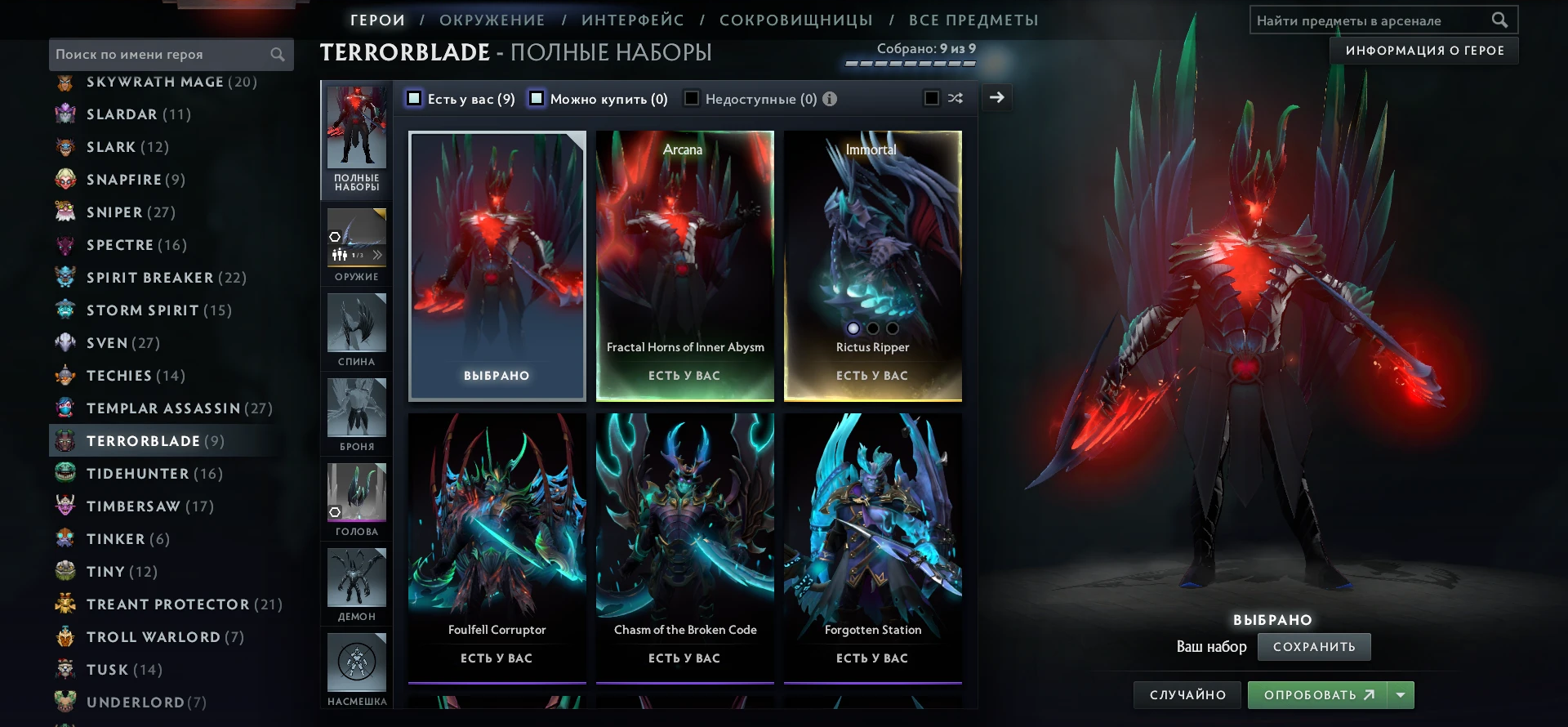
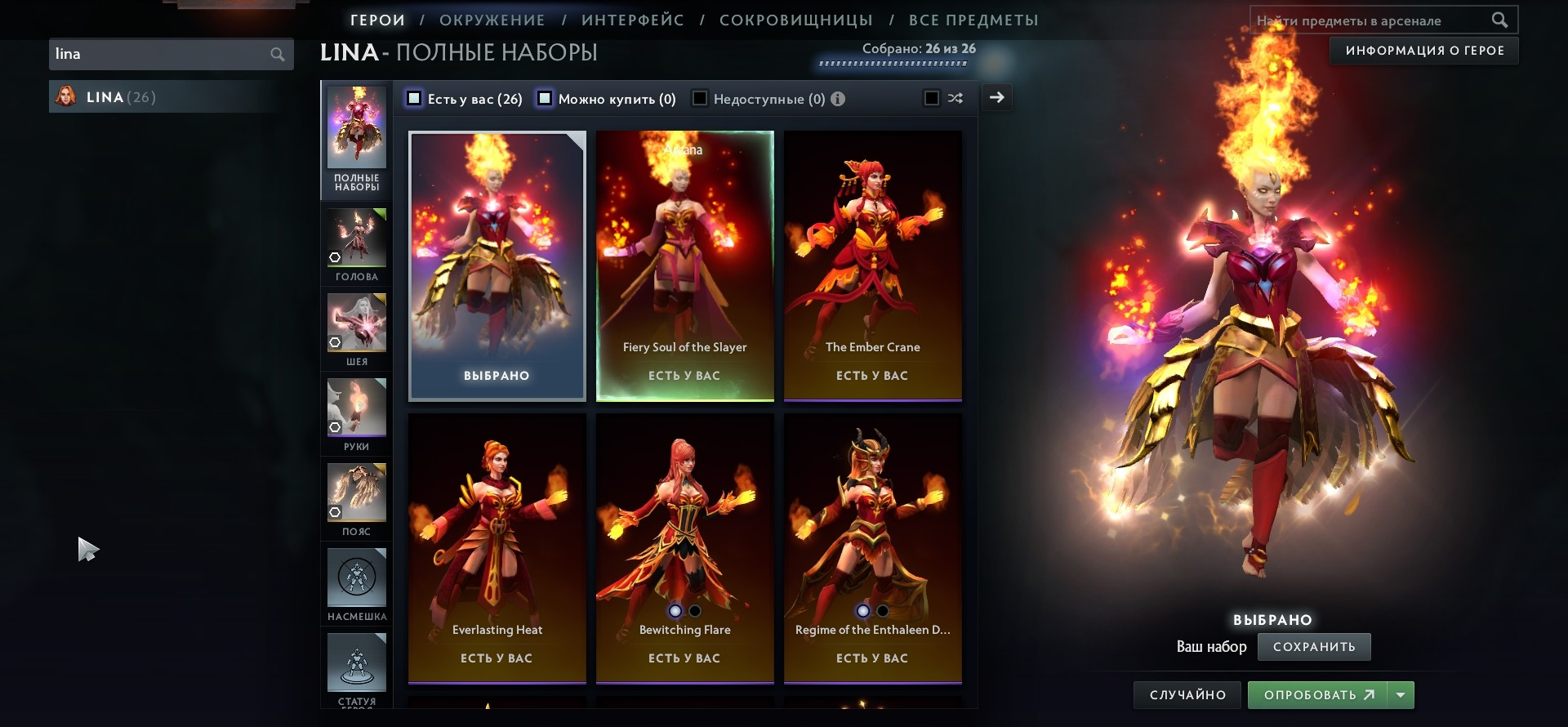
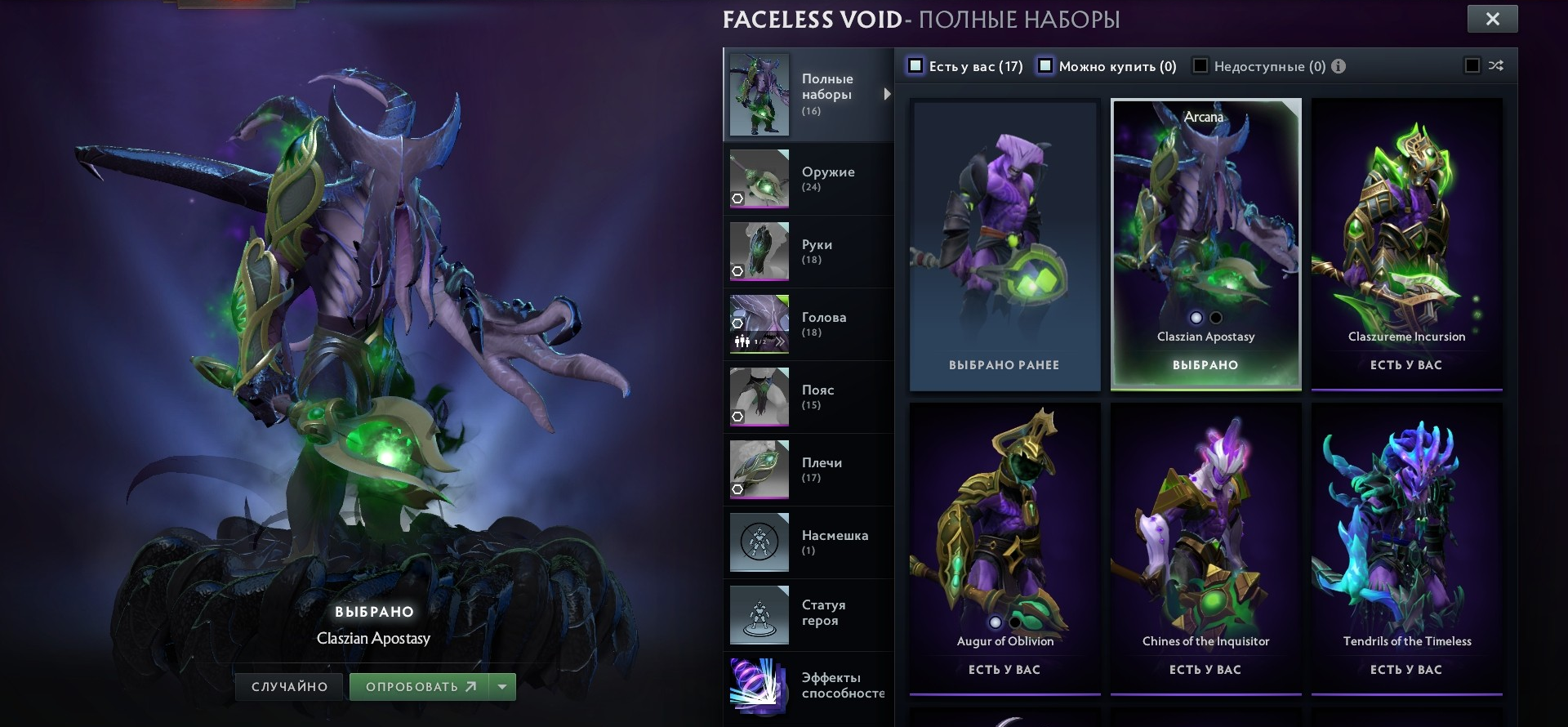
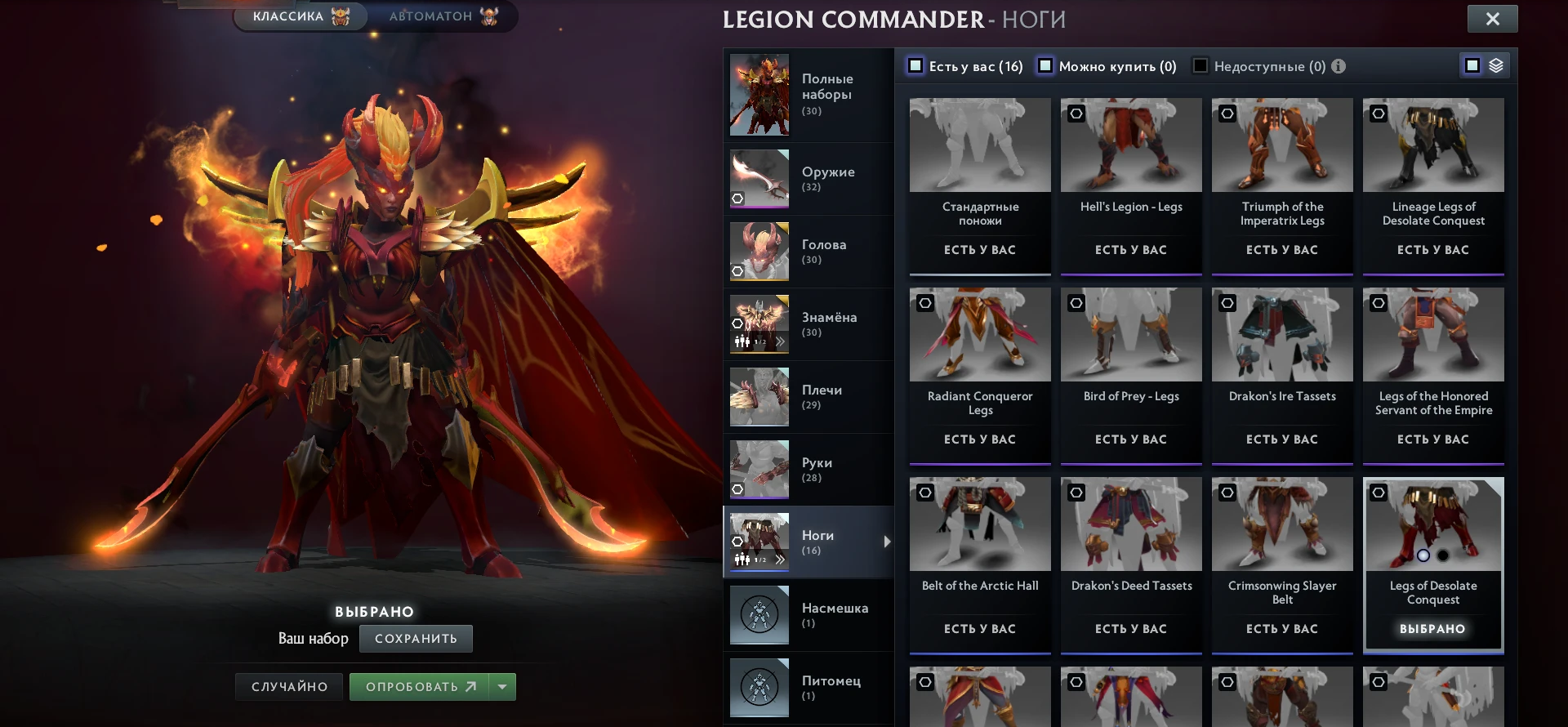
Arcanas from the changer in the hero loadout and the Dota 2 armory.
Gems, greevils and the emblem
Changer → Inventory also makes items to order:
- Prismatic Gems — pick any colour and hit Obtain.
- Greevils — set Quas, Wex and Exort from 0 to 3, an unusual effect and Shadow: the greevil arrives exactly like that.
- Emblem attack effect — red, green, blue or yellow Diretide. None removes the effect altogether.
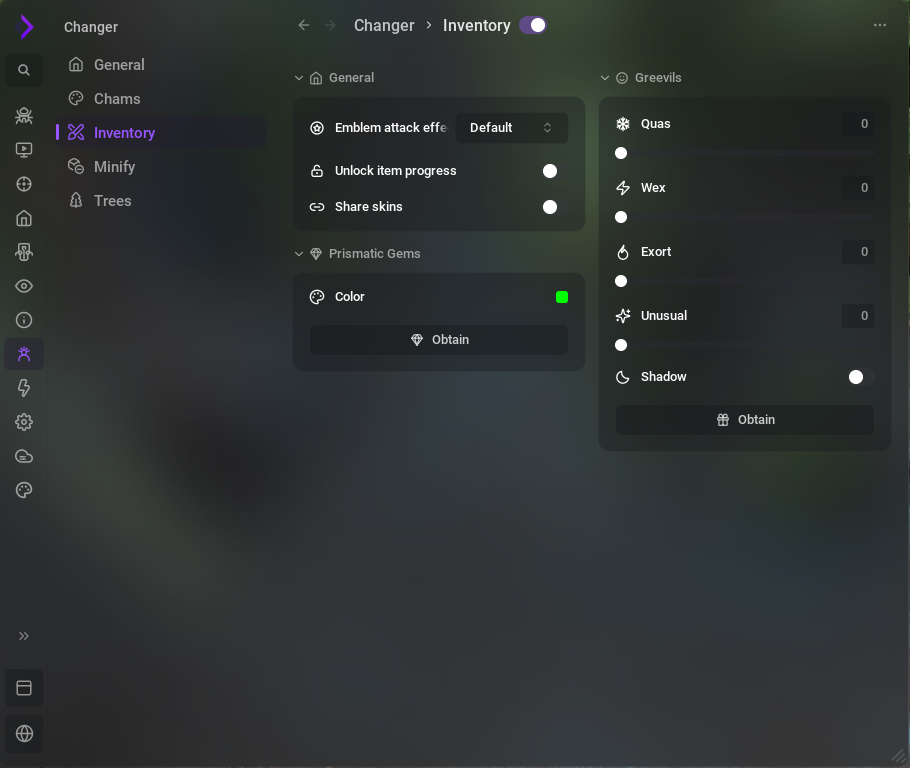
Share skins
Turn on Share skins and the Octarine users in your match see your changer skins, and you see theirs. It works when both of you have it on. In Share with, pick who sees them: allies, enemies or everyone.
Your own changer skins and those of everyone sharing with you.
If both of you have Share skins on and their team is ticked in Share with.
They see your real items.
Your loadout, by code
The changer's skins and settings live in their own cloud configs — Changer configs, 10 slots. They switch apart from your script configs: change your script settings and the skins stay. Share a loadout by code like any cloud config — more in the cloud configs post.
The map: terrain, weather, river and trees
The changer reworks the map itself. Only you see these changes.
Terrain
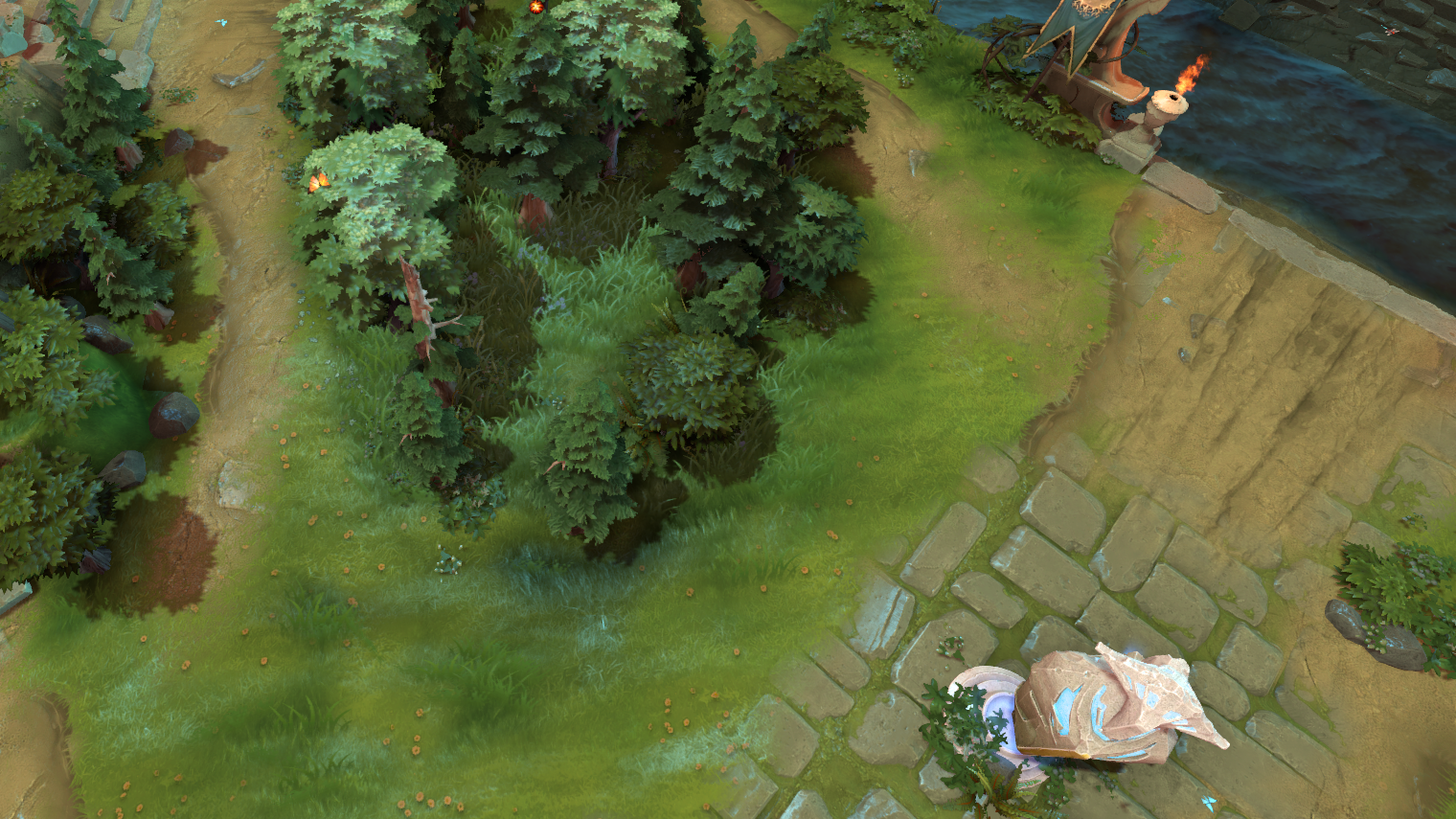
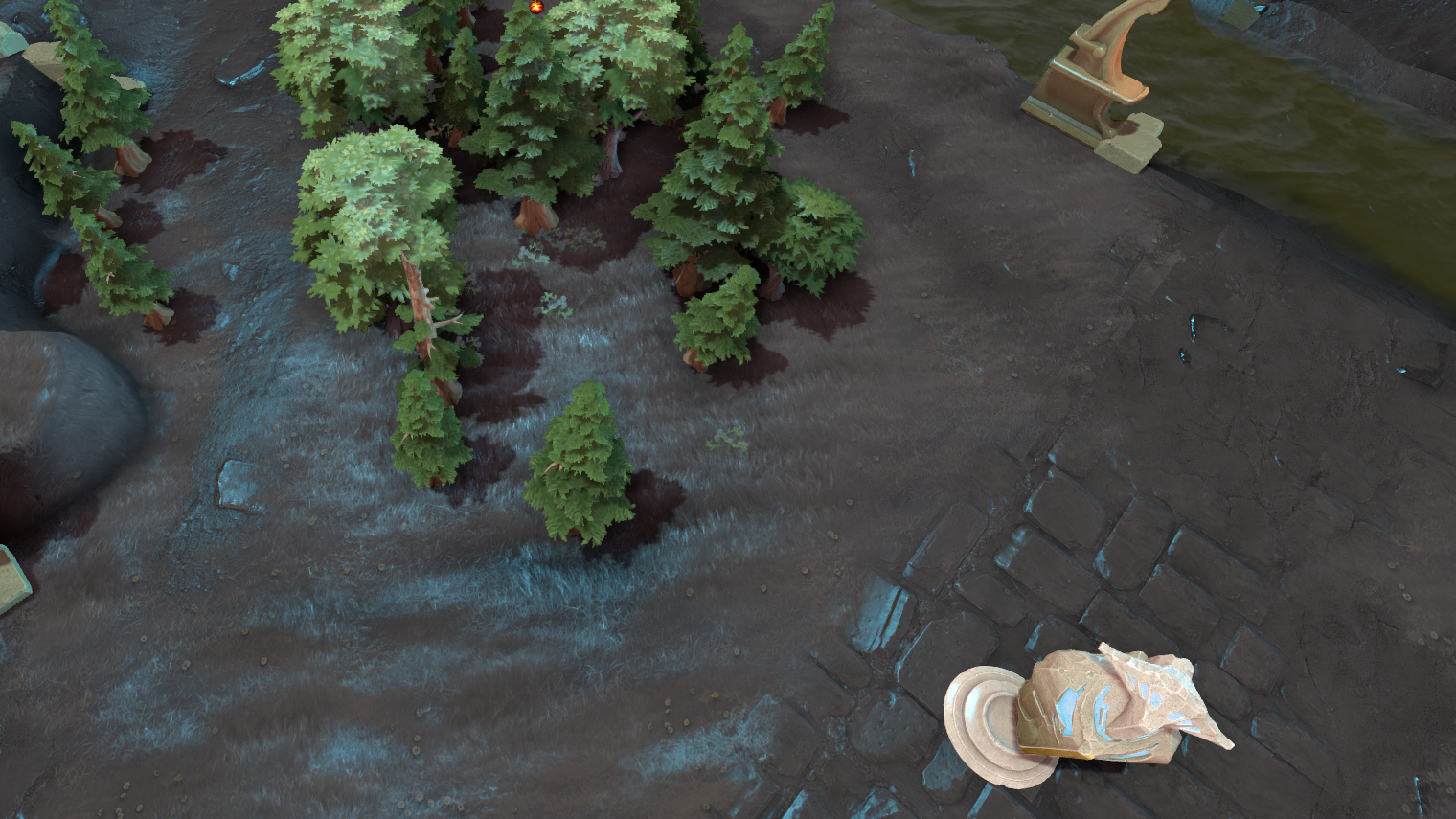
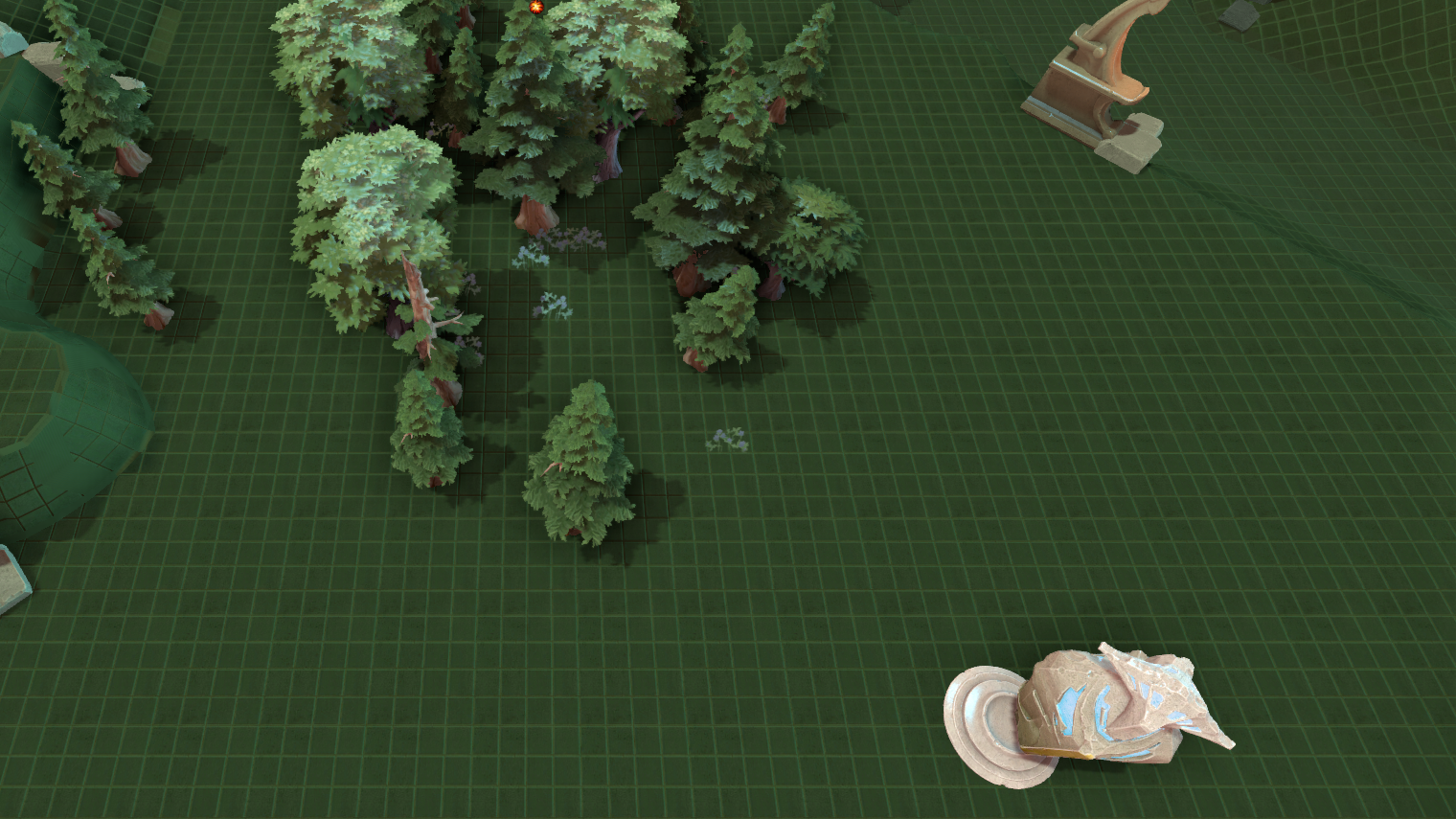
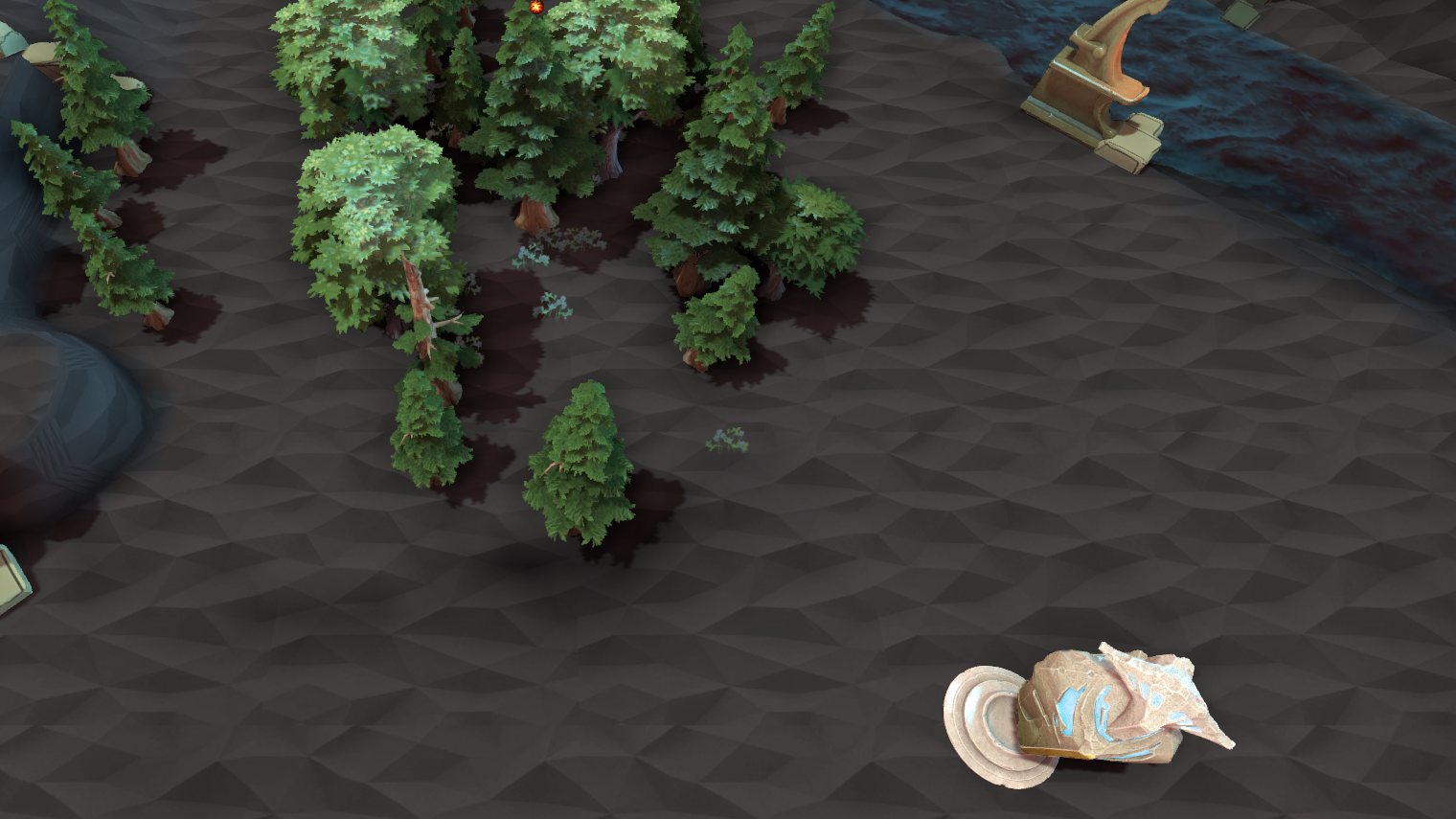
Four kinds of ground: Default, Dark, Dark Green and DarkPoly. Heroes and effects stand out better on dark ground, and Dark also clears away the grass and bushes. Pick the terrain by its picture in Changer → Minify → Map; it applies right away, with no map reload.
Weather and river
Nine weathers and seven rivers, all of them below. Your pick applies instantly and stays for the next games.
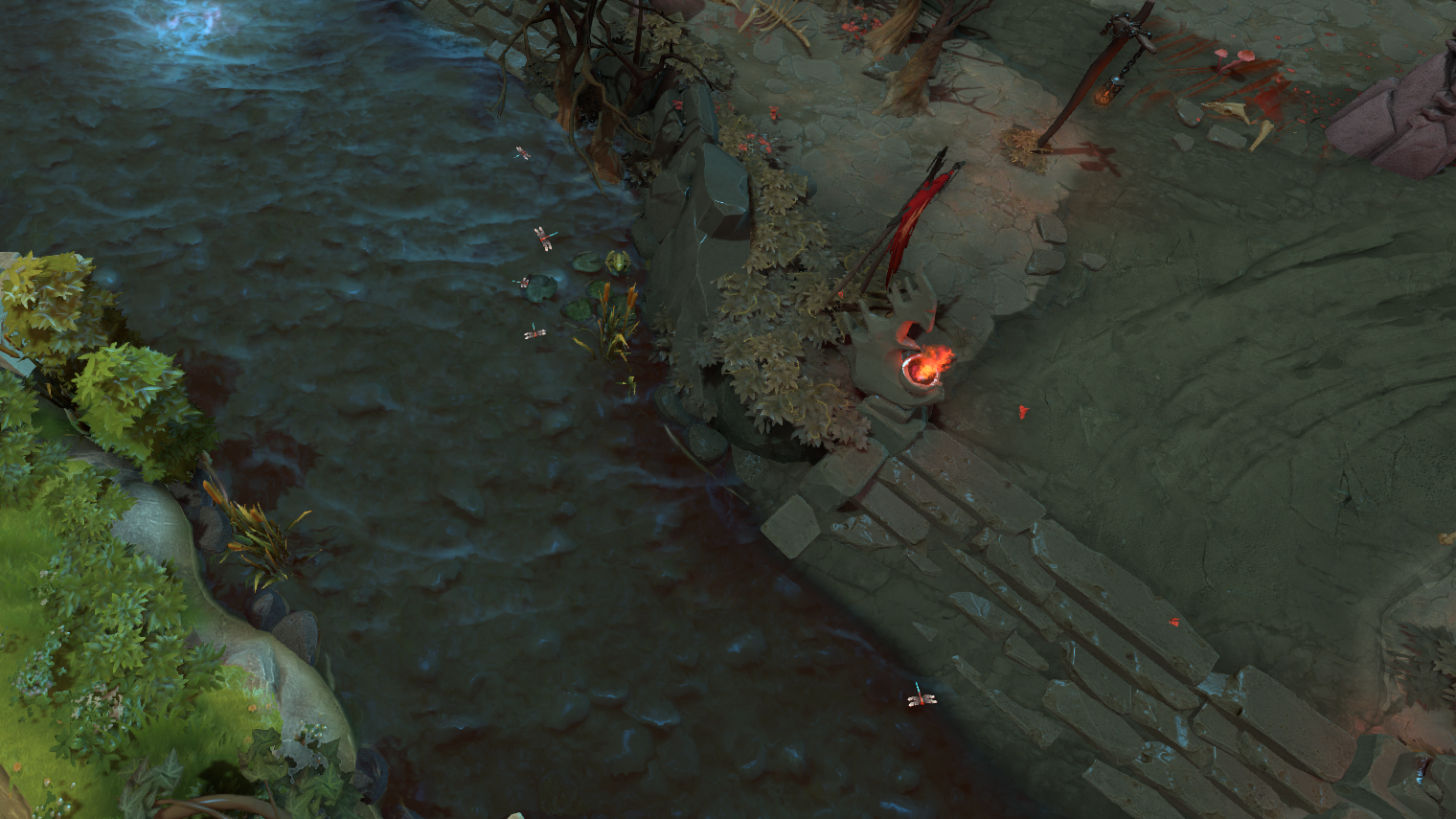
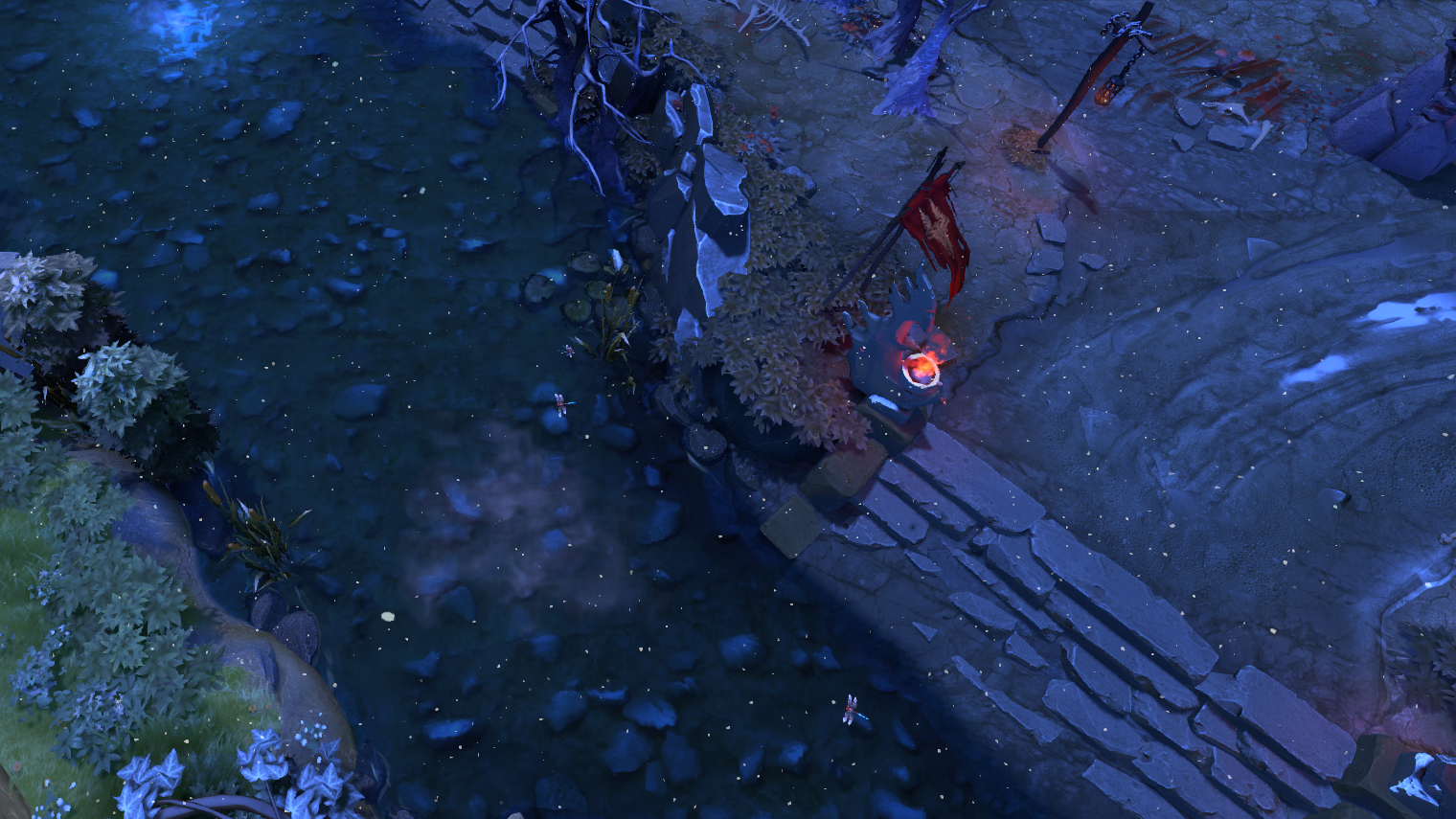
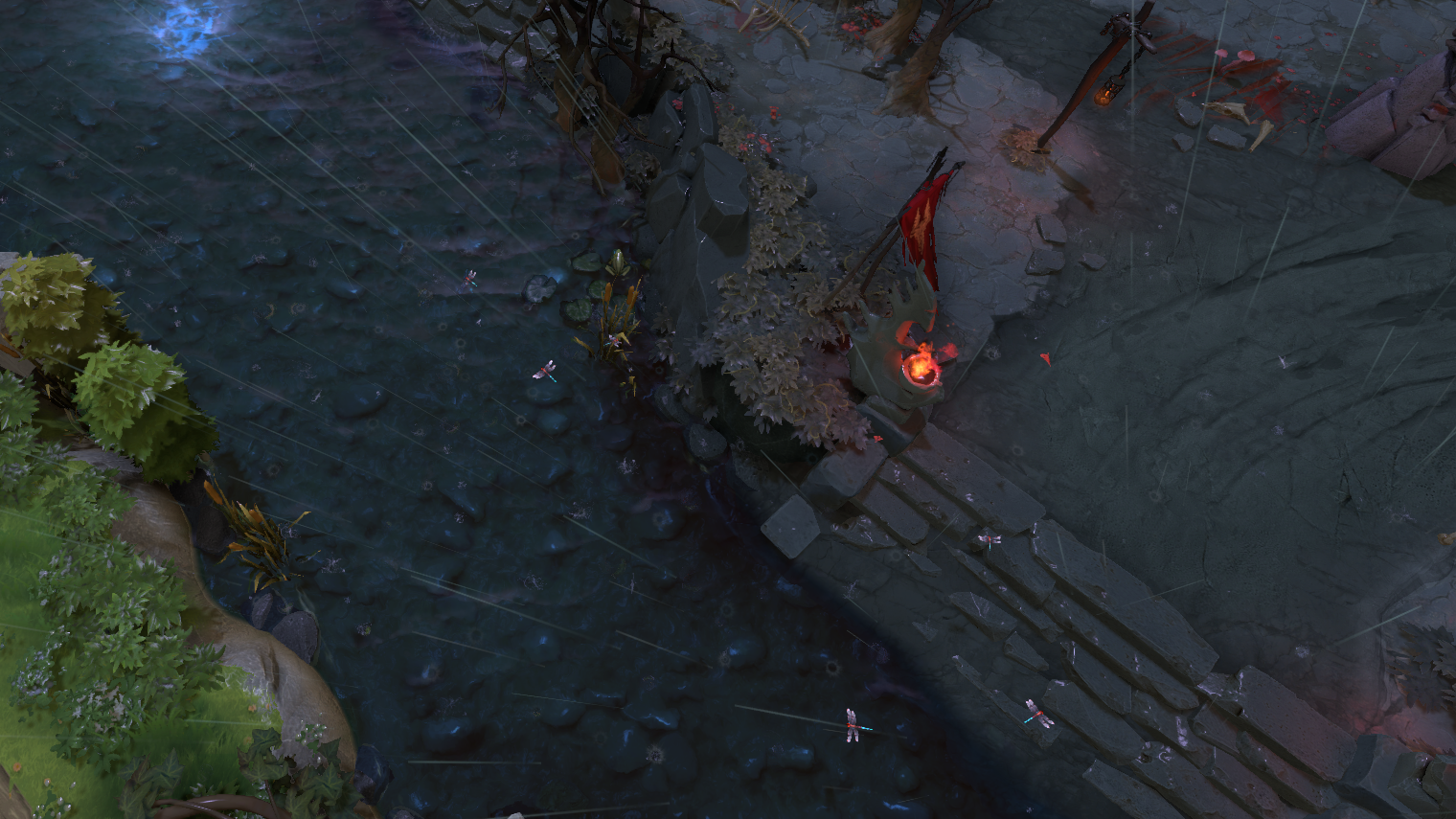
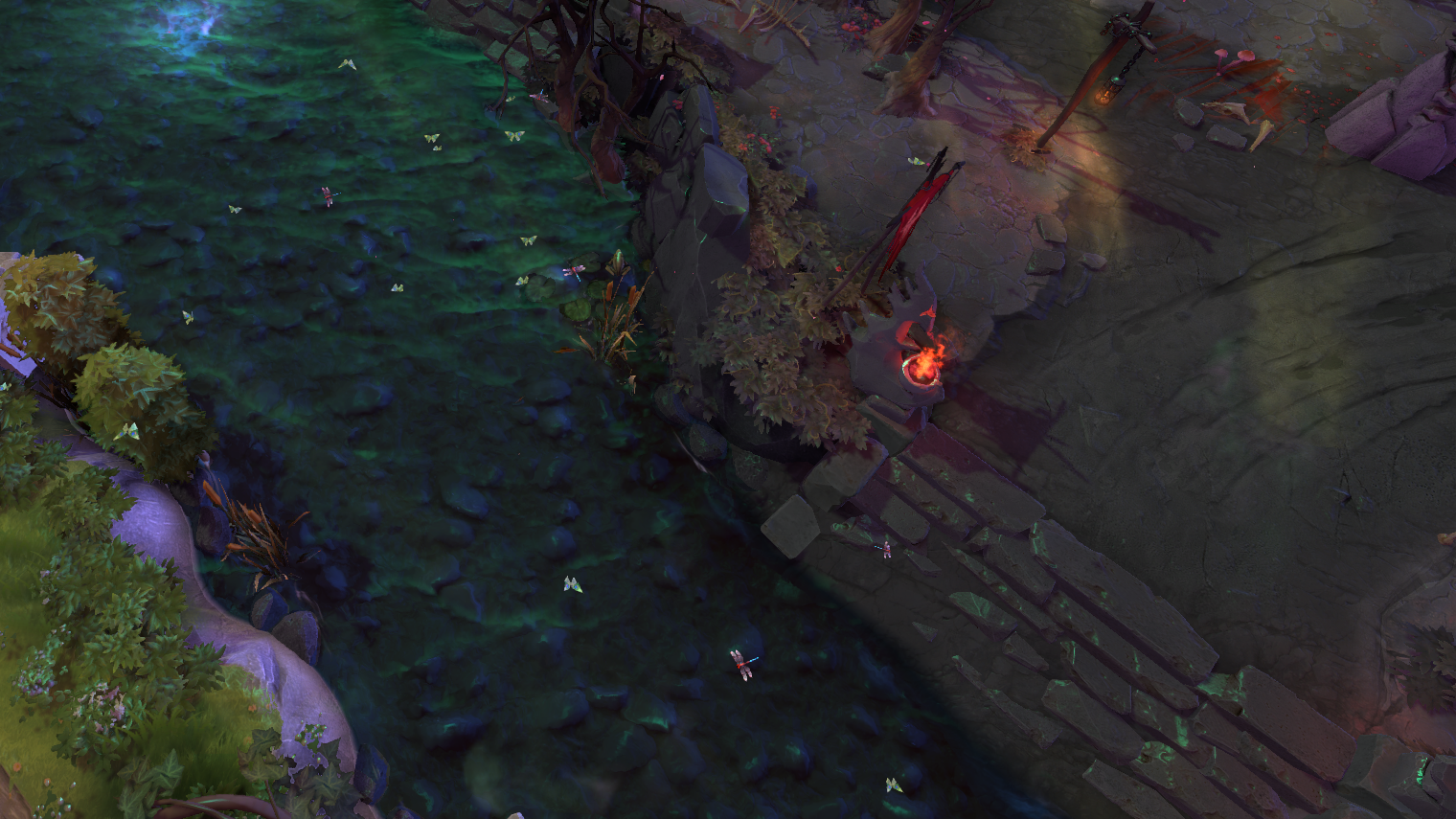
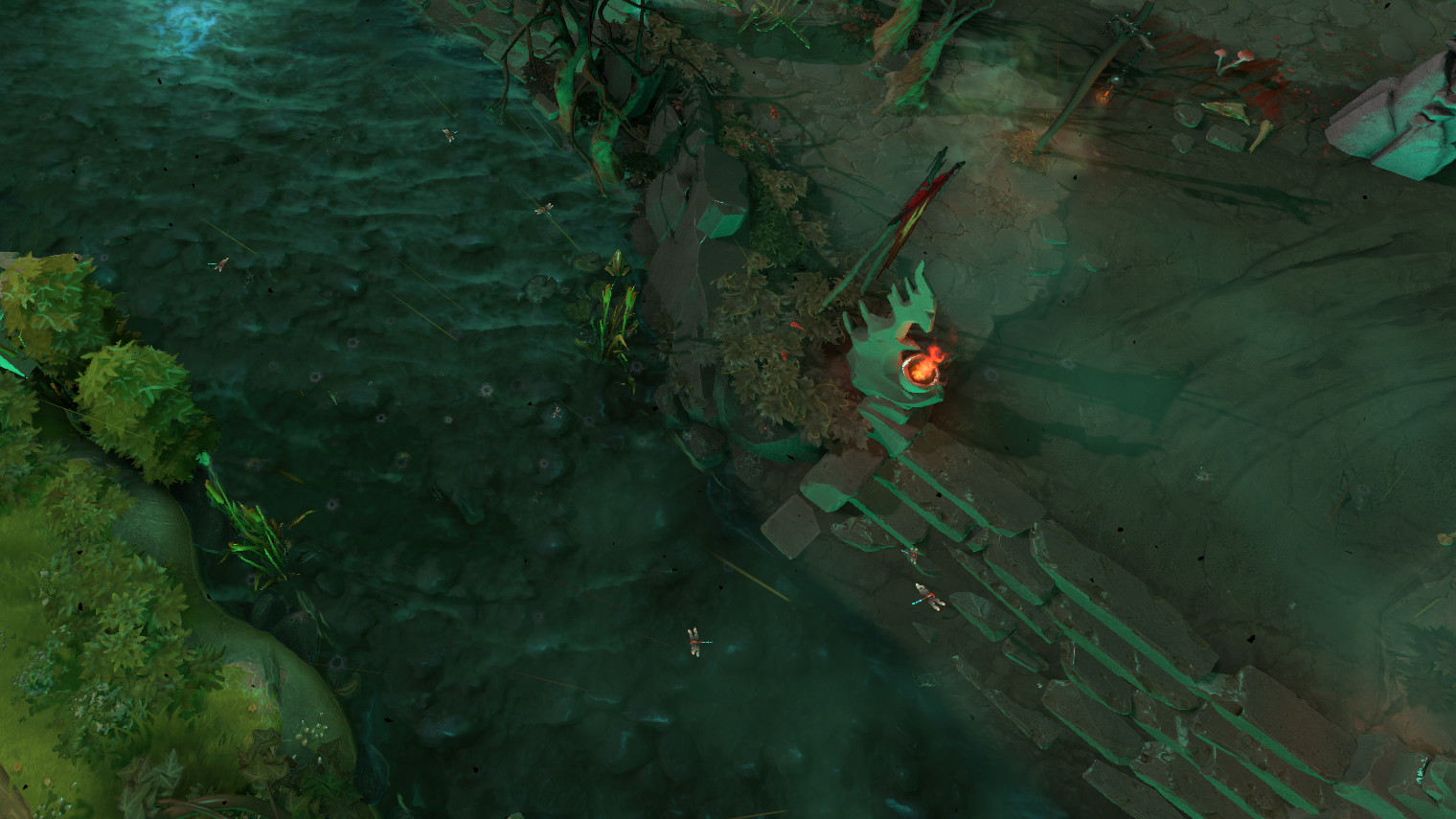
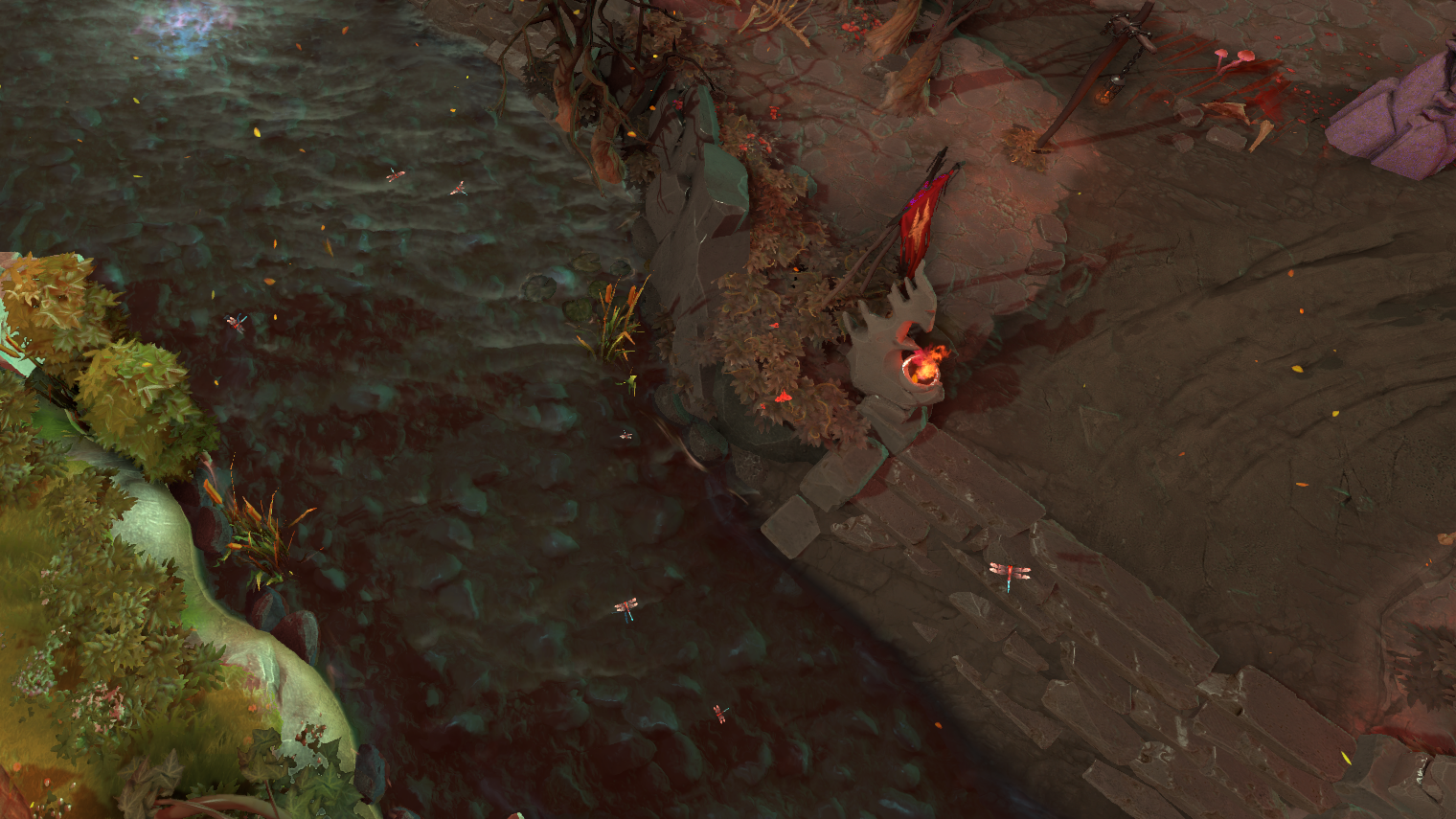
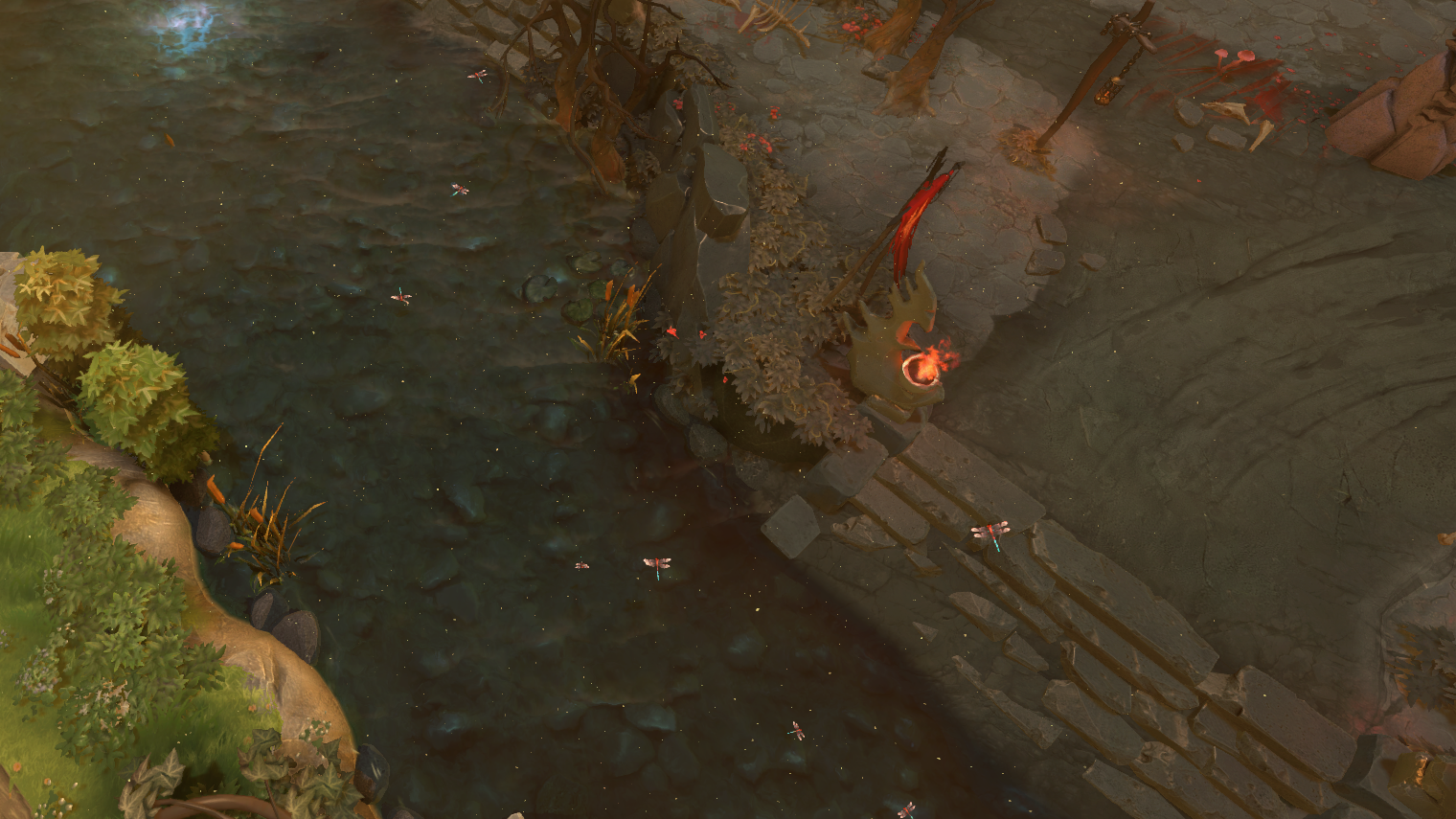
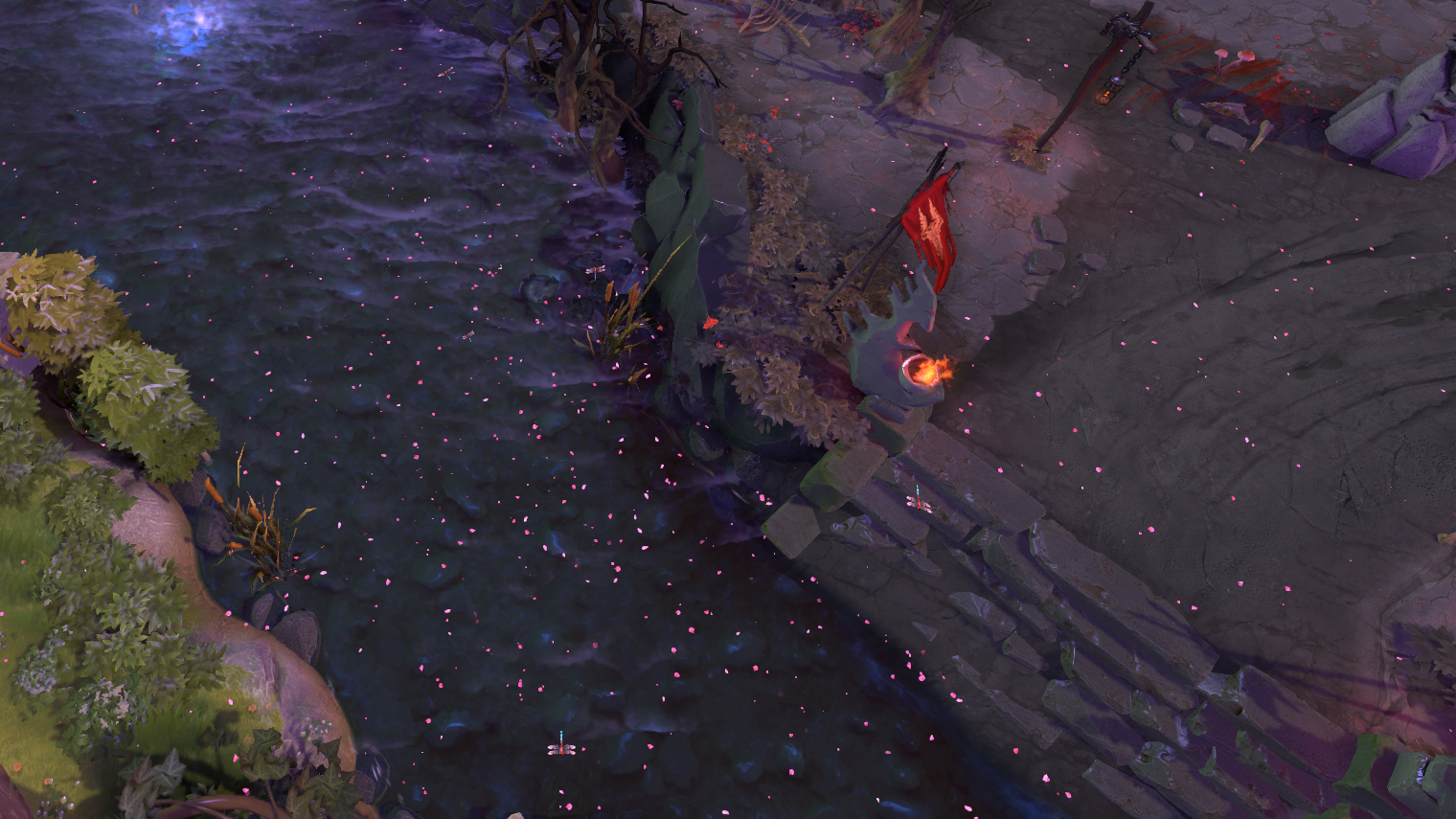
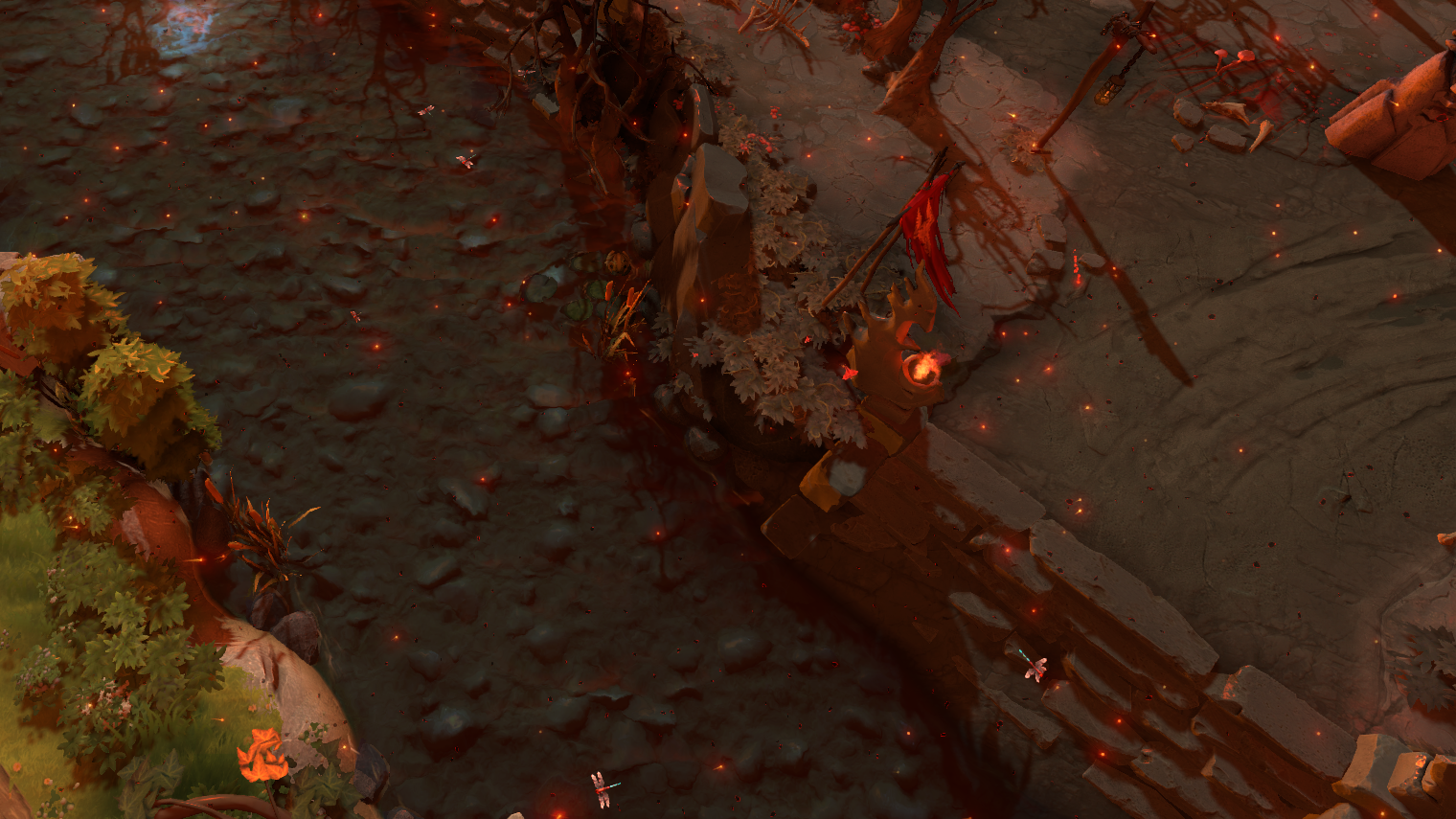
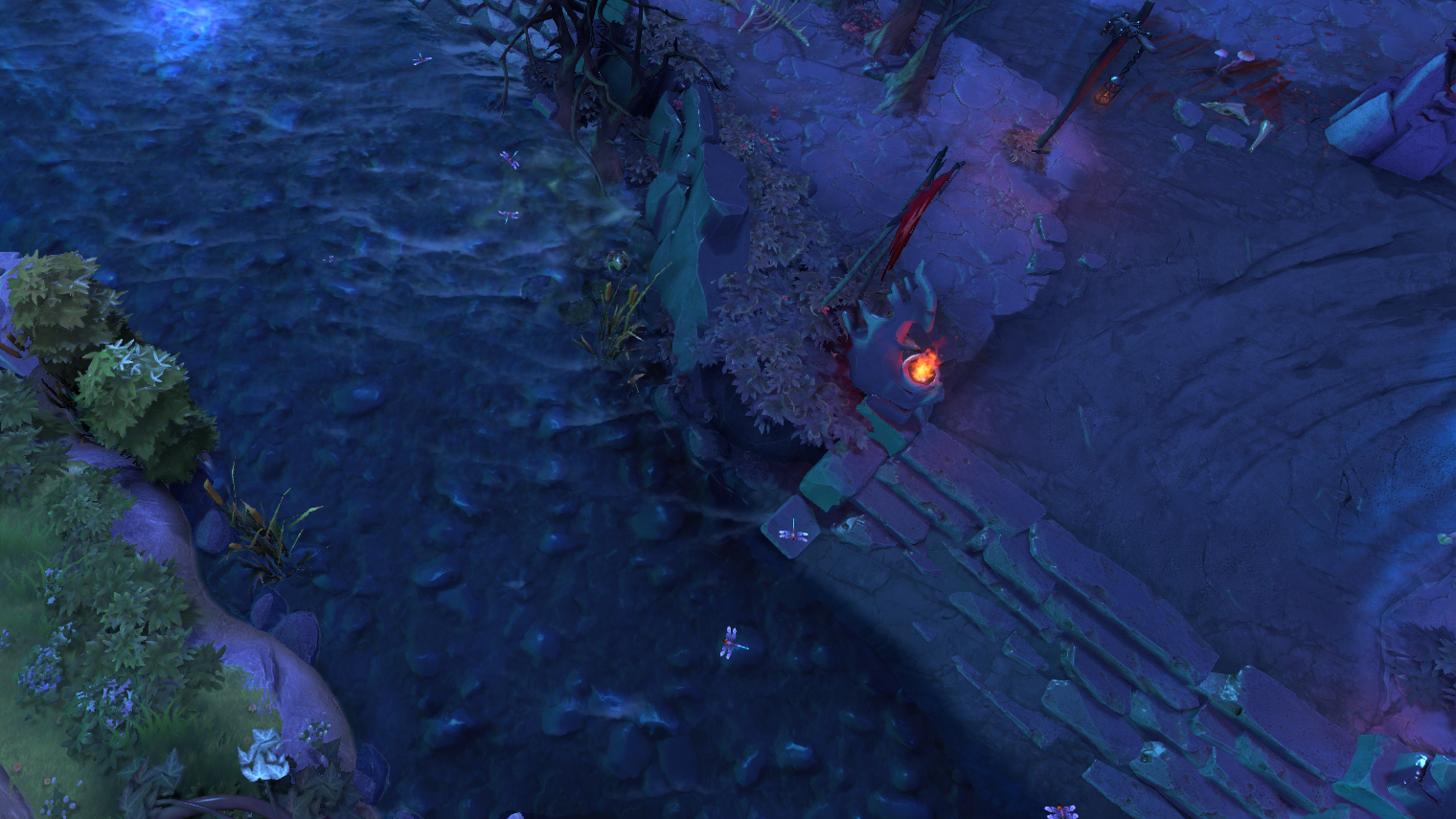
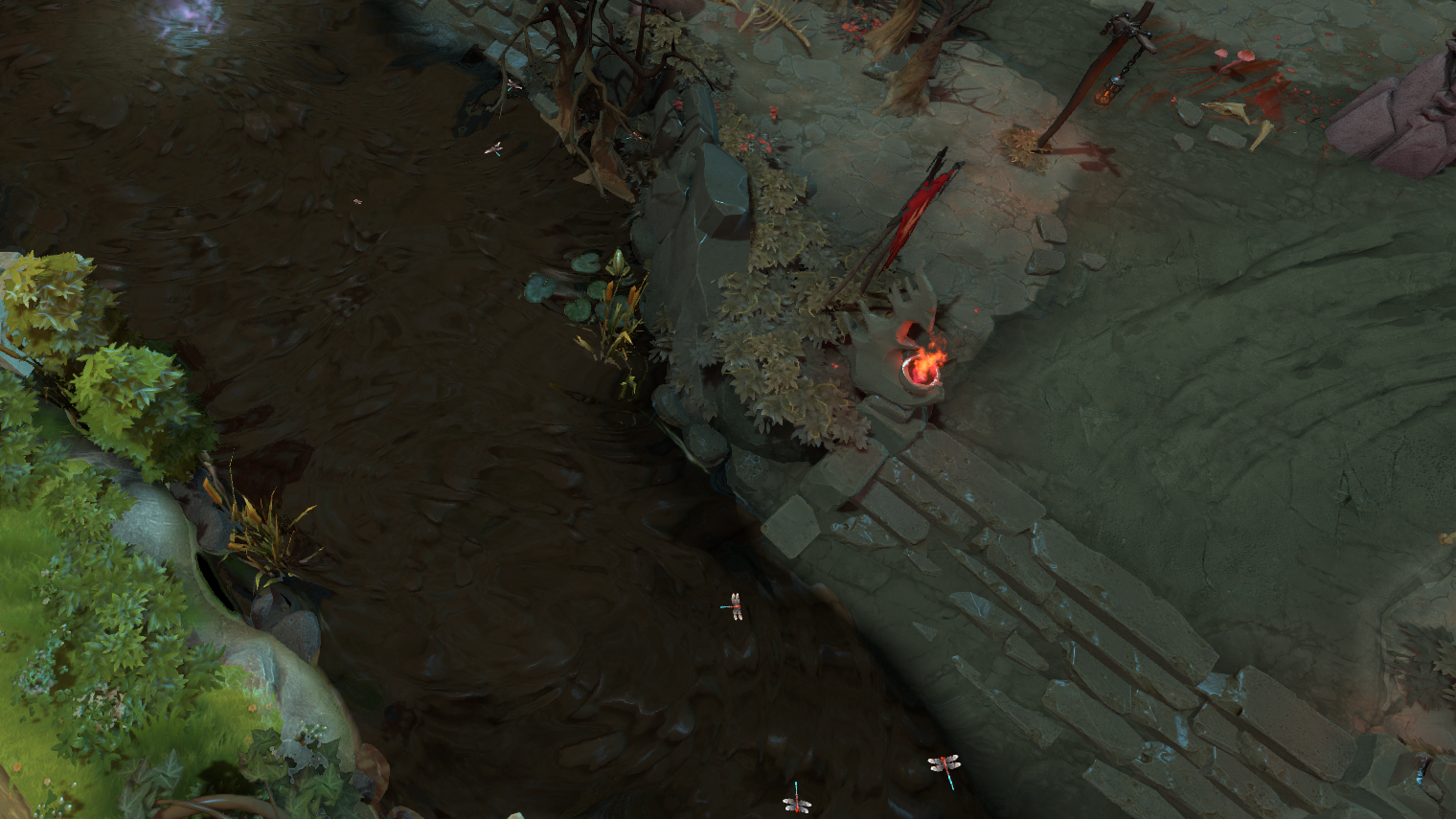
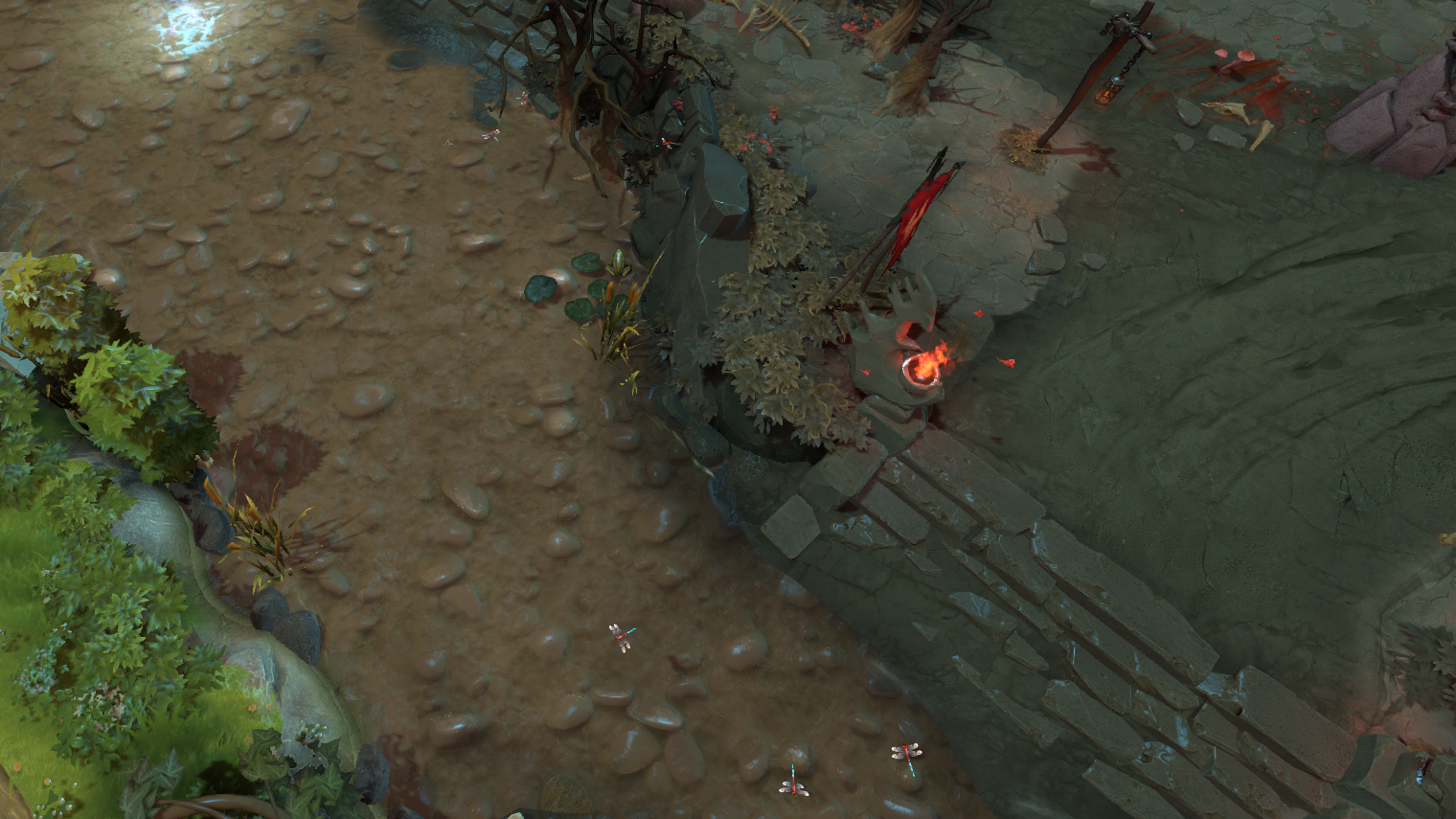
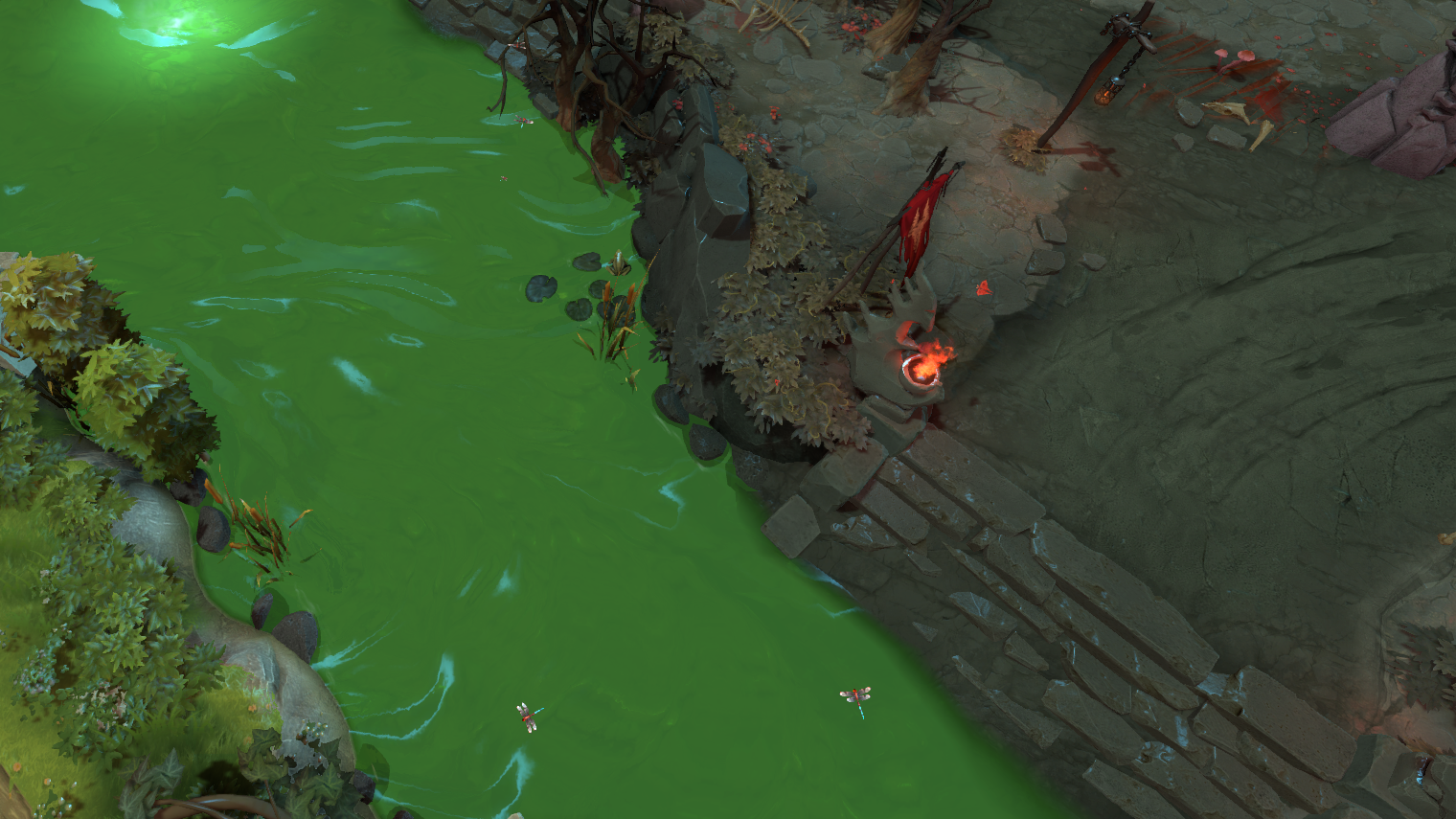
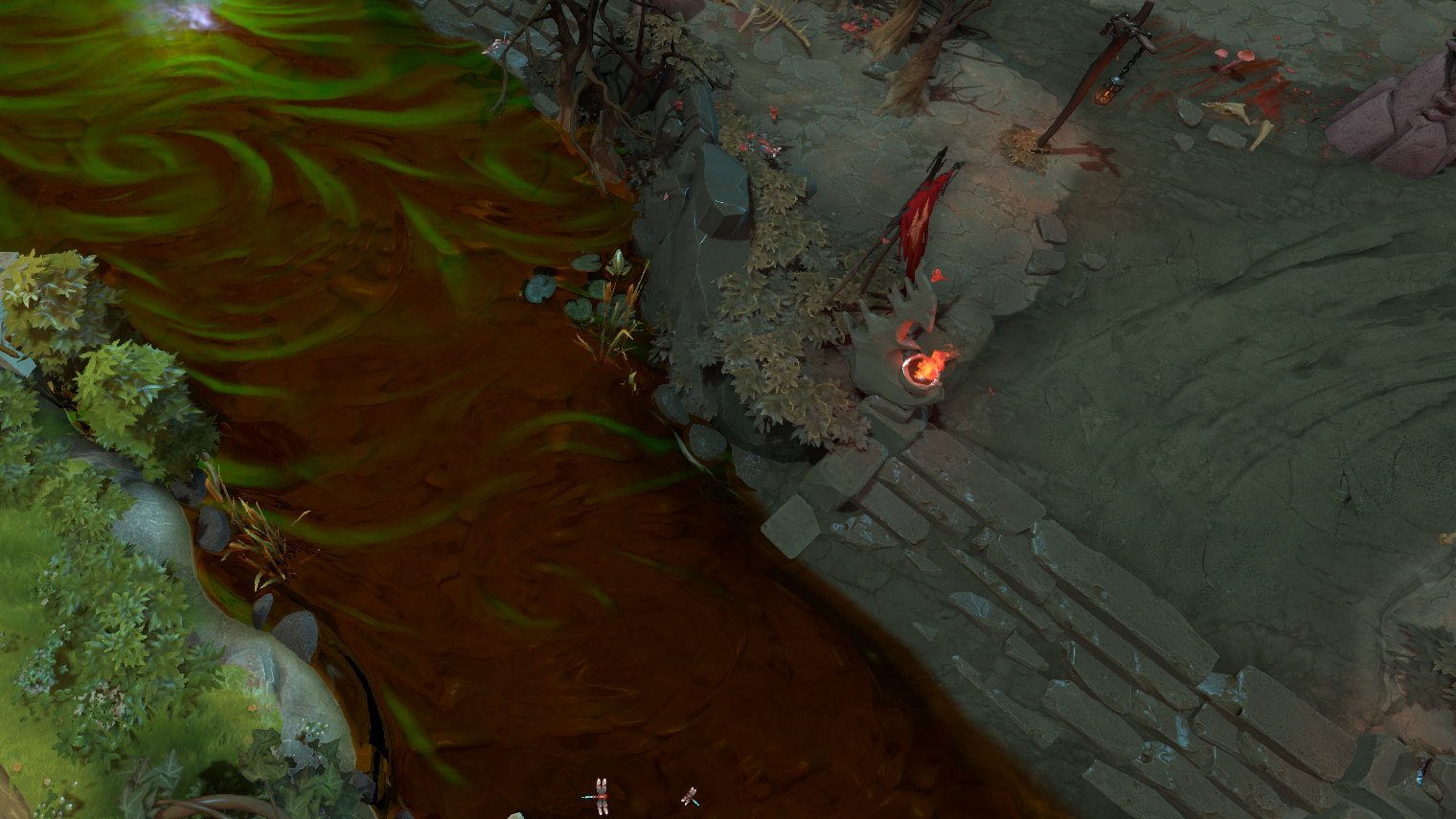
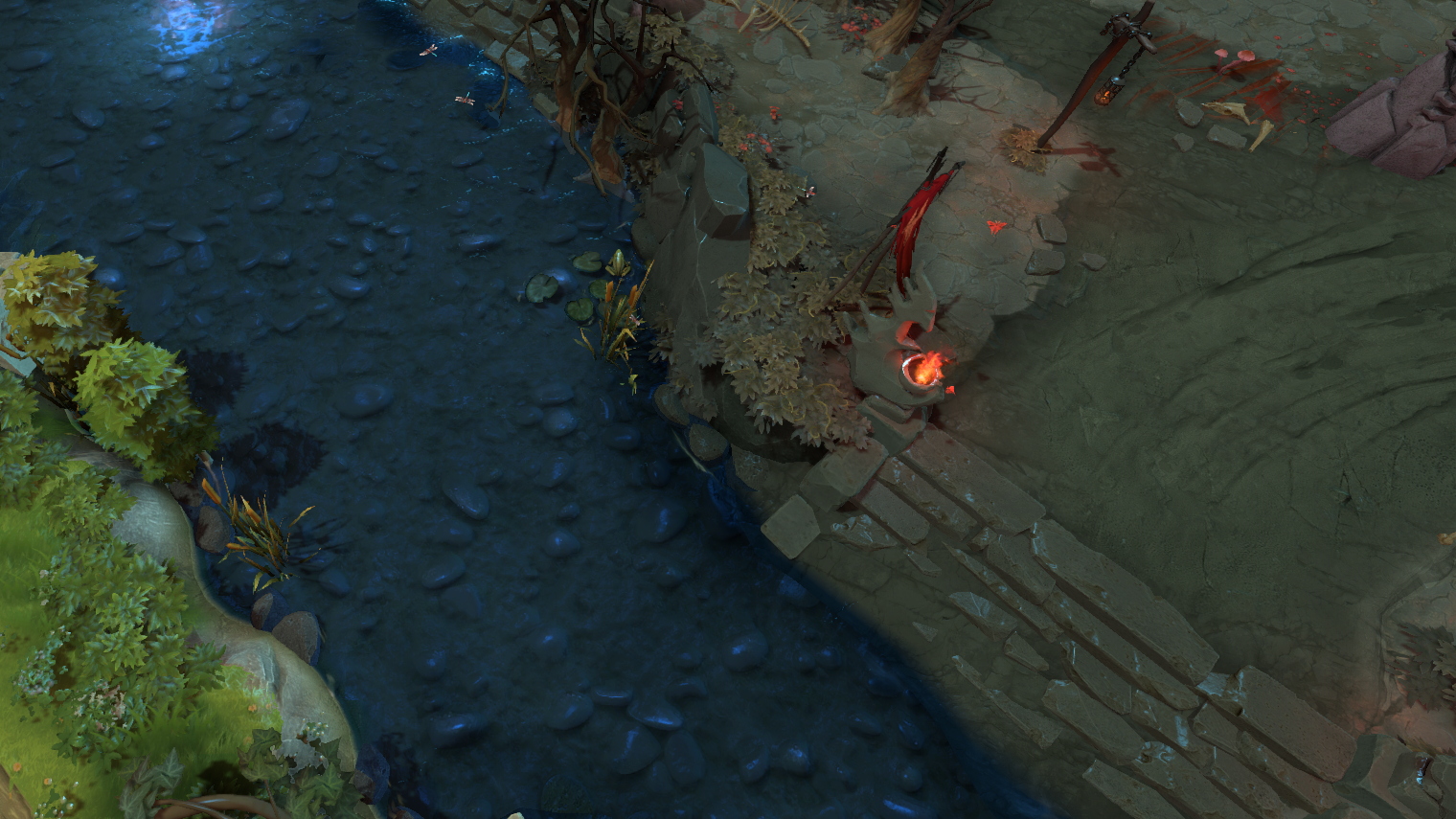
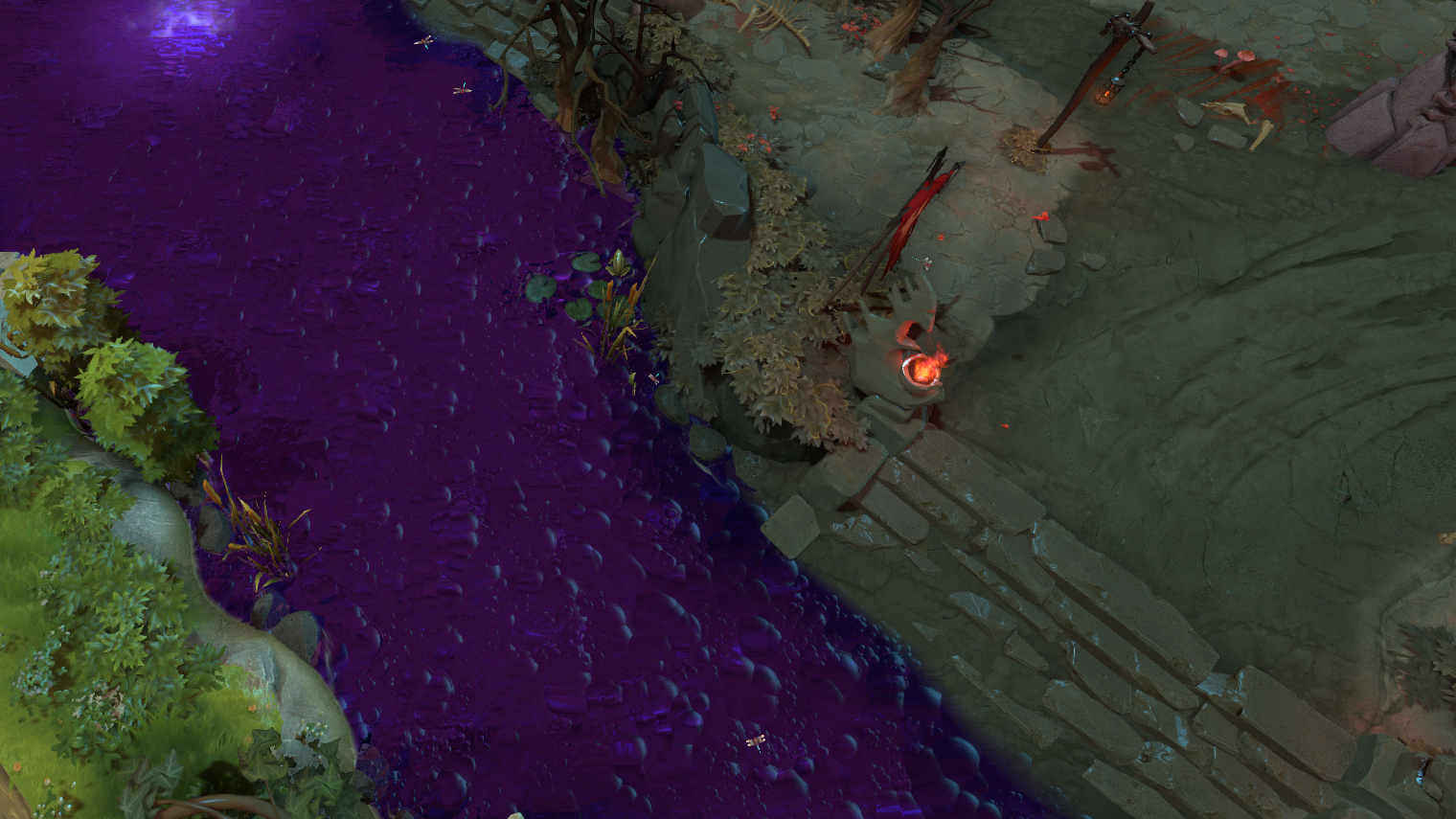
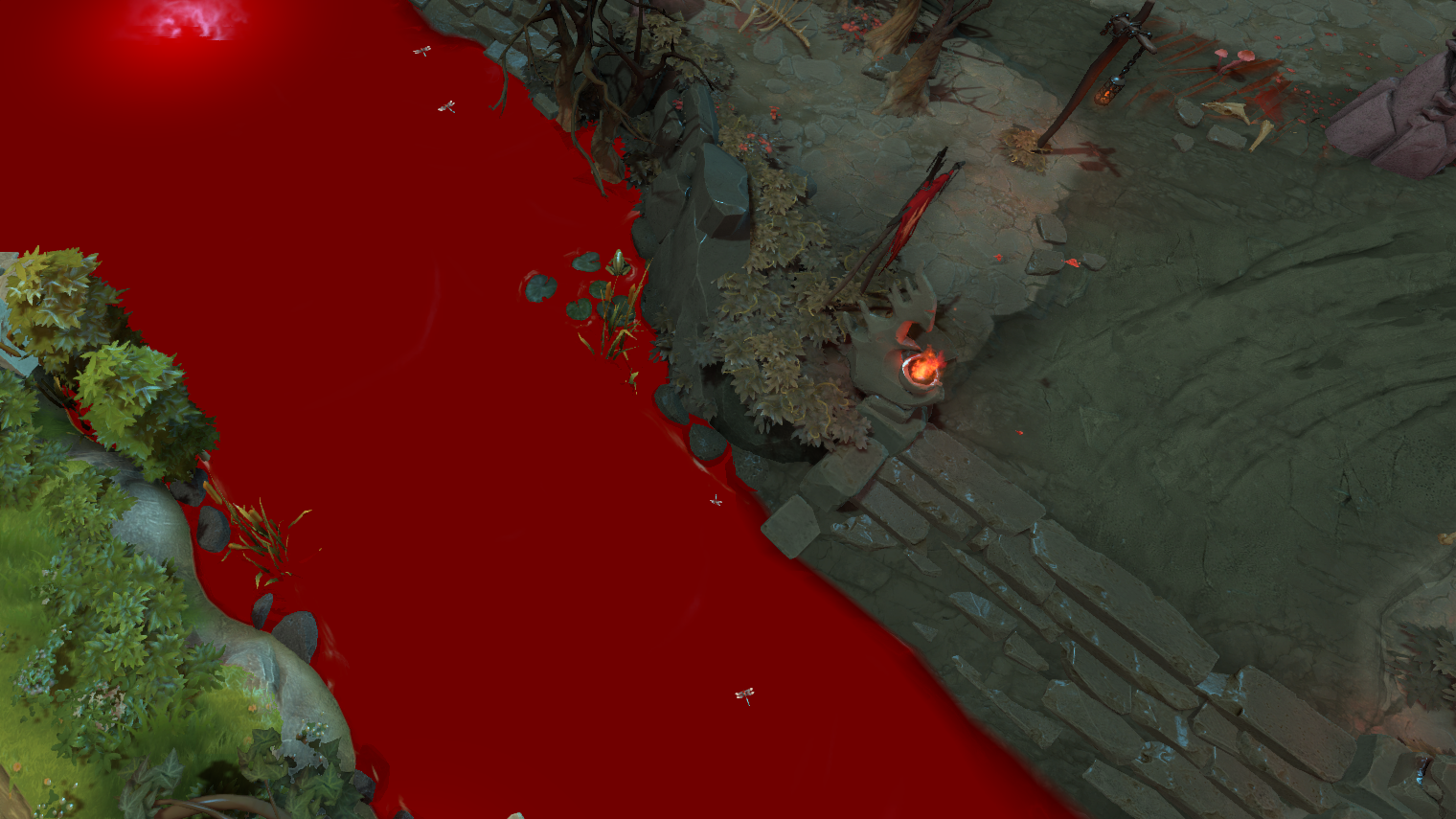
Weather, river and Emoticons chat (every emoticon in the game, in your chat) change console variables the game server can see. That's why Safe mode holds them by default: click the greyed-out row to lift the lock — at your own risk.
Trees
16 models instead of trees: cubes and Minecraft blocks, pumpkins, crystals, stumps, GG branches, festive pines. Size shrinks a model down to half, and Simple Cube, Immortal Gardens, GG Branch and Crystal can be recoloured. The model changes instantly, even mid-match.
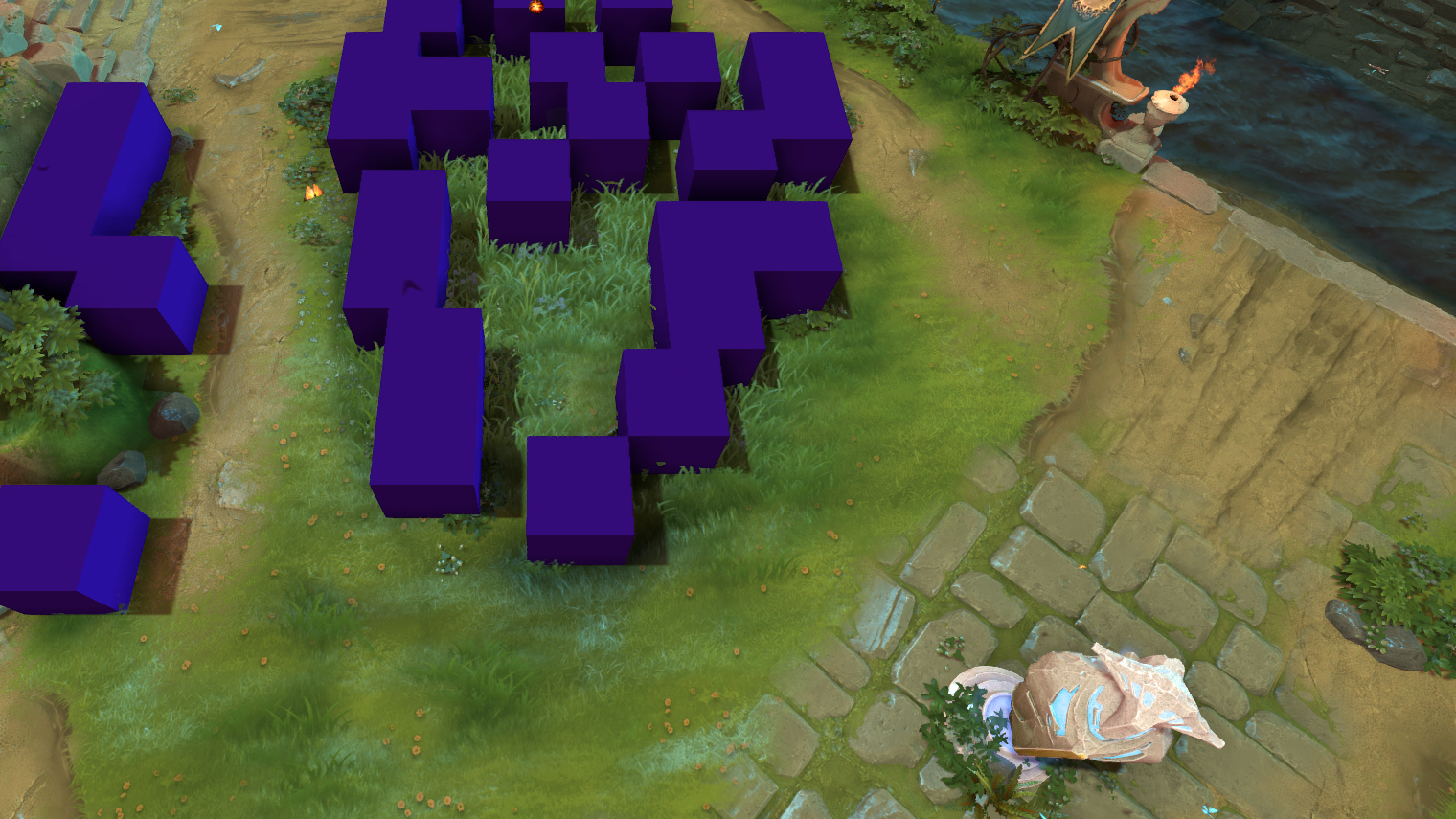
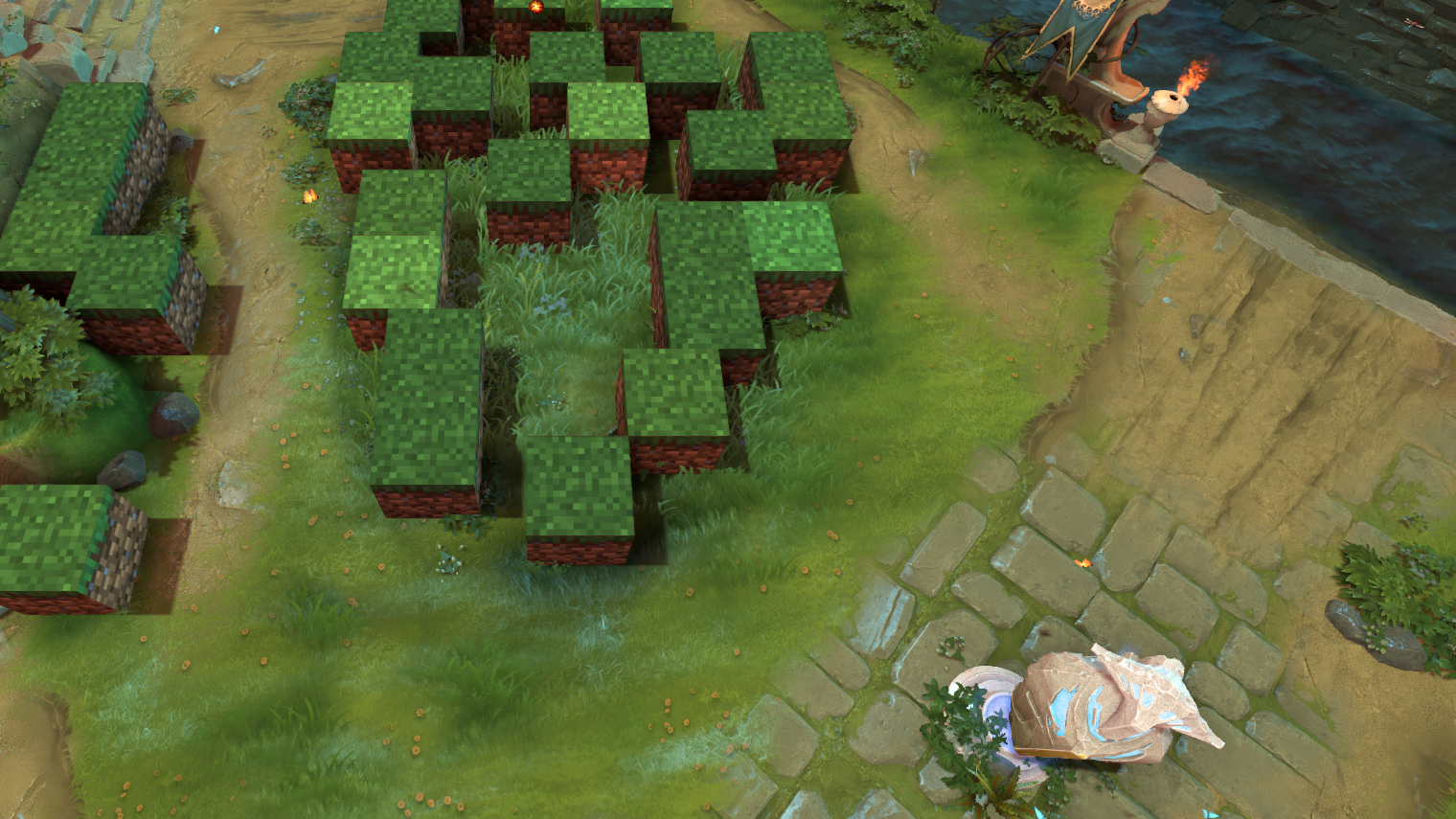
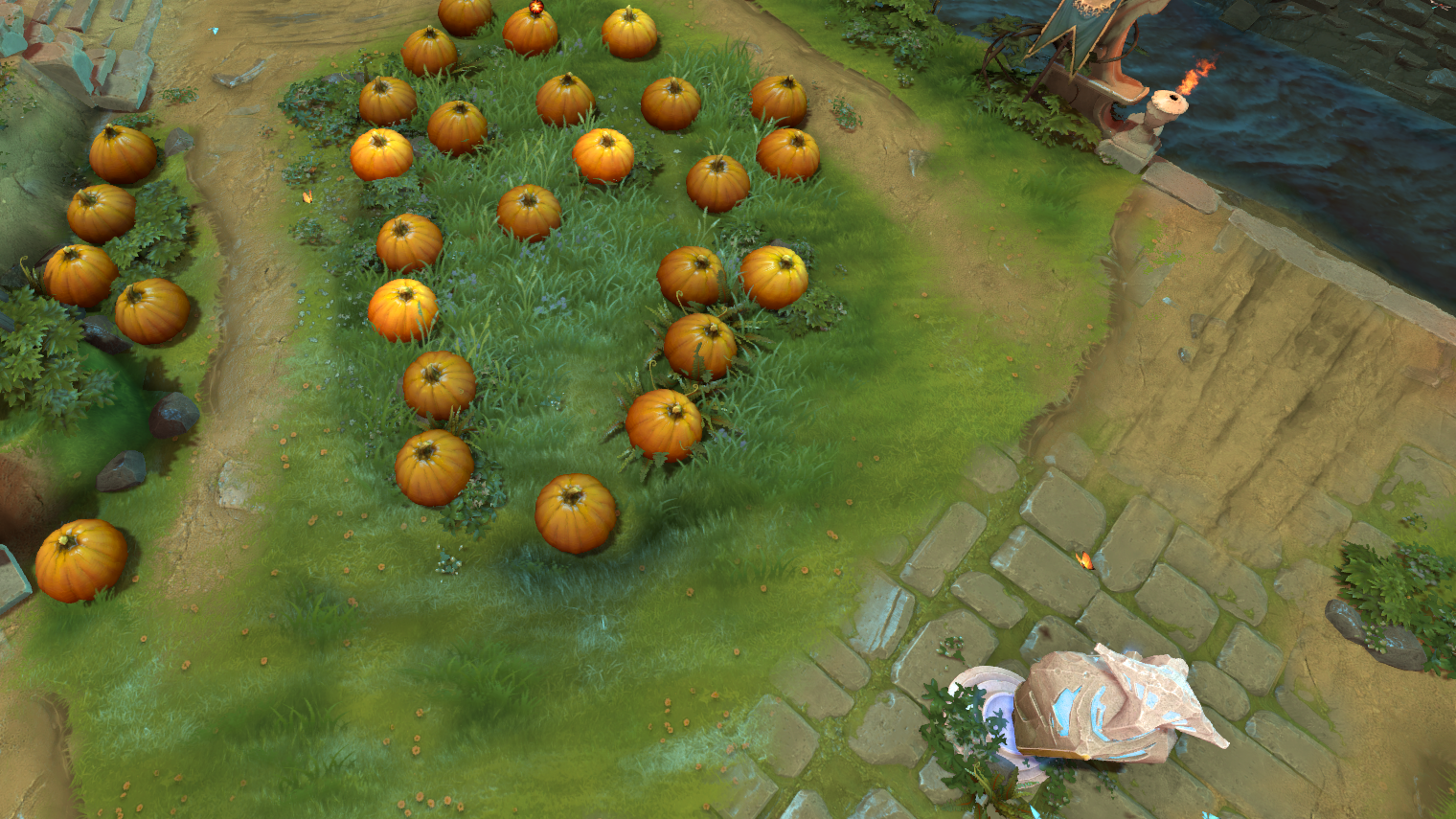
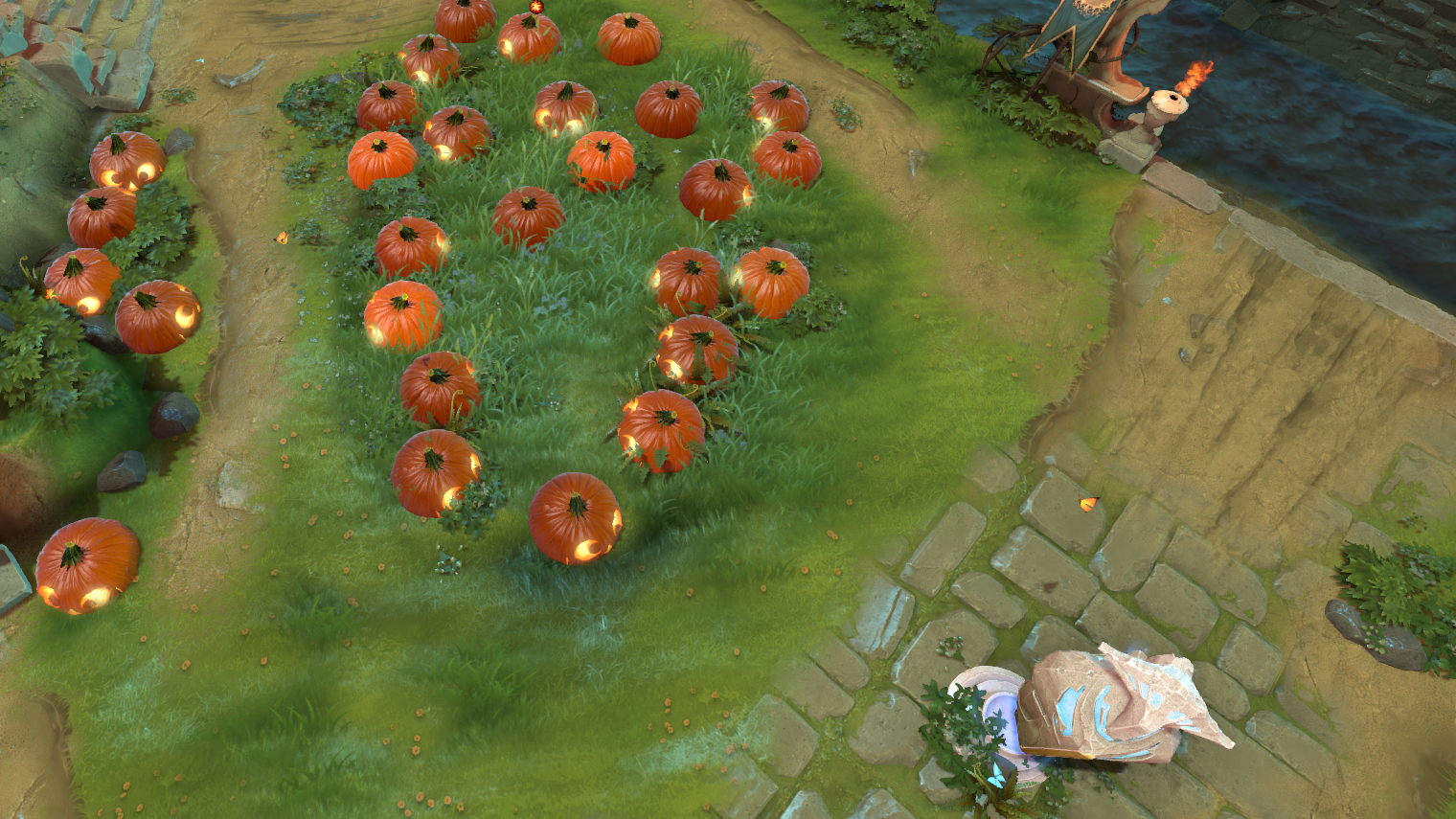
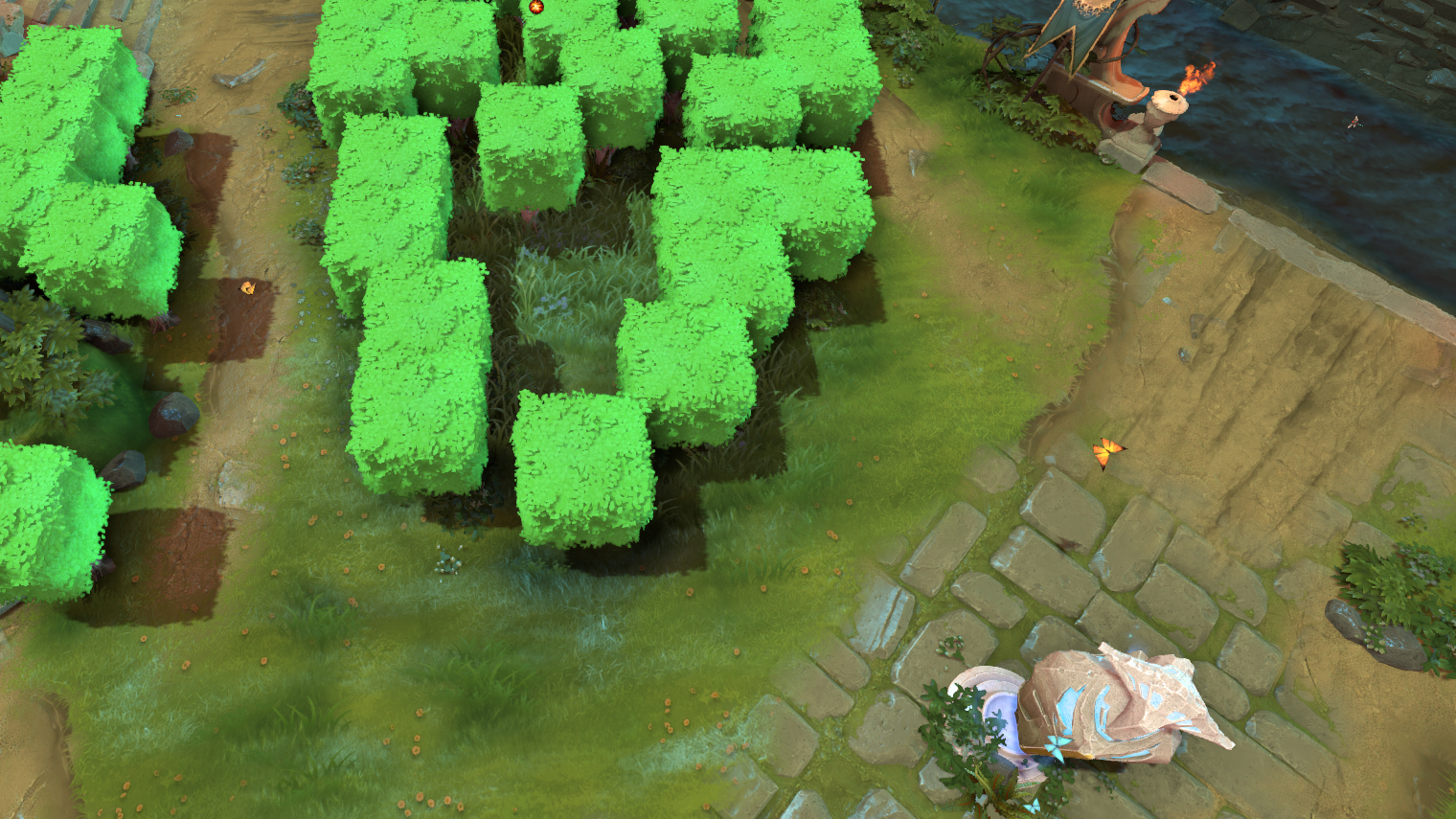
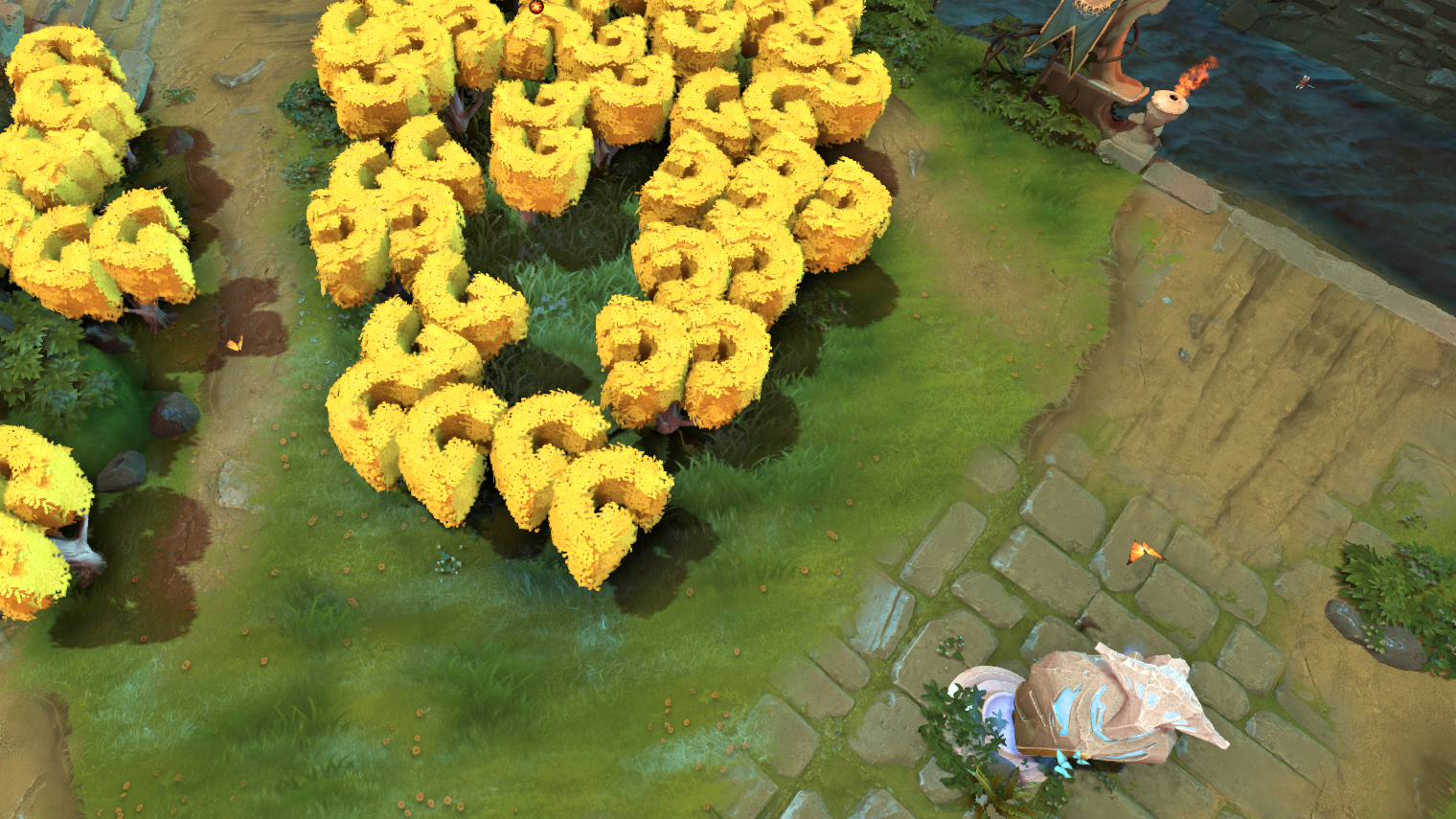
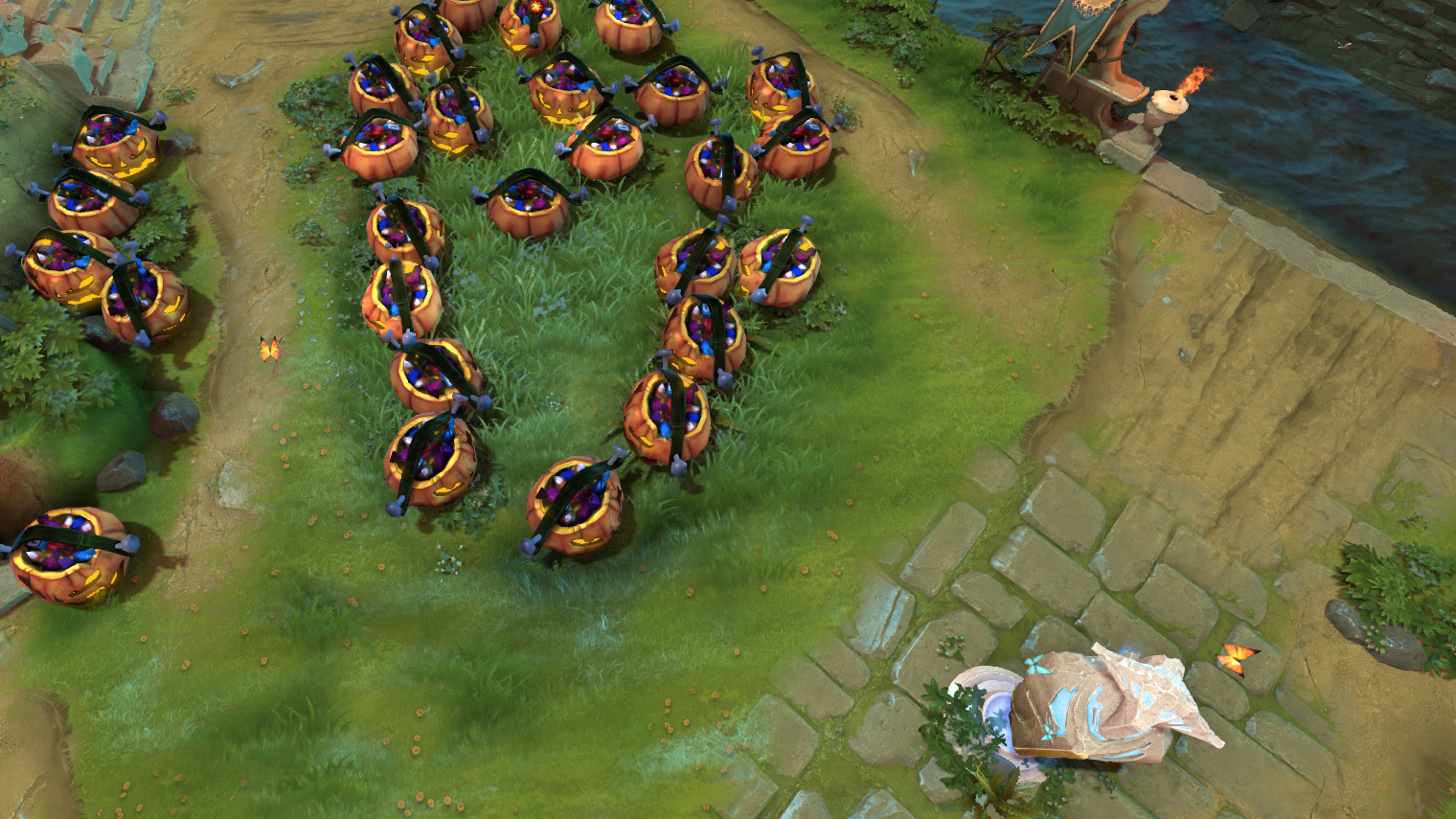
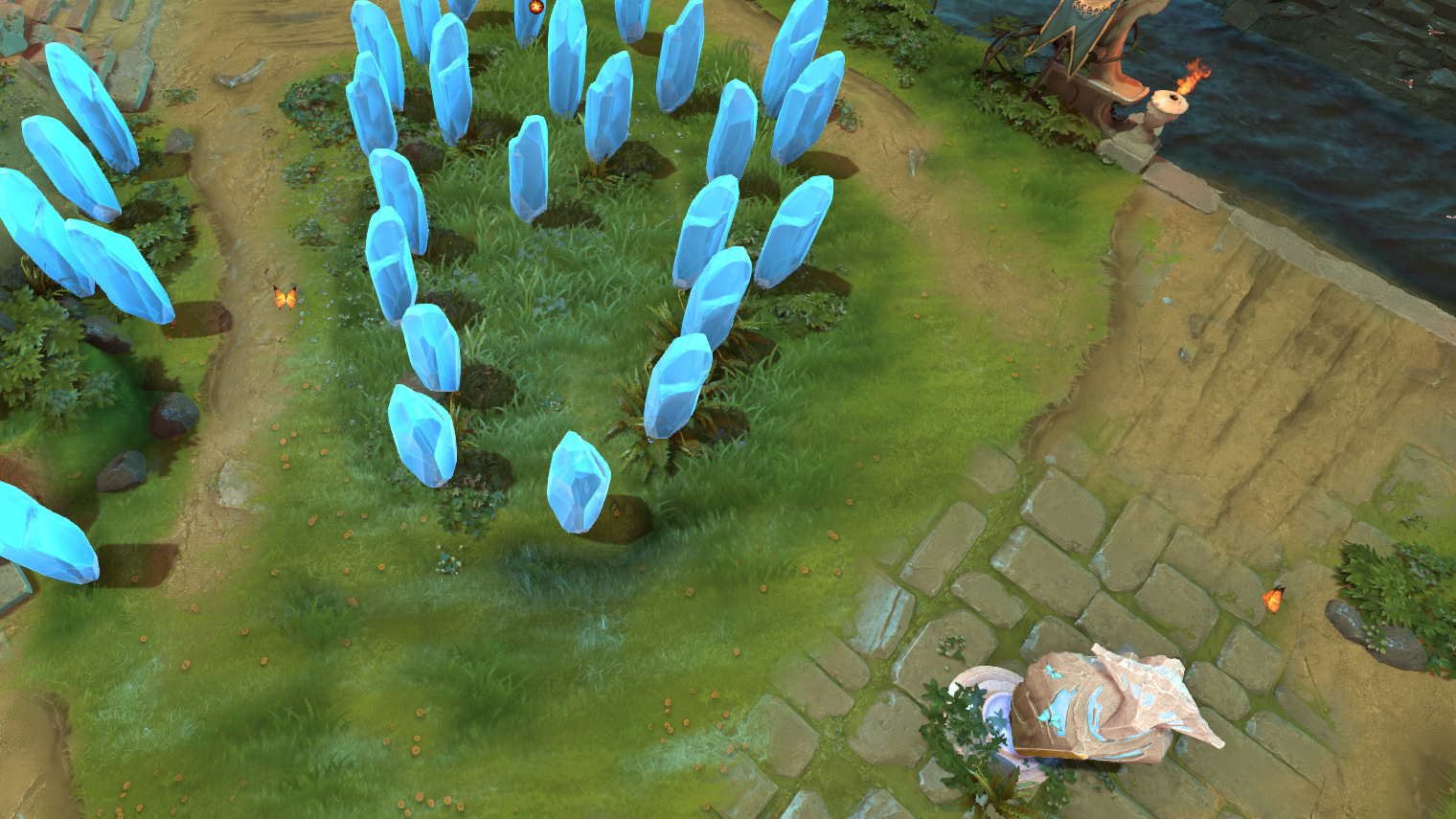
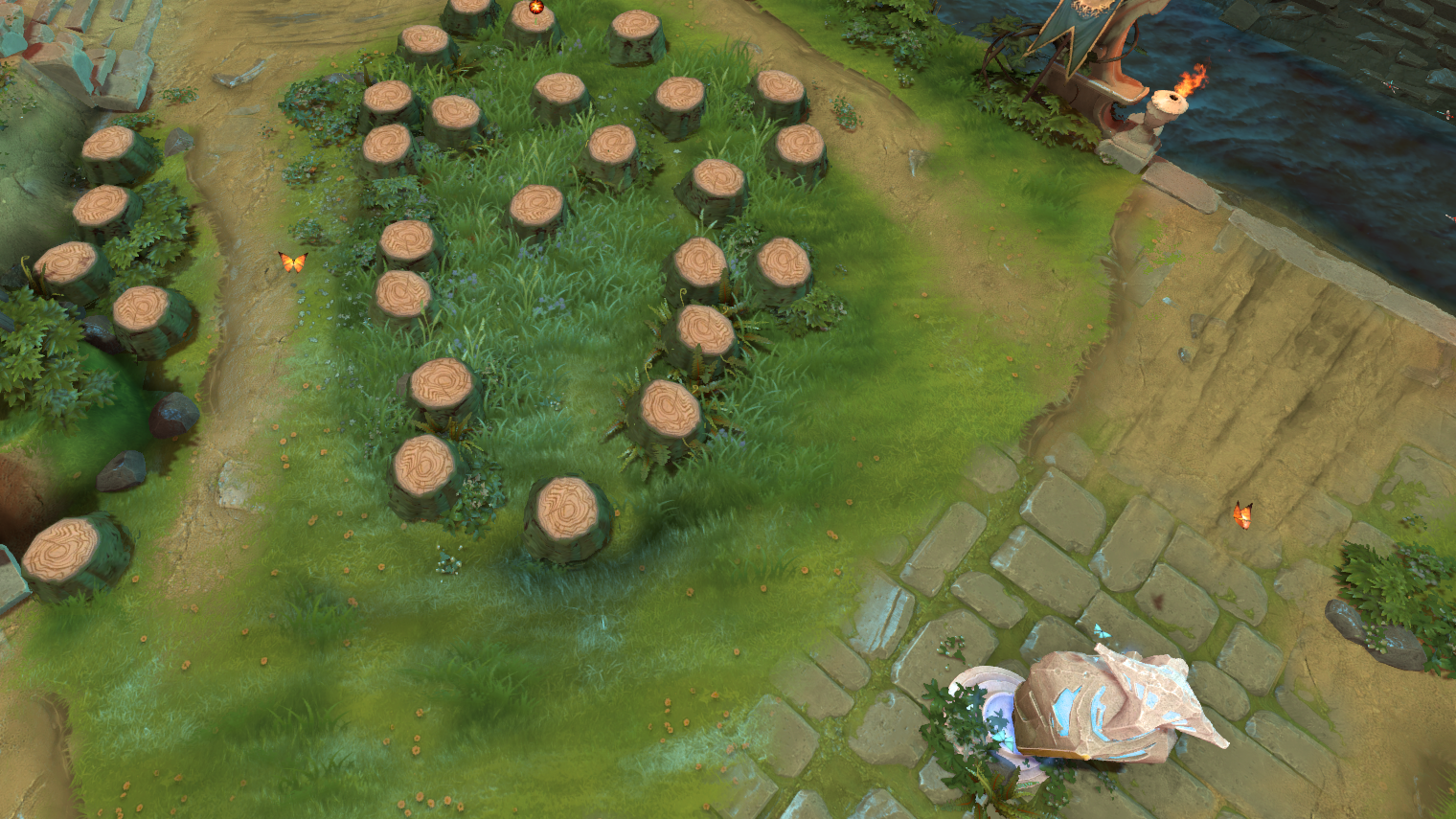
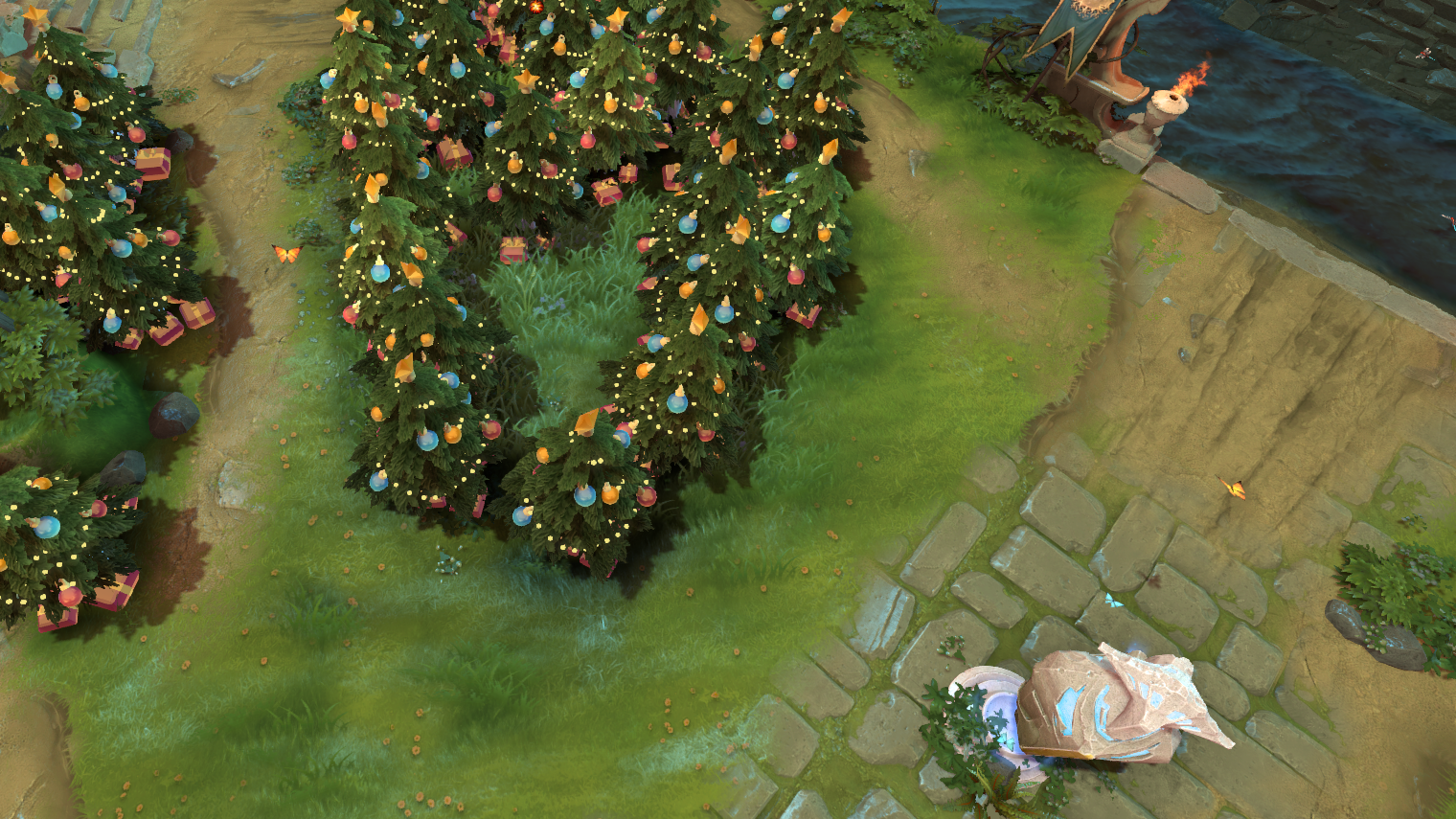
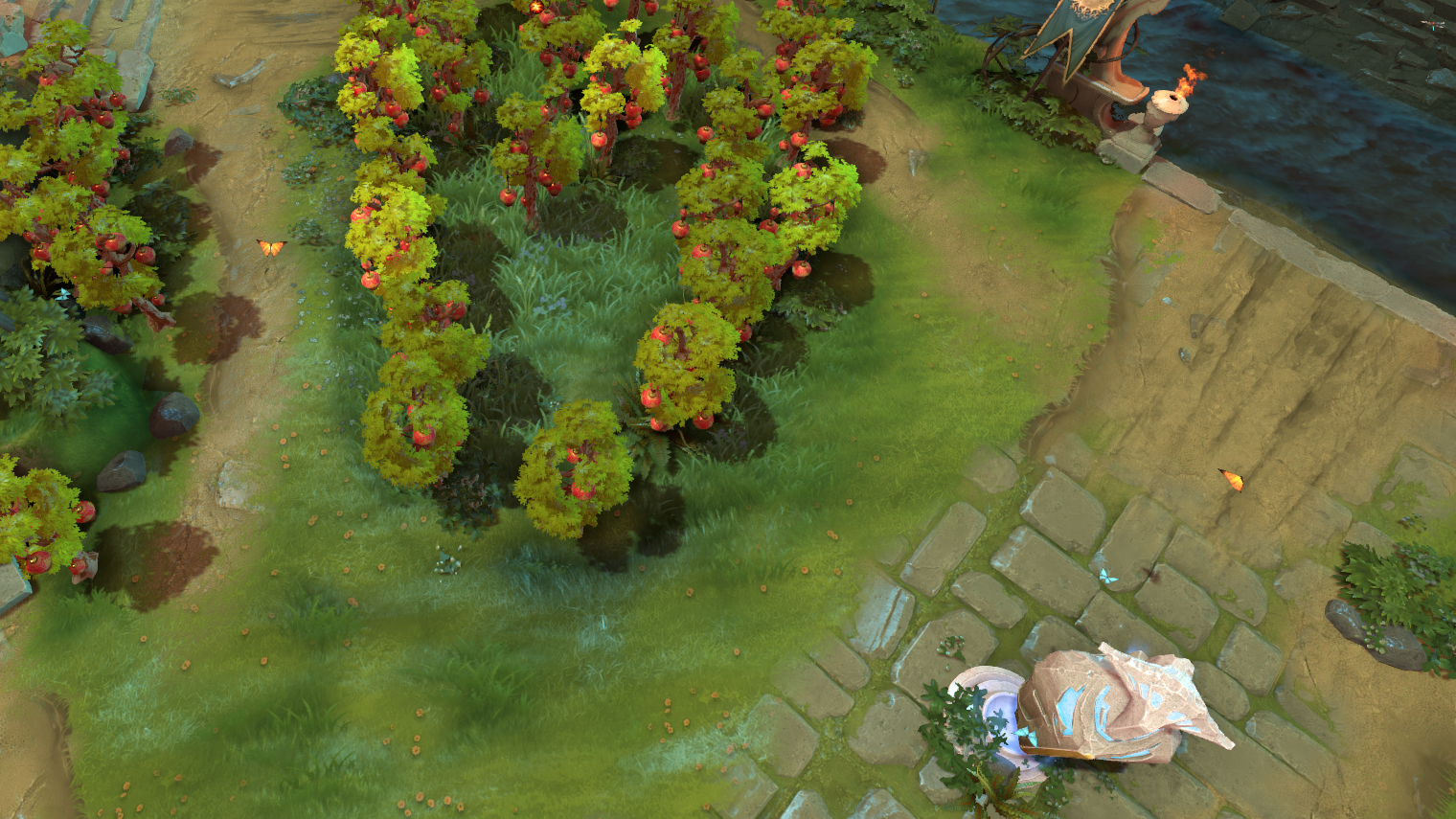
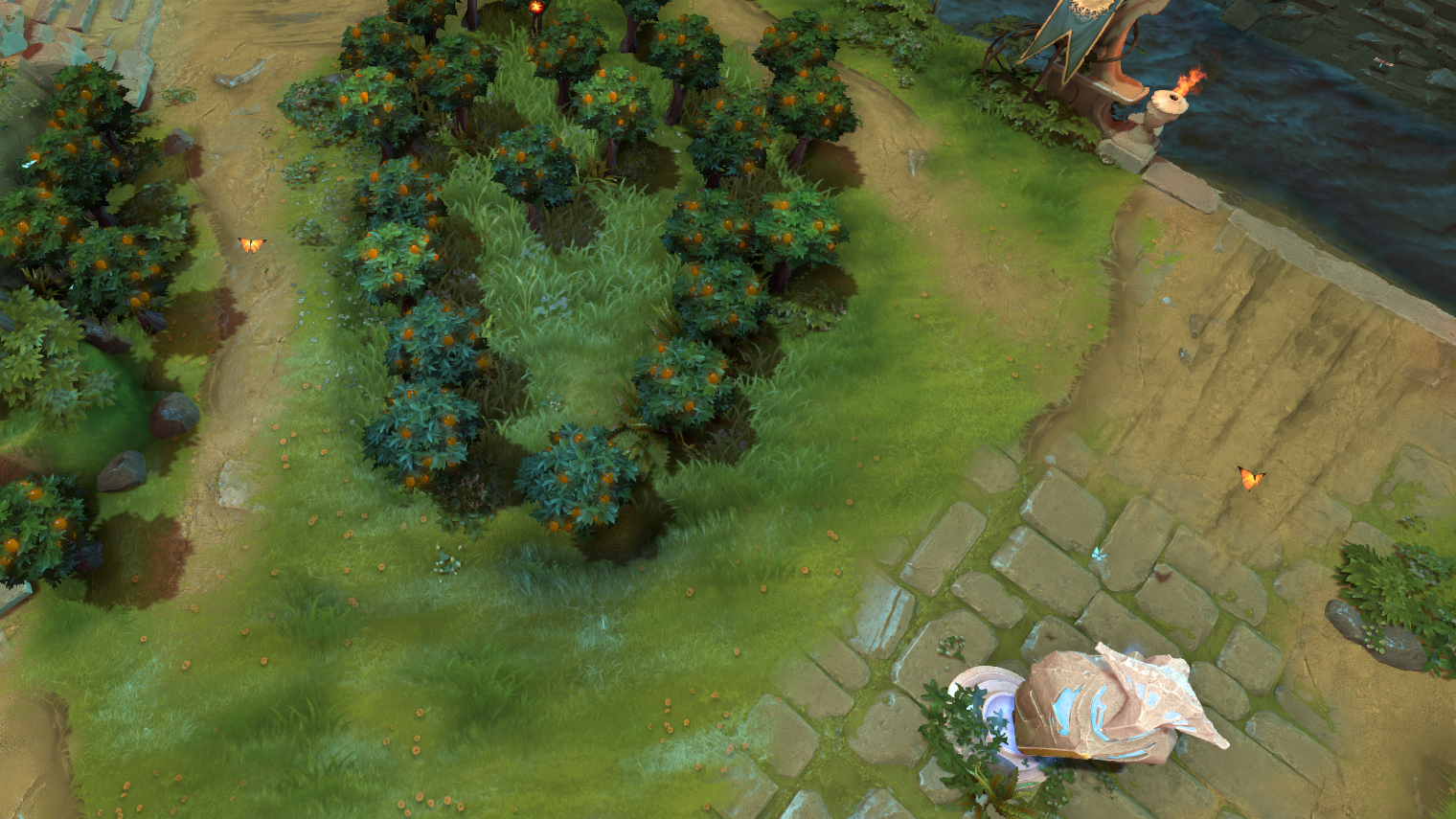
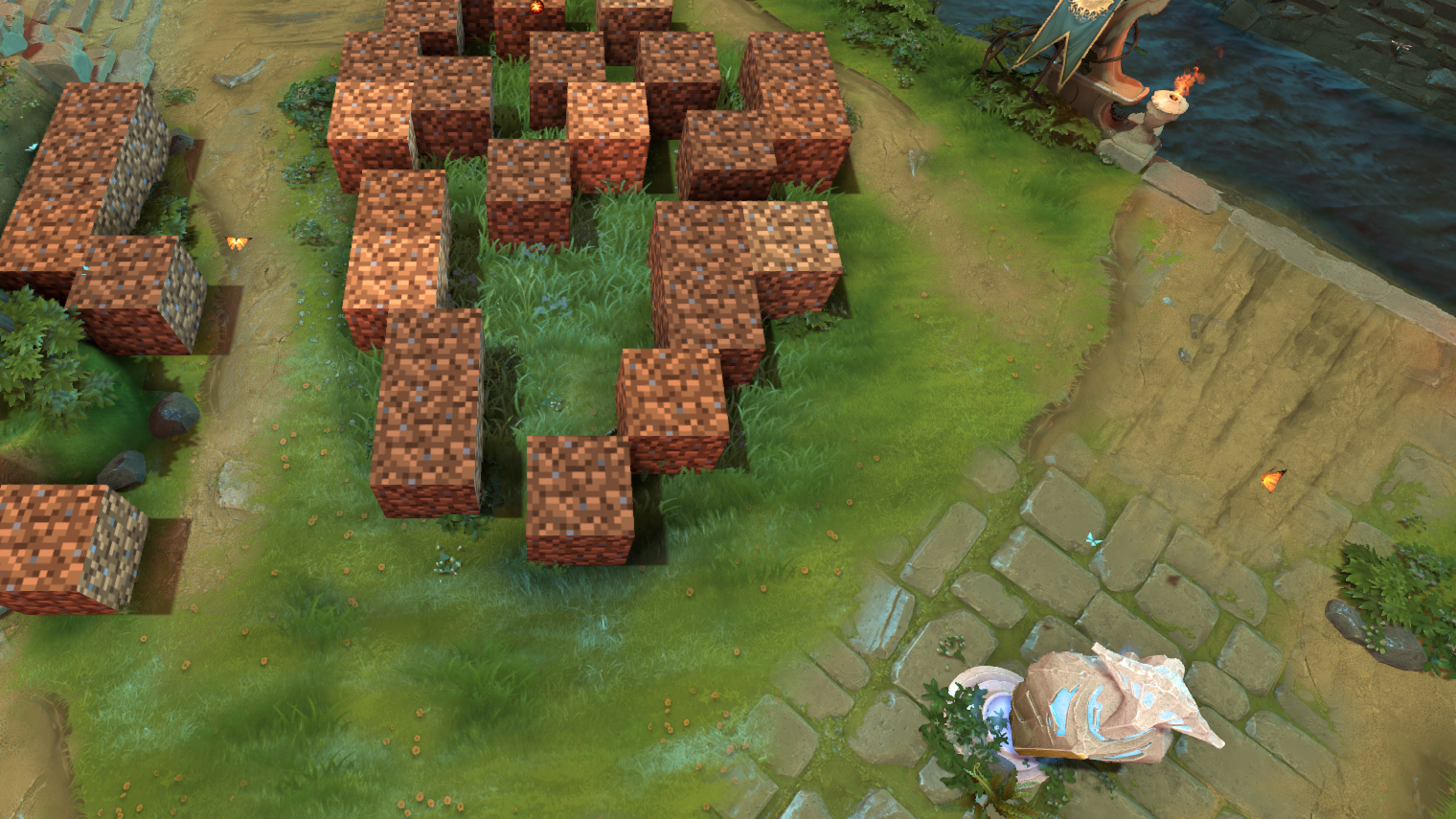
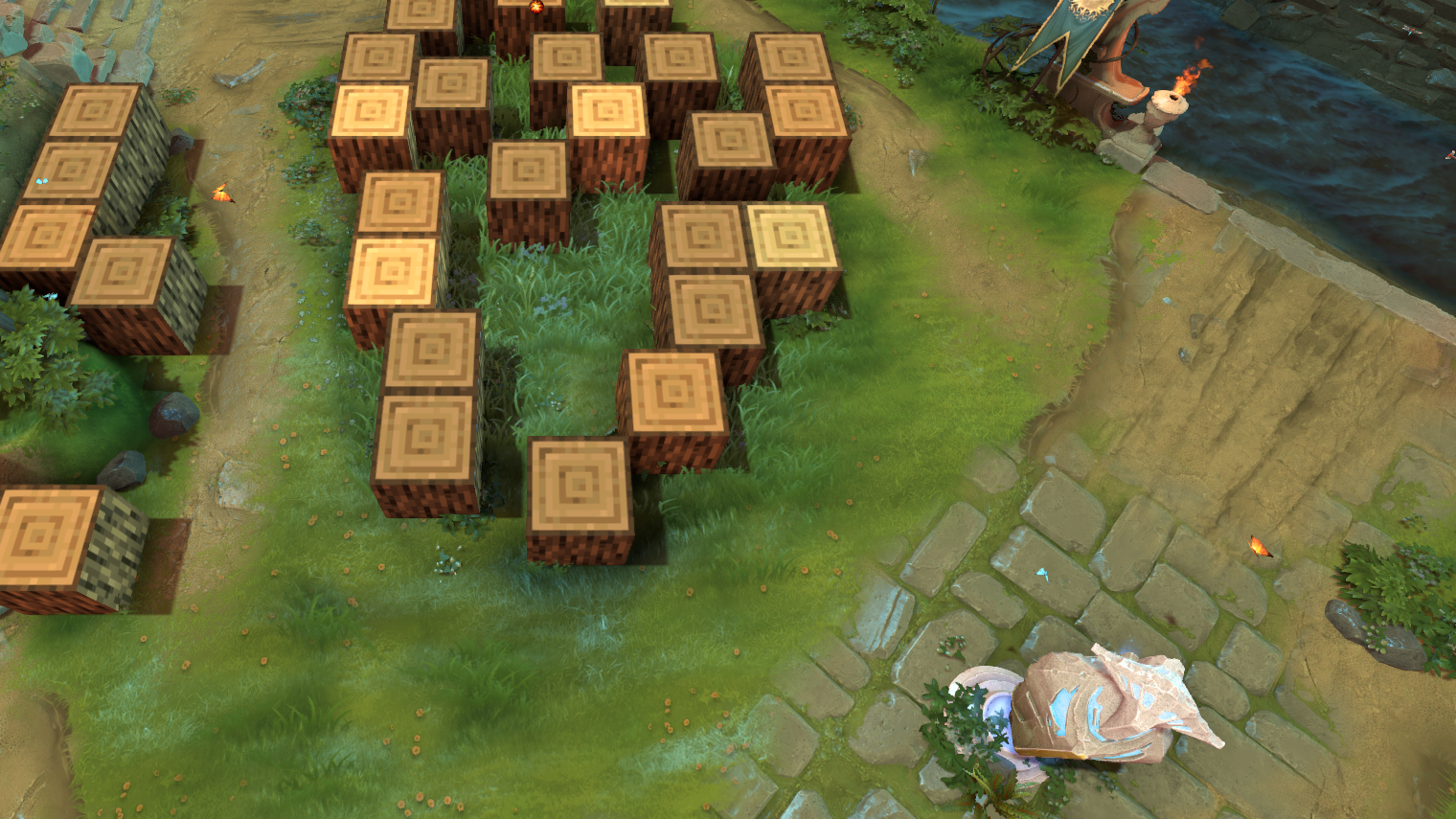
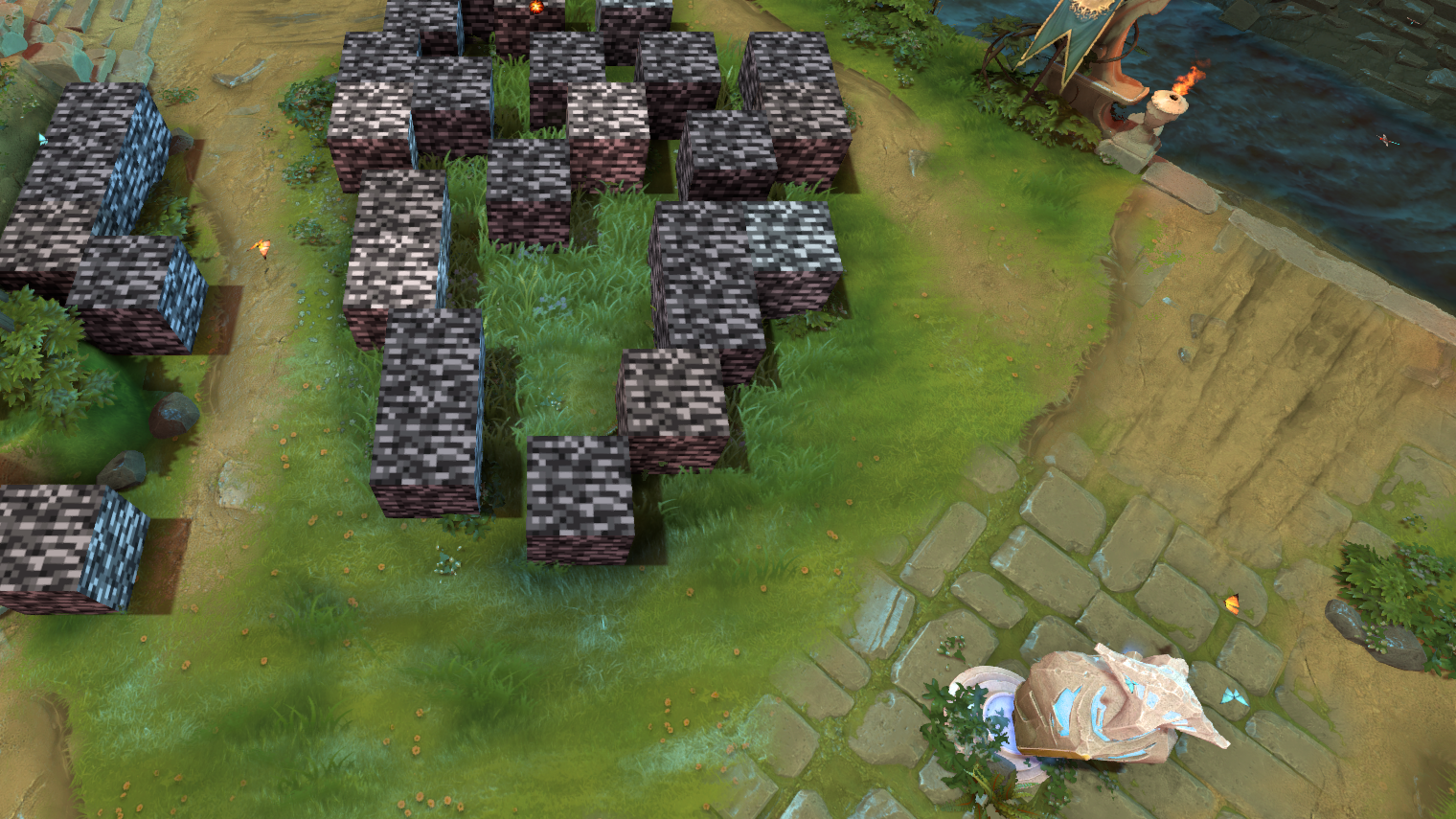
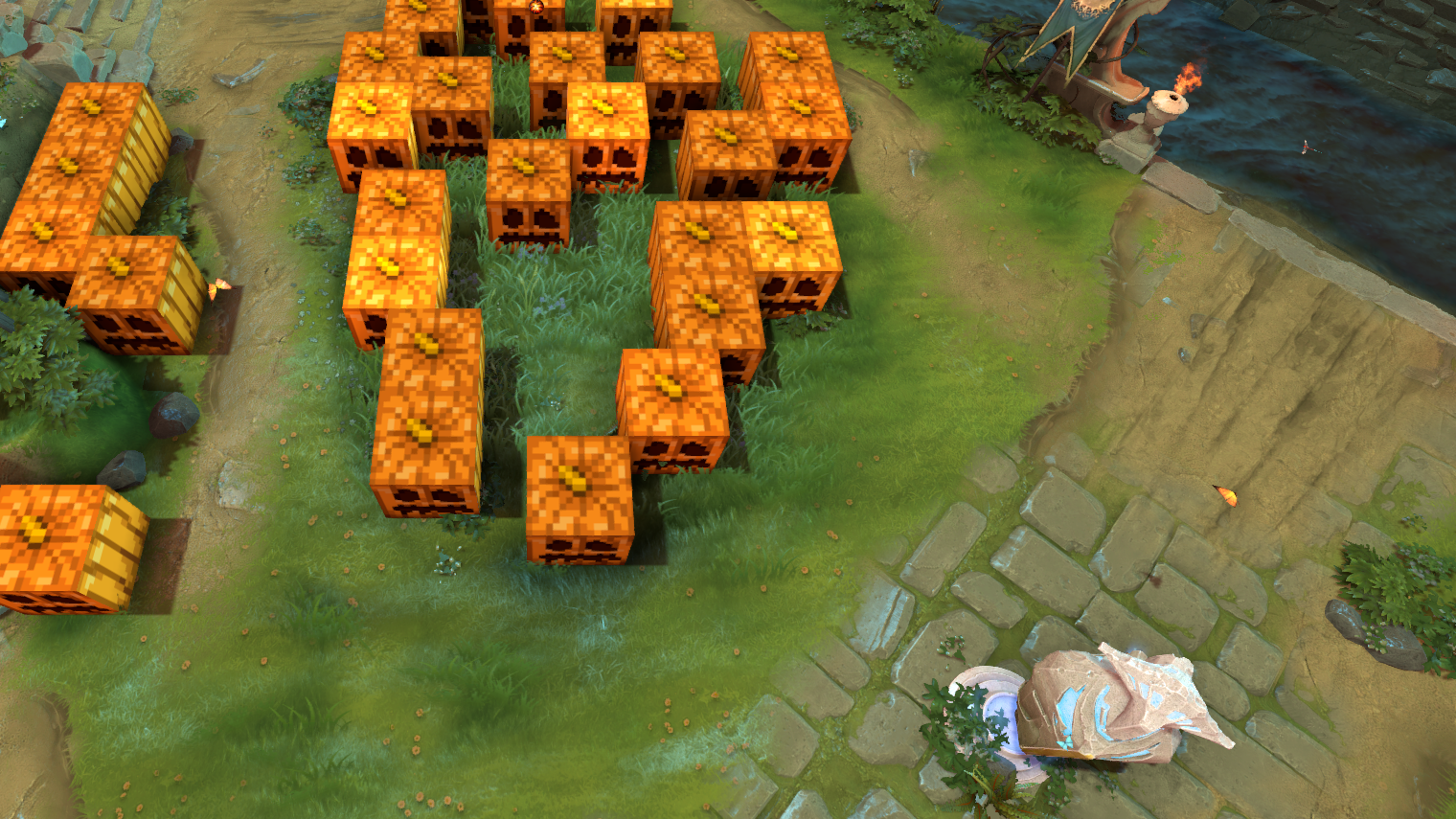
You can recolour these models to any colour; the shots use ours
Minify
Minify is 12 mods that strip the clutter from the screen and the sound. Turn each one on separately in Changer → Minify:
- Map — remove the grass and bushes, the water in the river, rain, snow and other weather effects.
- Effects — simplify spell, item and basic attack effects; remove cosmetic and event particles, tower shots, sprays and pings.
- Sounds — mute the default announcer, chat wheel lines, hero taunts and the map's ambient sounds.
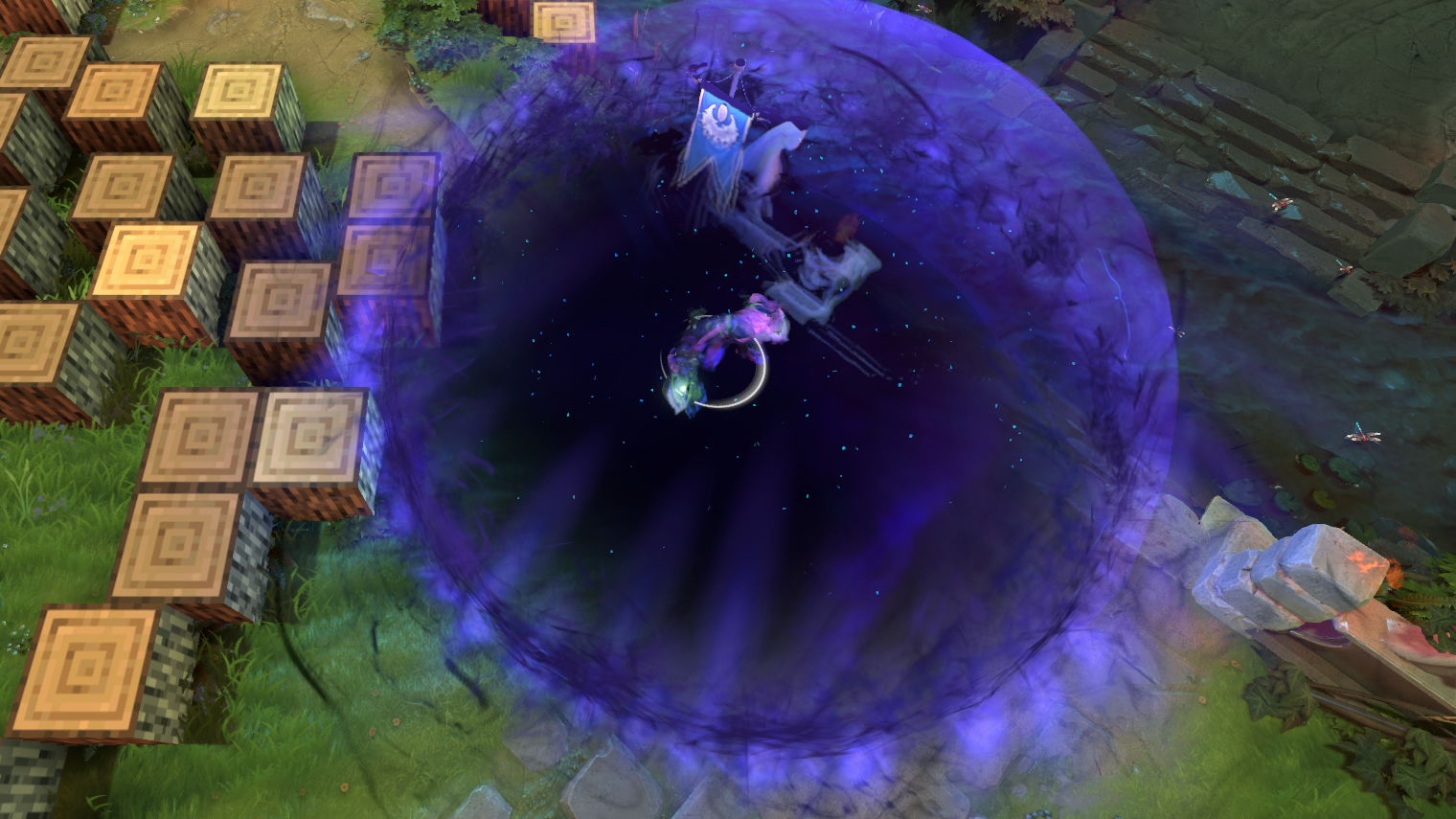
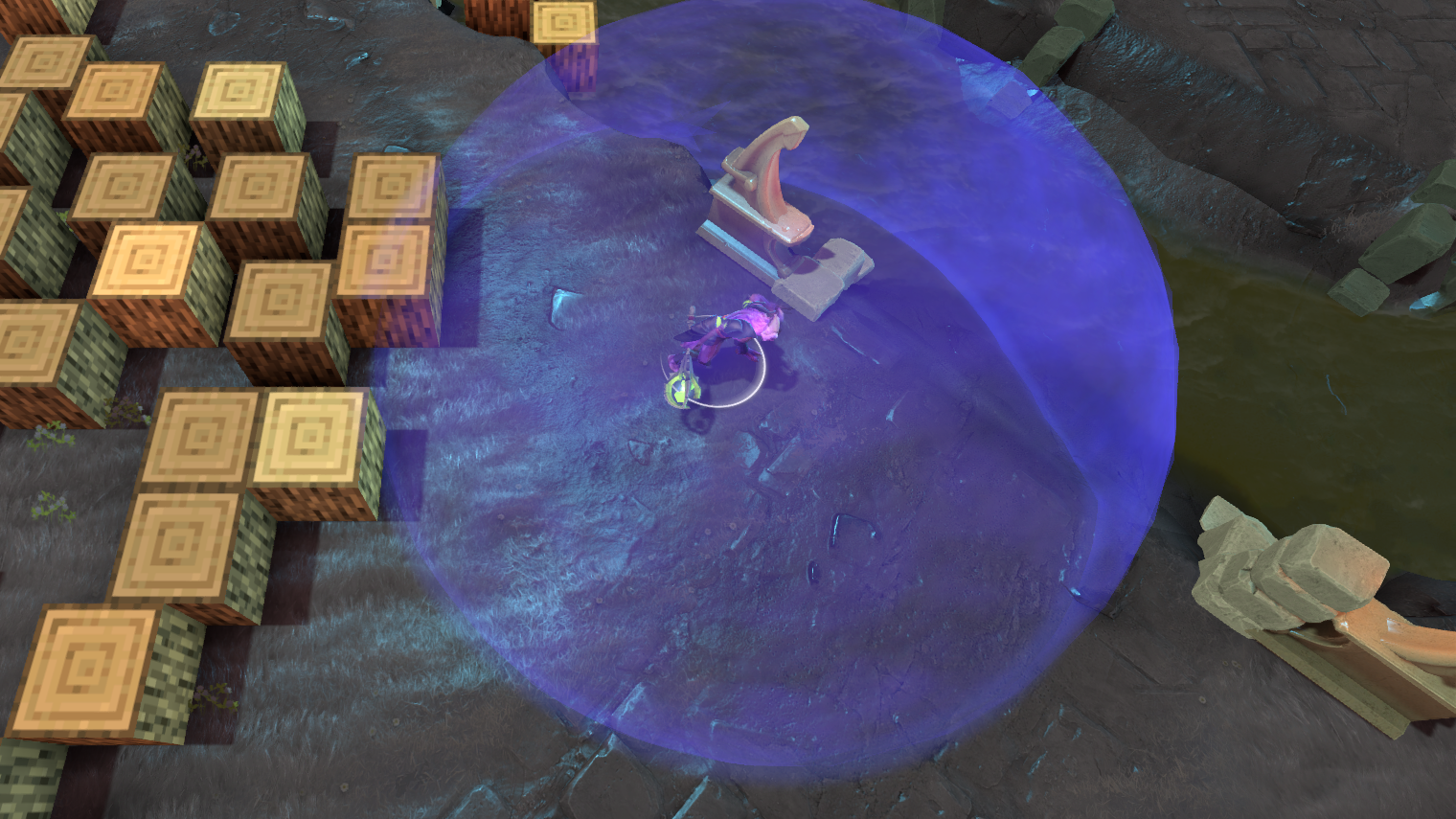
The mods swap game files, so they apply once you reload the map. The switch in the page header turns all of them off at once and remembers your picks.
Chams and hiding cosmetics
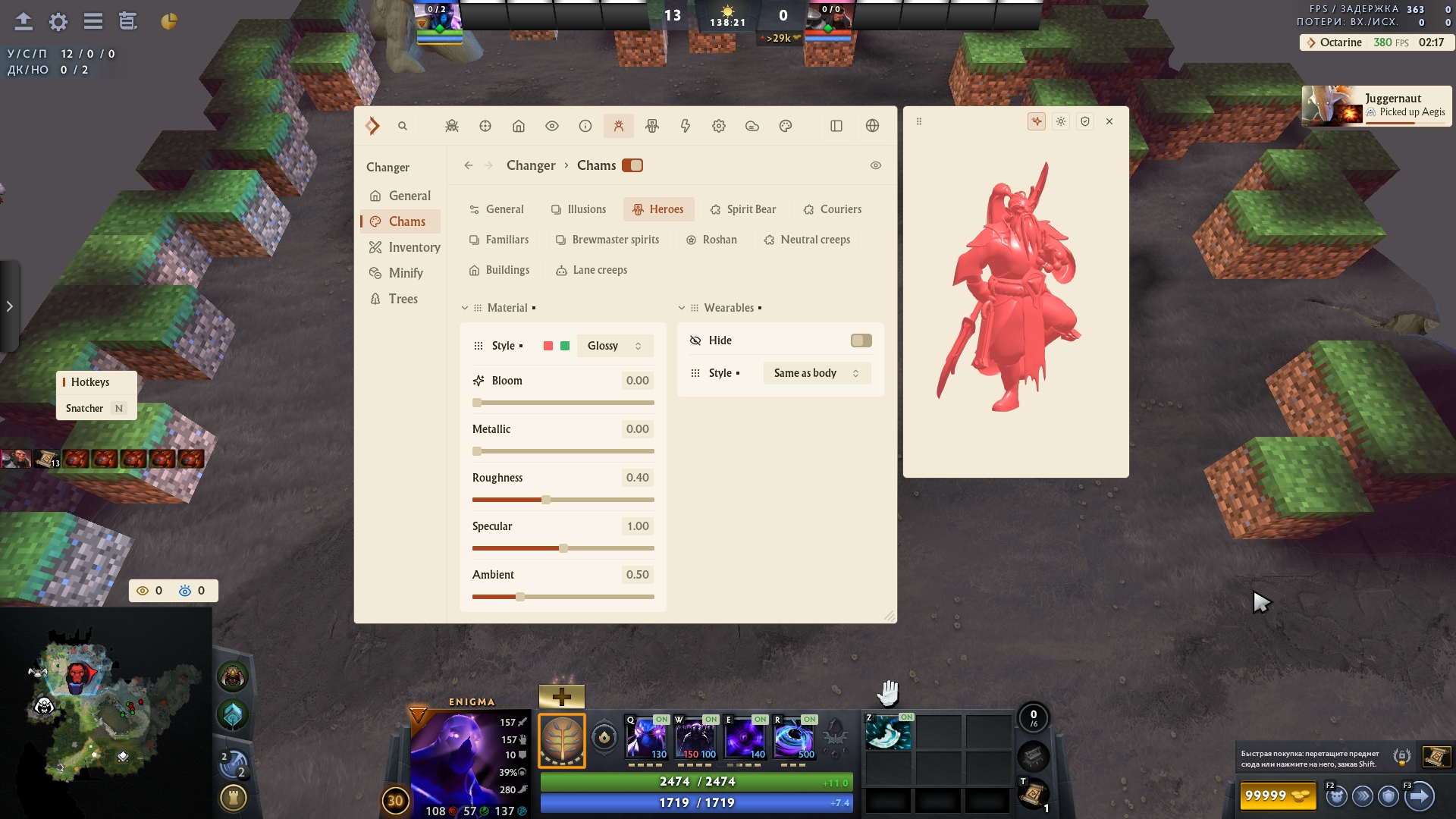
The changer also has Chams: paint heroes, illusions, creeps, couriers, Roshan and buildings in your own colour and material, separately for enemies and allies. Heroes → Wearables → Hide takes the cosmetics off every hero. More in the Dota 2 big update post.
How to try it for free
The changer comes with an Octarine subscription: one subscription covers Dota 2, Deadlock and CS2. You can try it for free:
- Sign up with the code
TEST— get a trial subscription and a discount on your first purchase. - Download the client in your account and launch Dota 2 — the install guide walks you through it.
- Open the menu with Insert → Changer. The items are already in your inventory.
A trial subscription is given once per computer.
FAQ
Can you get banned for a Dota 2 skin changer?
Changer skins exist only in your game: regular players see your real items. The features that change what the game server sees — weather, river, emoticons and the voice ban bypass — are locked by Safe mode by default.
Any software carries a ban risk, and we do everything to keep it from happening: Octarine bypasses VAC.
Do other players see my skins?
Regular players don't. Octarine users do if both you and they have Share skins on and their team is ticked in Share with.
Is the Dota 2 skin changer free?
The changer comes with an Octarine subscription, along with every feature for Dota 2, Deadlock and CS2. You can try it for free on a trial subscription: sign up with the code TEST.
Where do I download the Dota 2 skin changer?
There's nothing separate to download: the changer is built into Octarine. Download the client in your account after signing up — installing and launching are covered in the guide.
Will the items show up in Steam?
No. Changer items exist only in the game on your computer: you can't sell or trade them, and your Steam inventory stays as it is.
What happens to the changer after a Dota 2 patch?
The changer breaks less often after patches than it used to, and the Octarine client updates itself. We add any downtime after a patch to your subscription.
Why didn't a Minify mod apply?
Minify mods swap game files and load with the map. Reload the map: start a new game or reconnect.