BIG UPDATE — CS2
On this page
Following Deadlock, CS2 has now fully moved to the new menu and new renderer. We've rewritten all functionality and added plenty of new features.
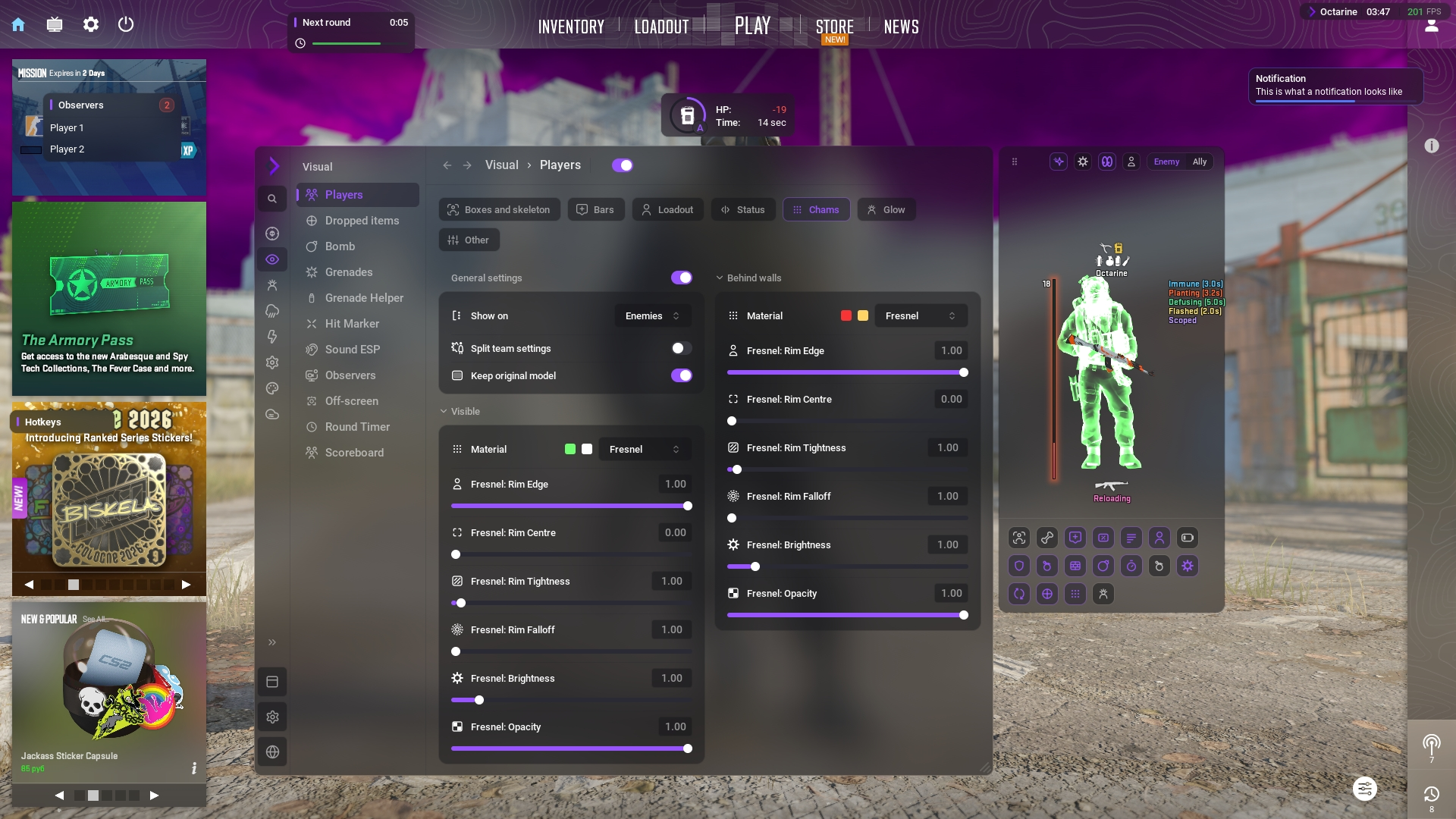
Model Changer and the updated Skin Changer
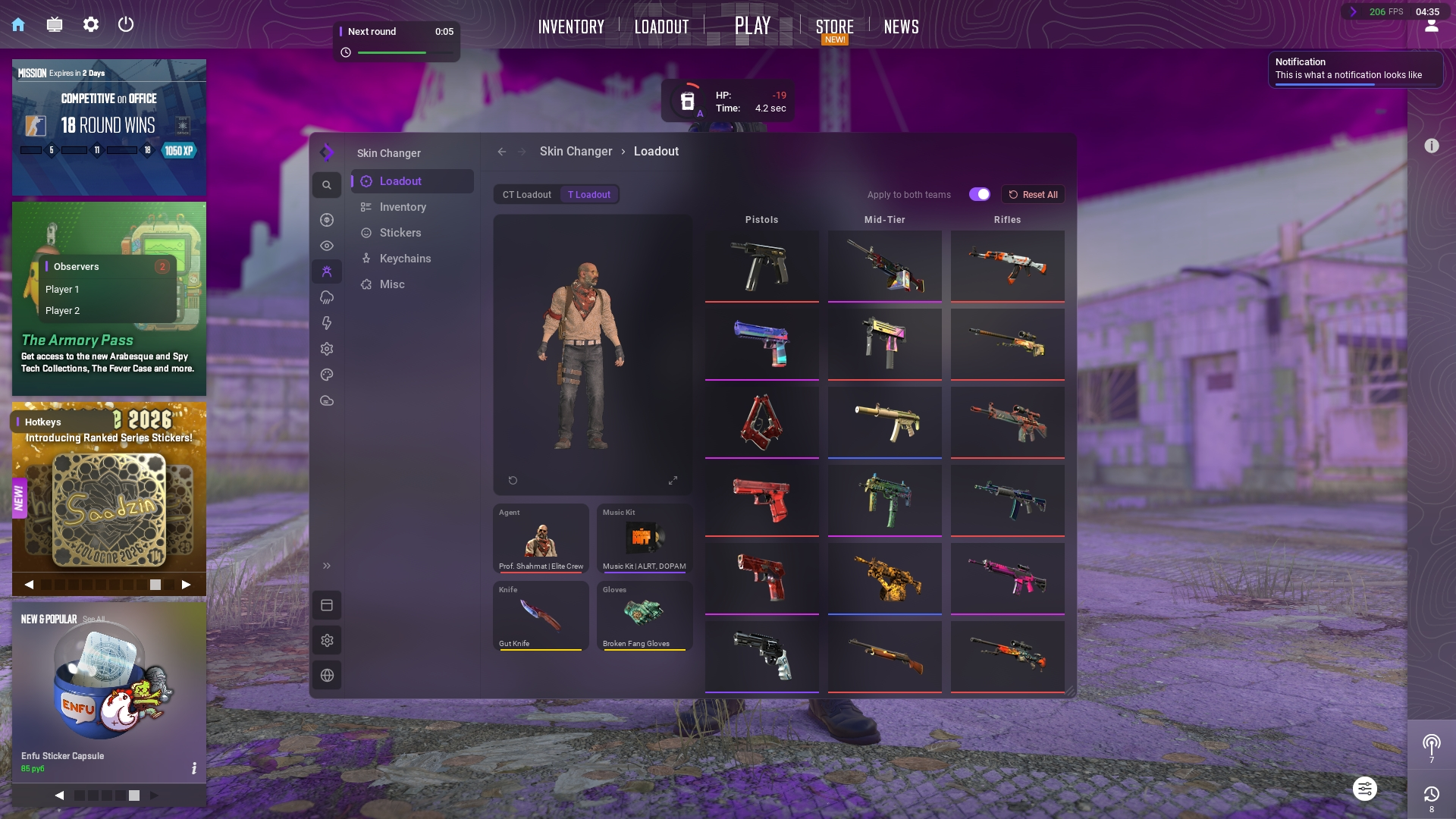
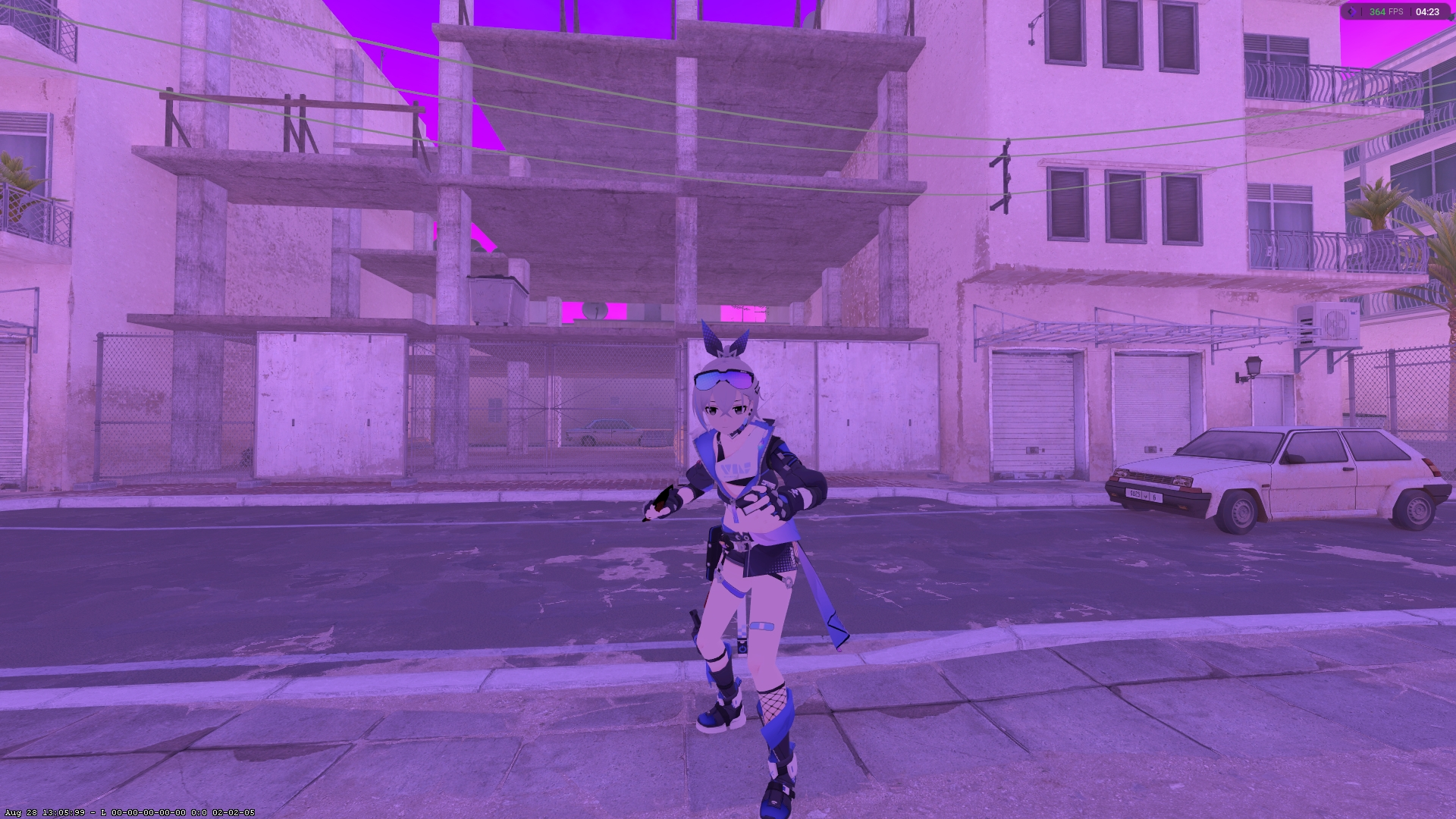
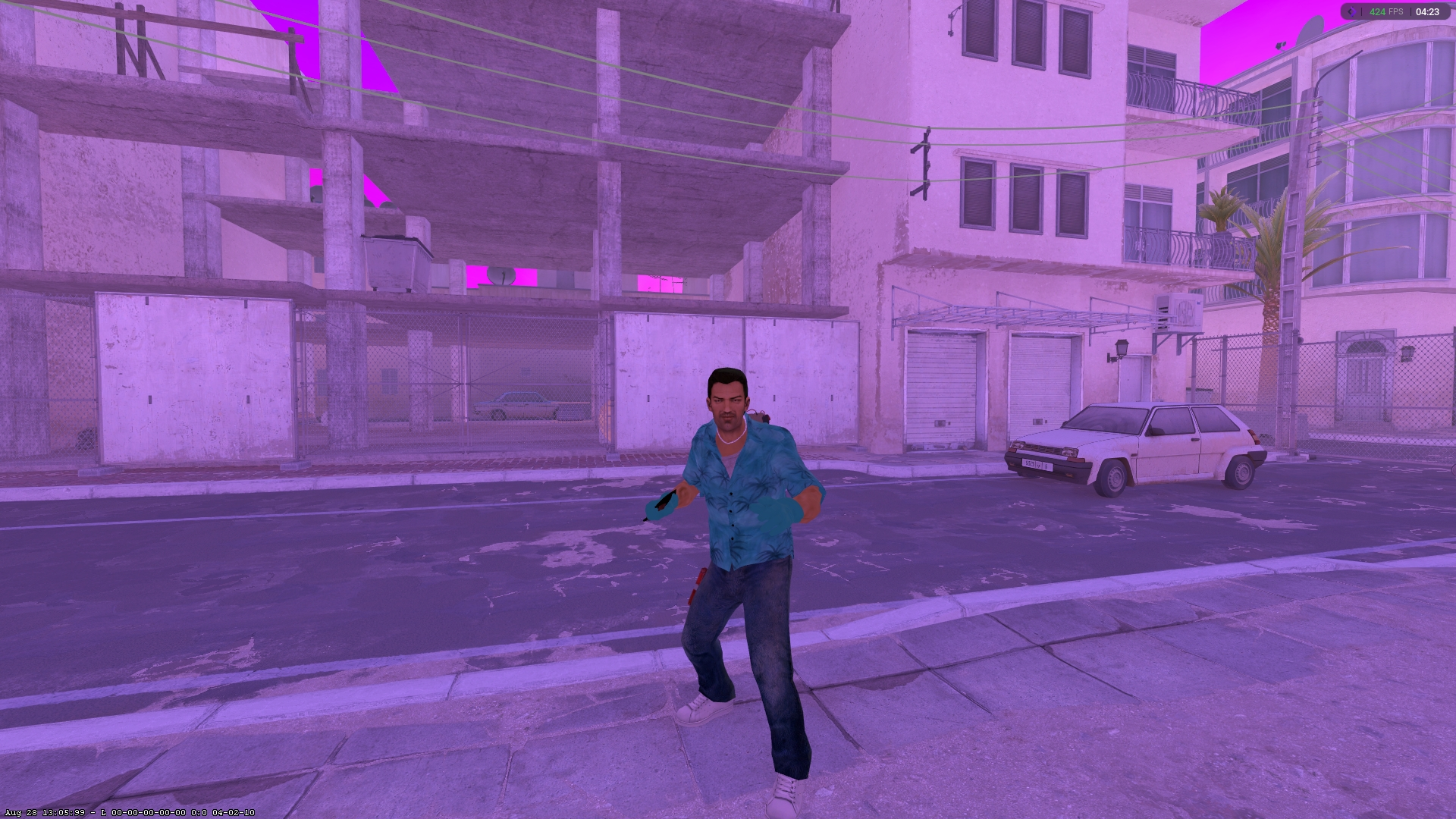
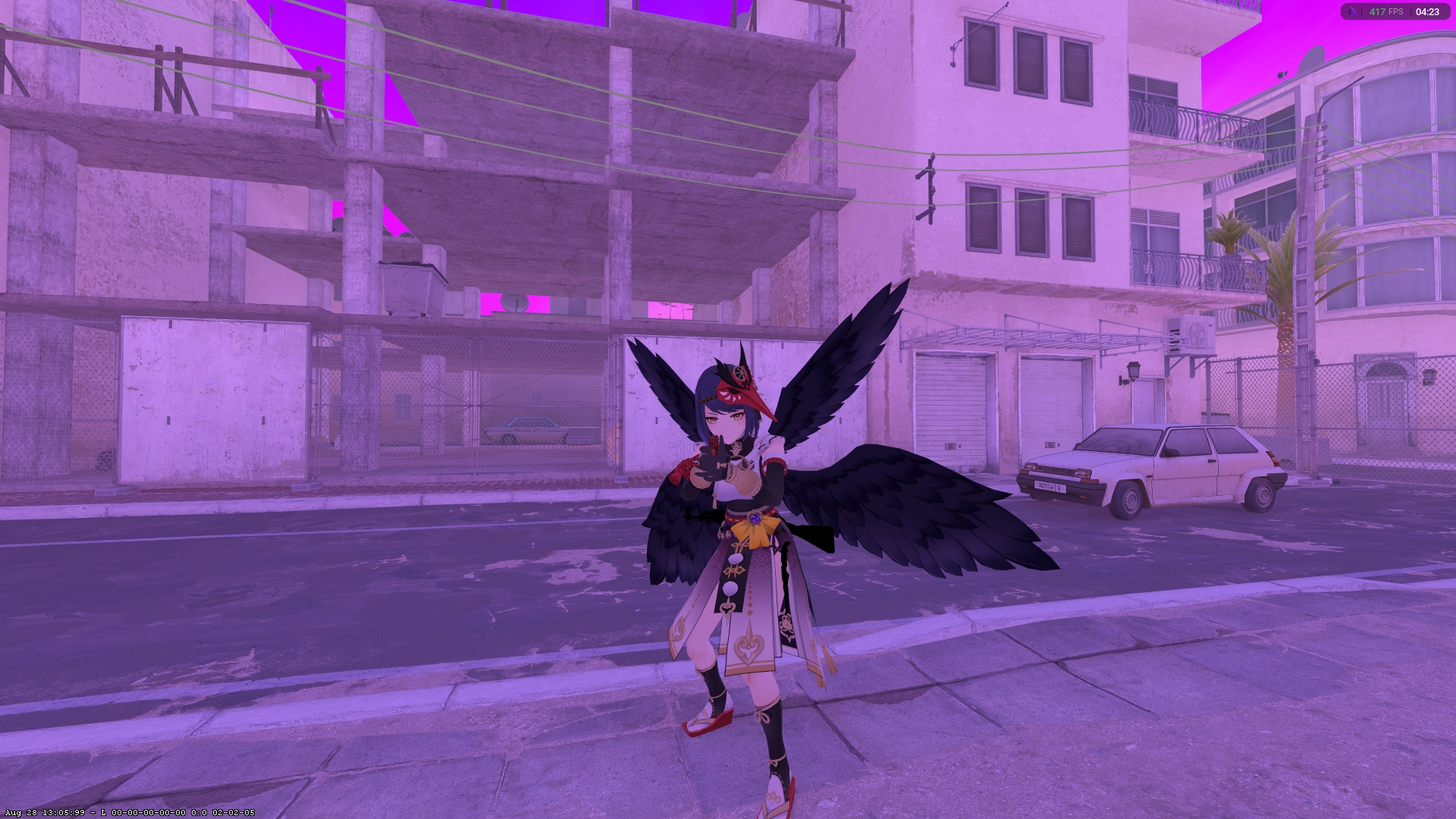
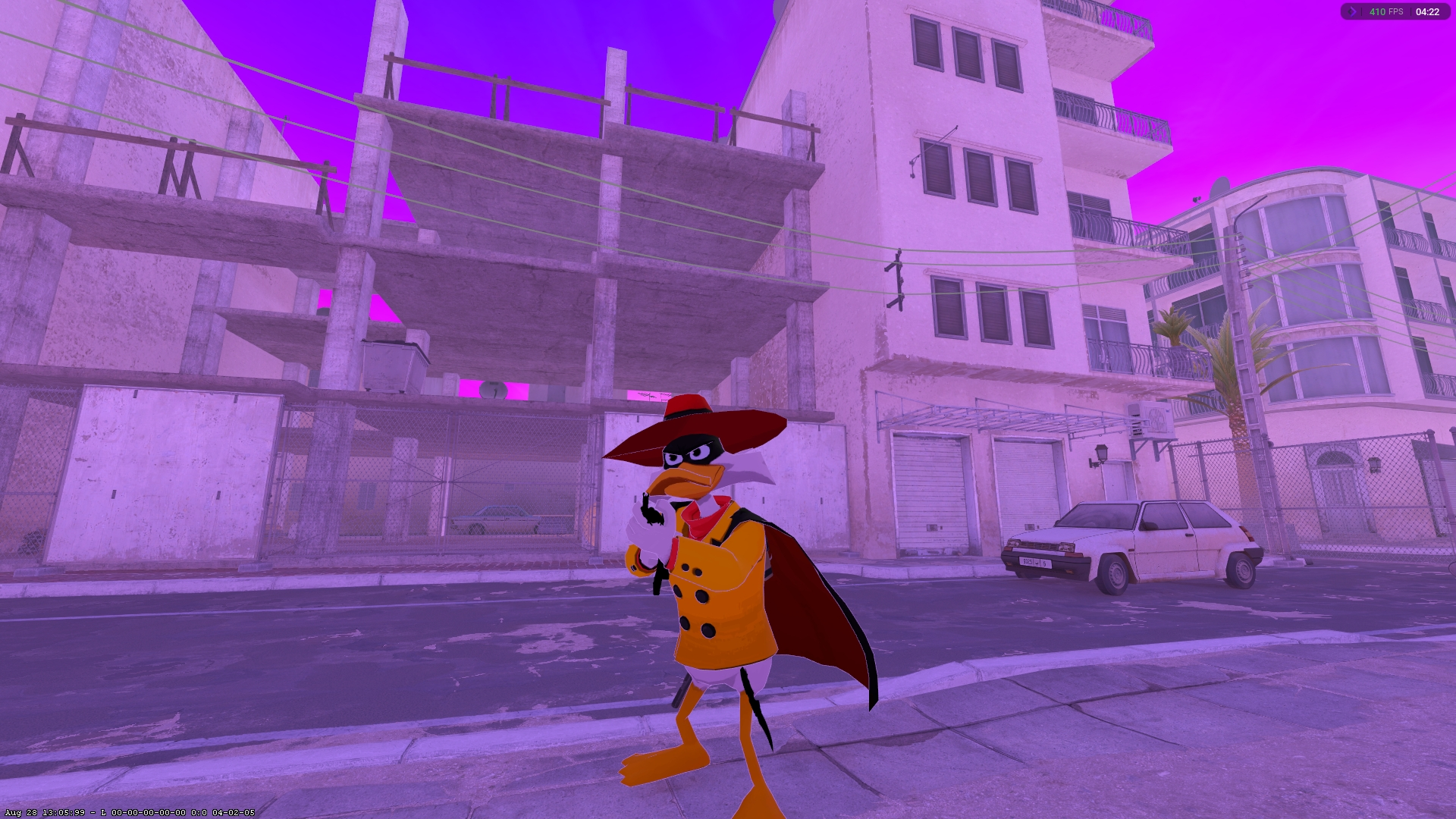
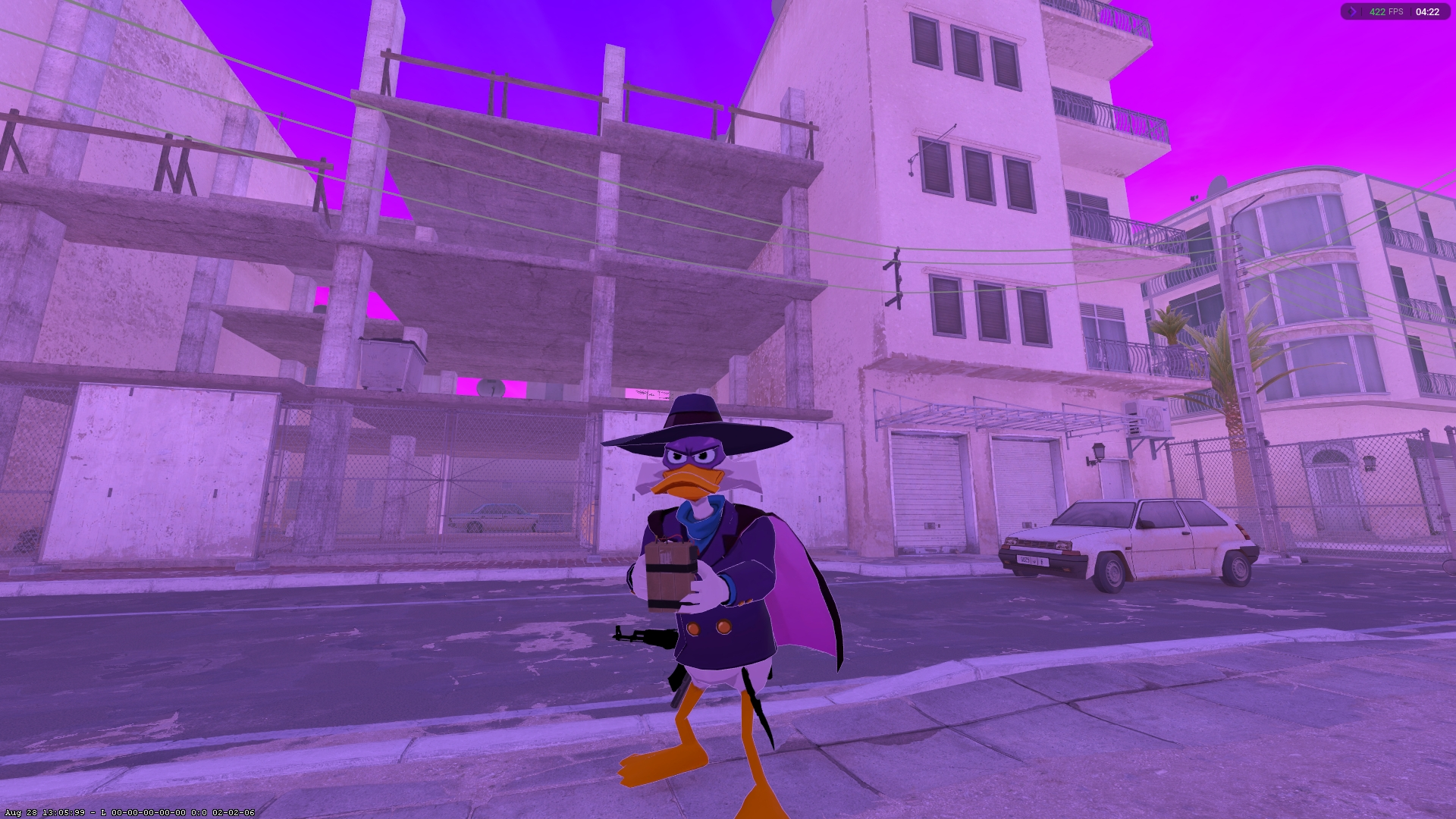
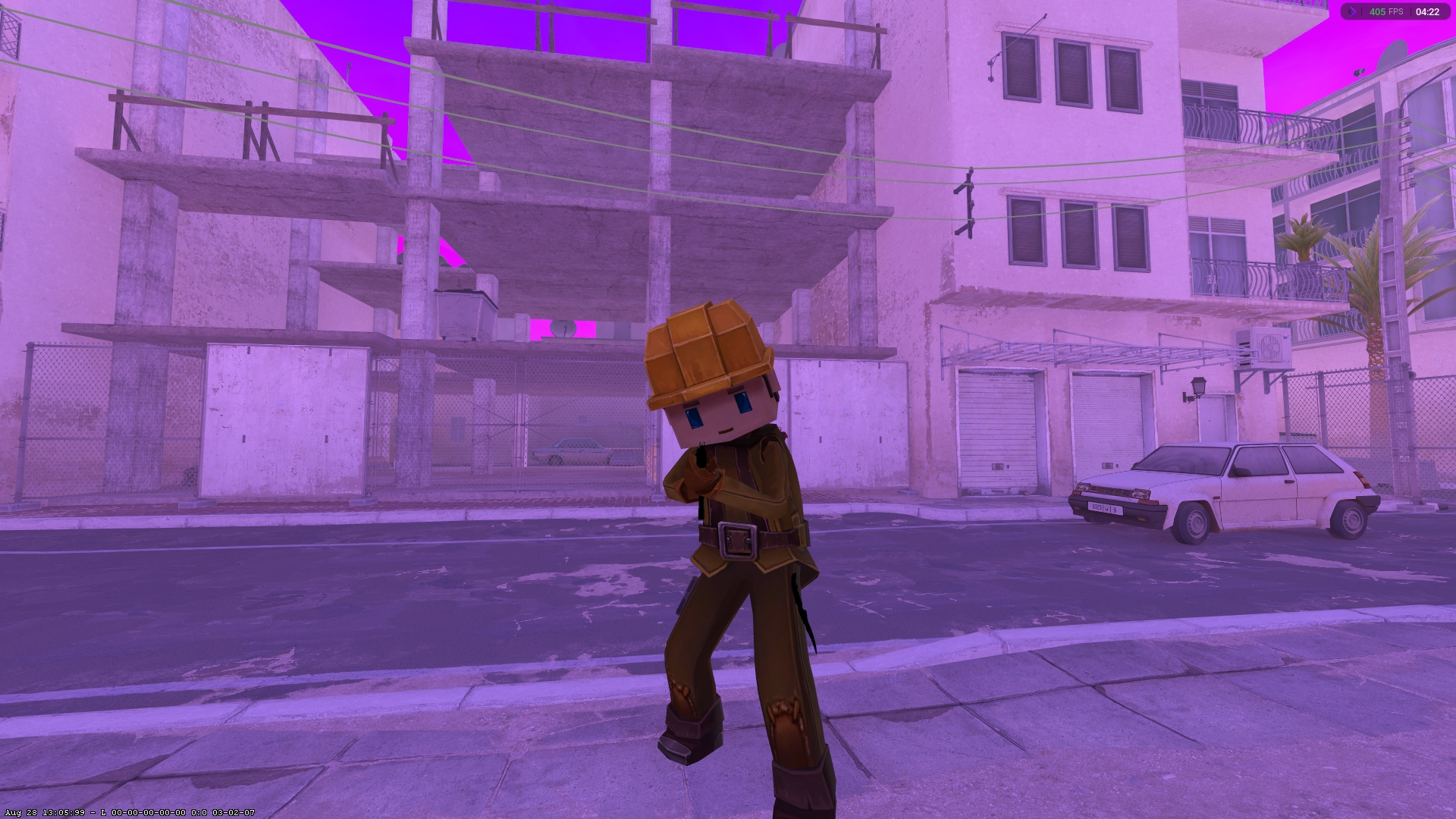
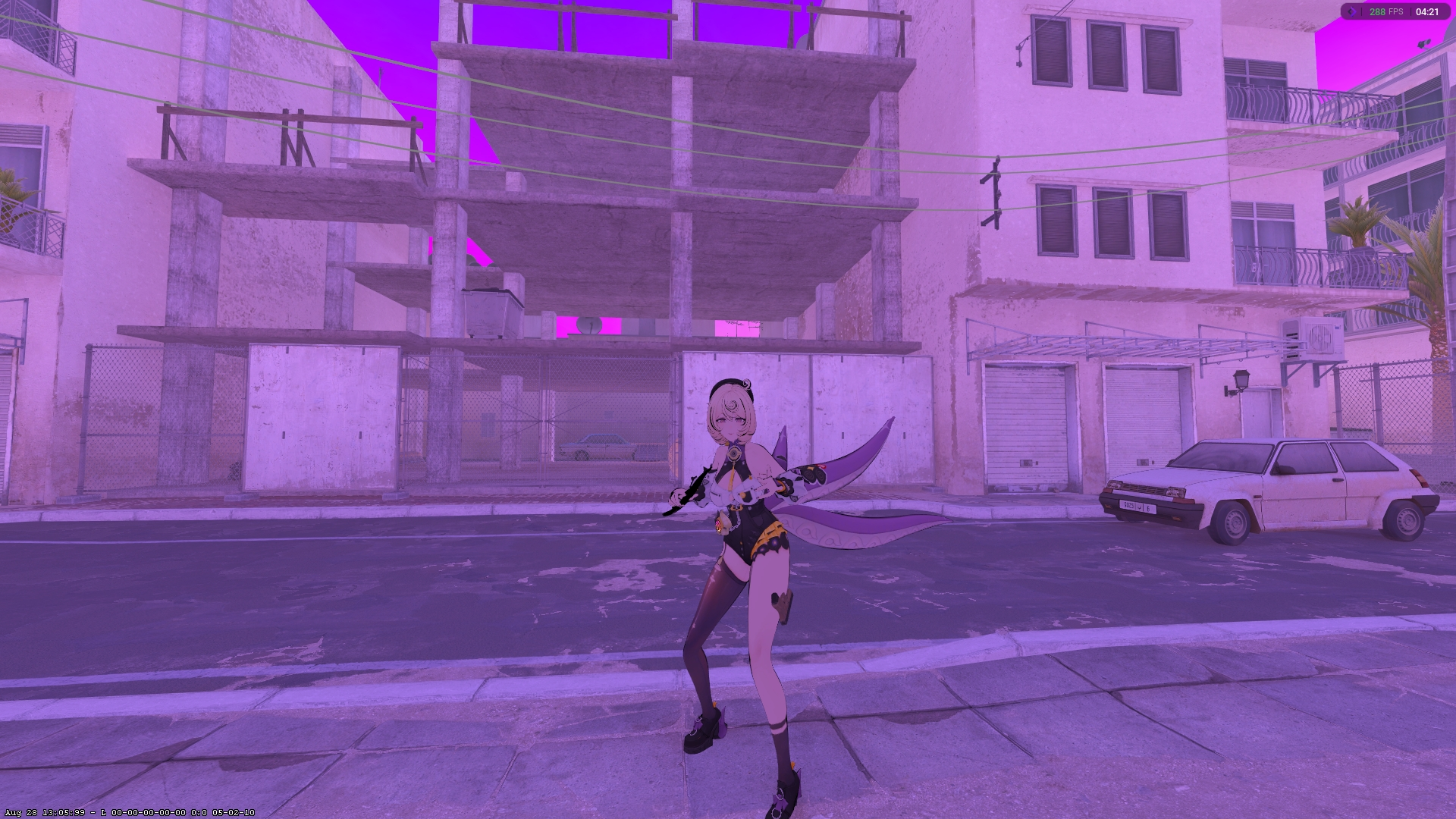
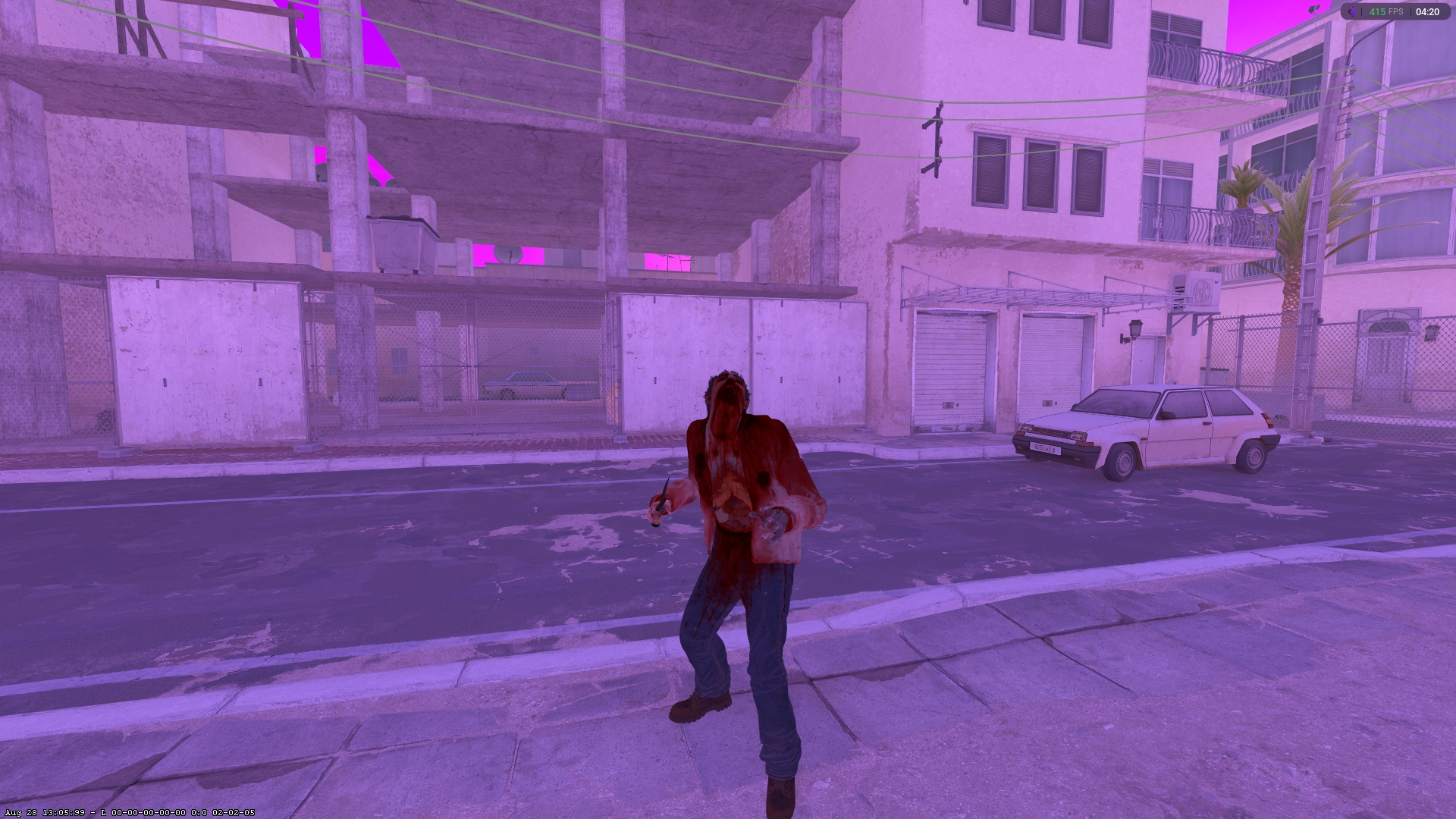
We've added Model Changer, so you can now swap your character model. Skin Changer also has an updated interface: weapons, knives, gloves and agents are all in Loadout, with separate setups for T and CT.
There's also a 3D preview: see your weapon and character model right in the menu, or open the preview full screen for a closer look.
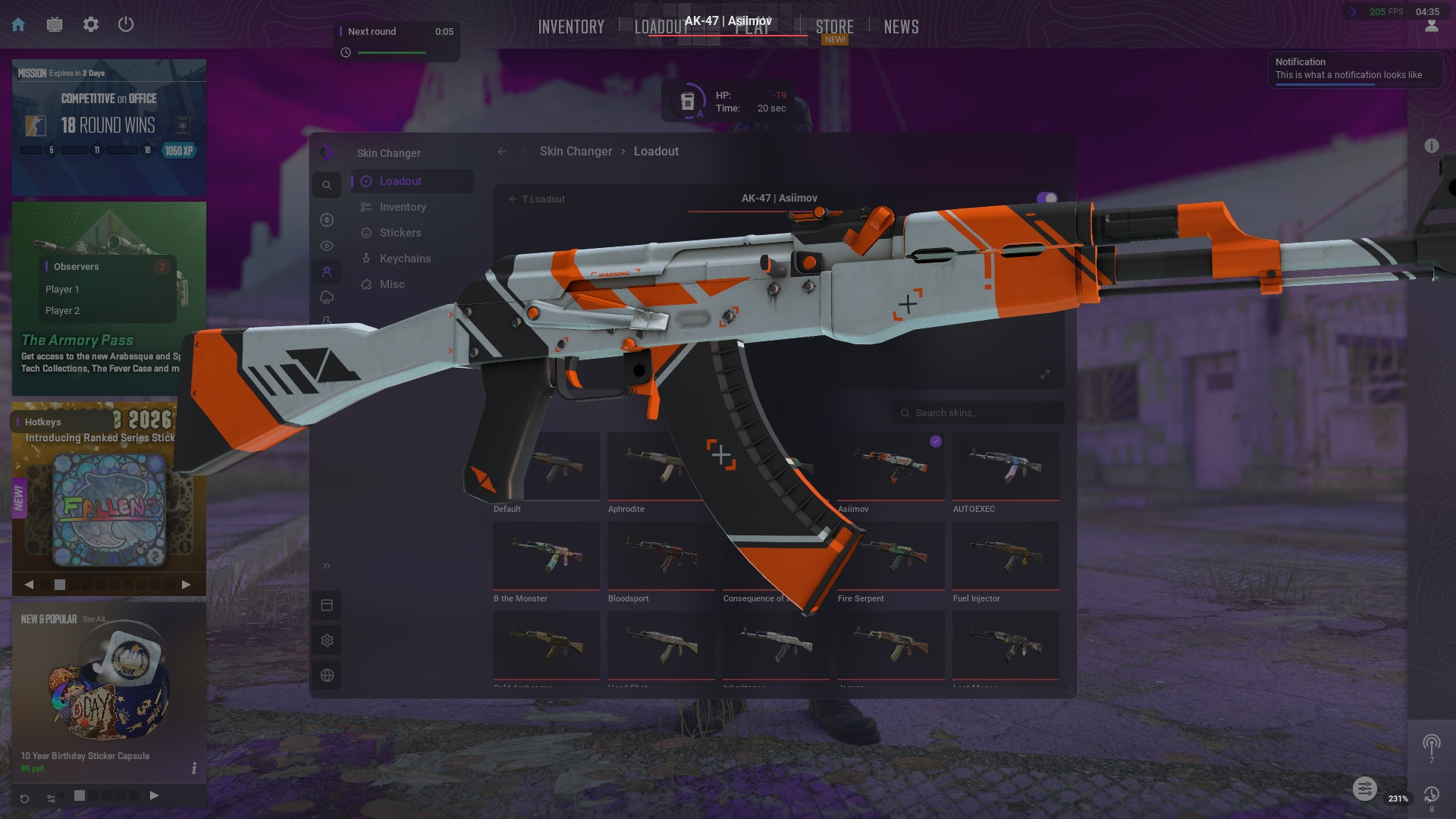
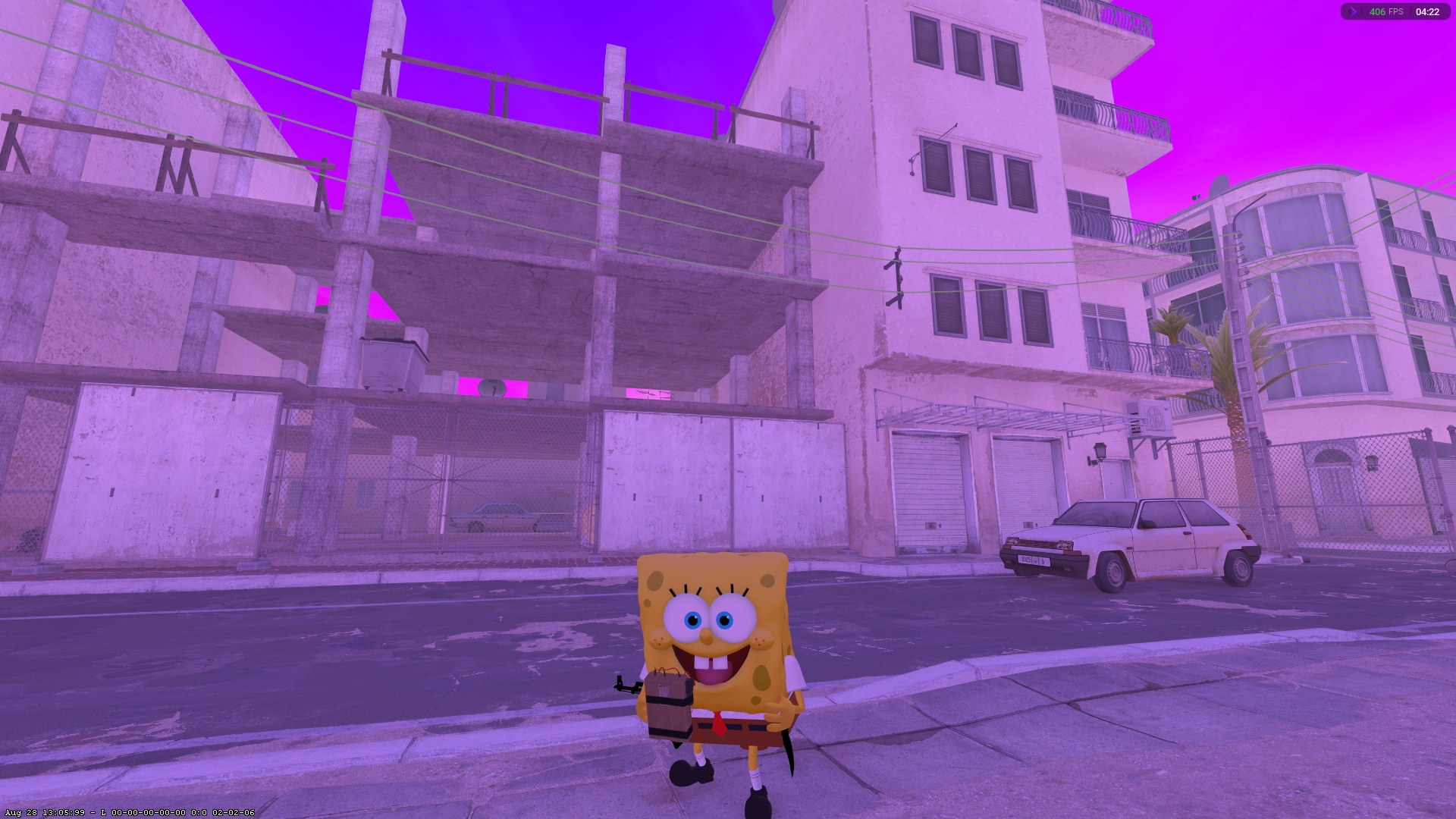
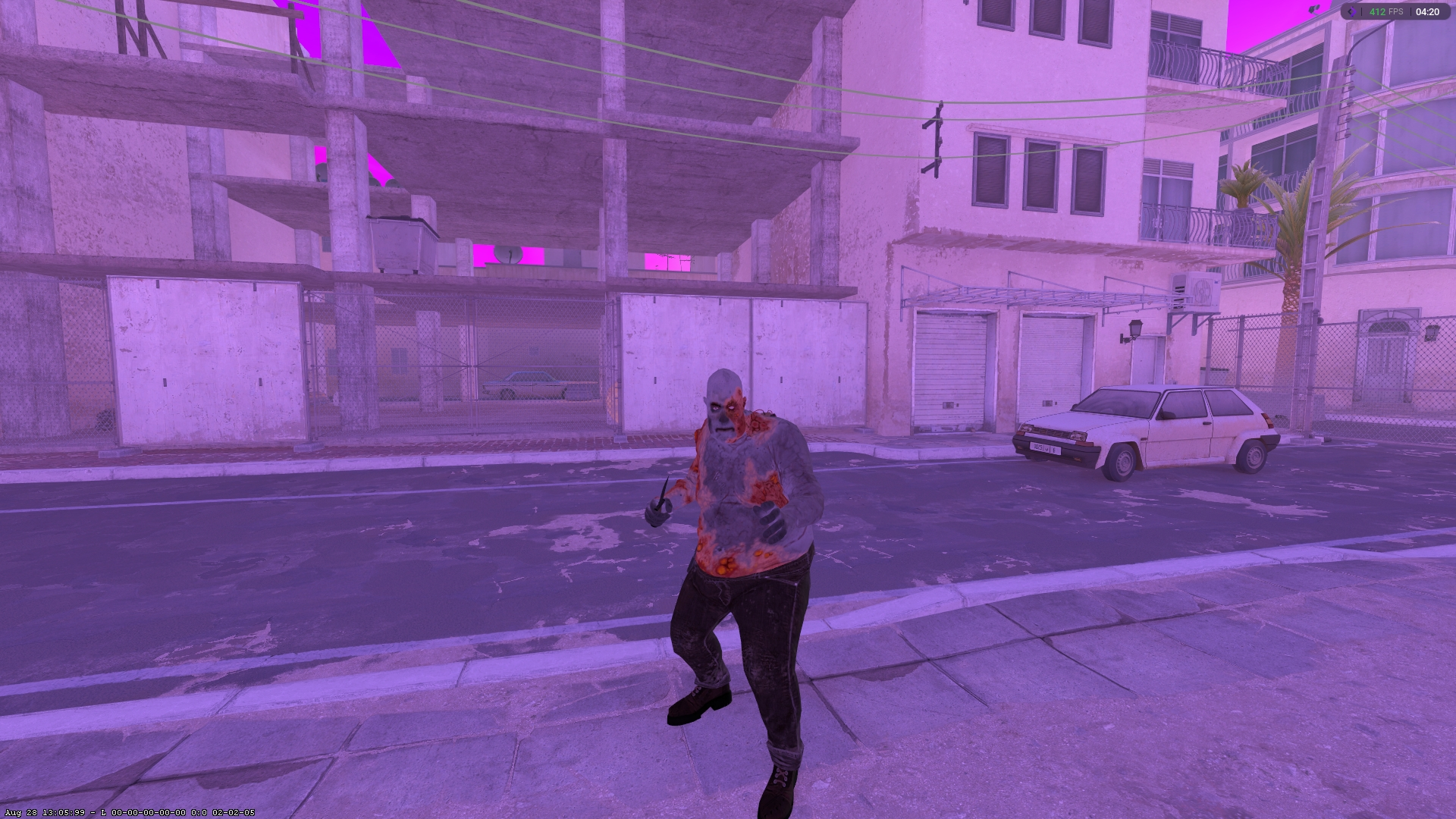
Models in-game
Ten examples of the new models in CS2.
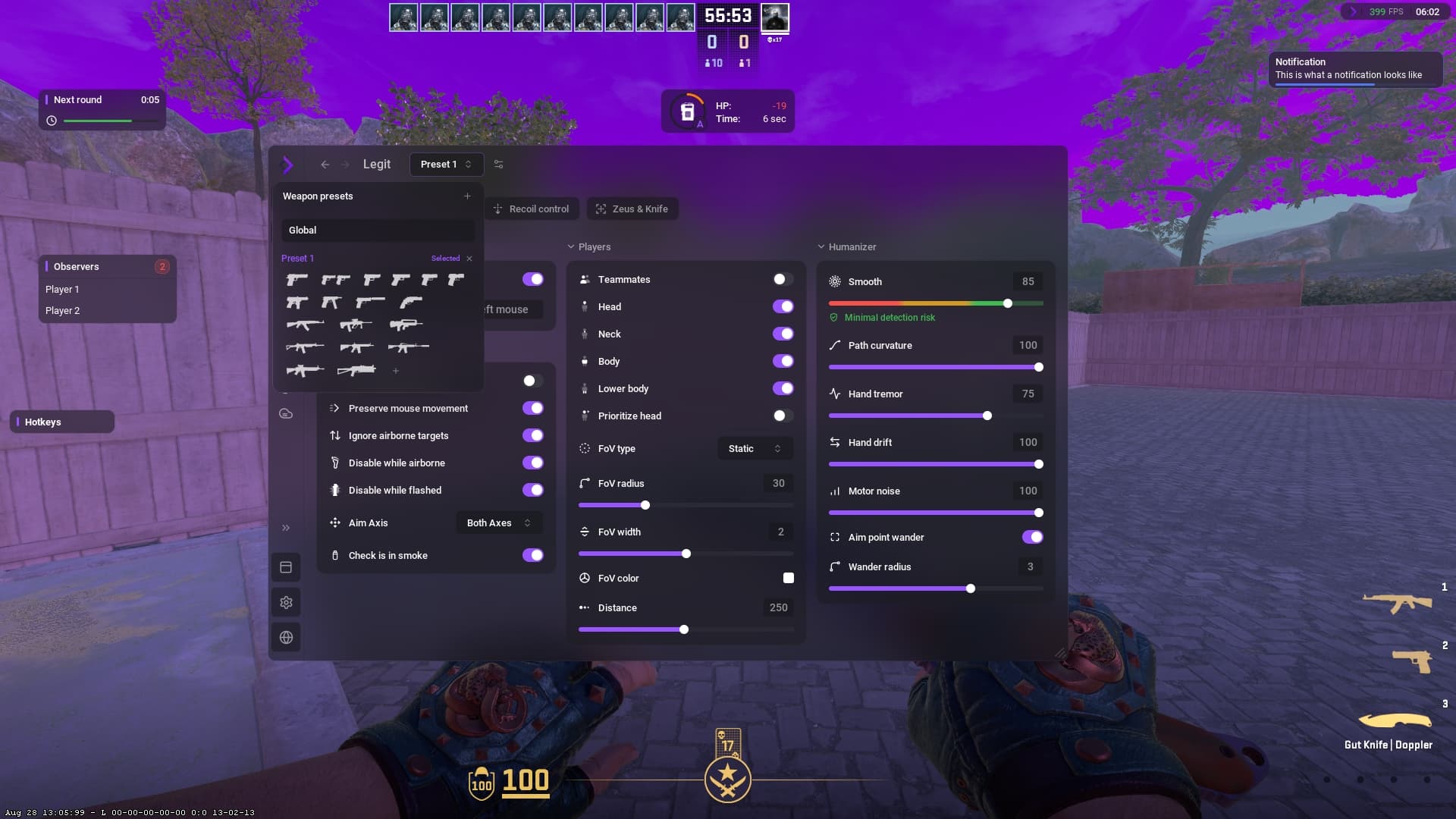
Legit
The new Legit tab lets you configure presets for individual weapons. Pick a weapon in Weapon presets and give it its own settings.
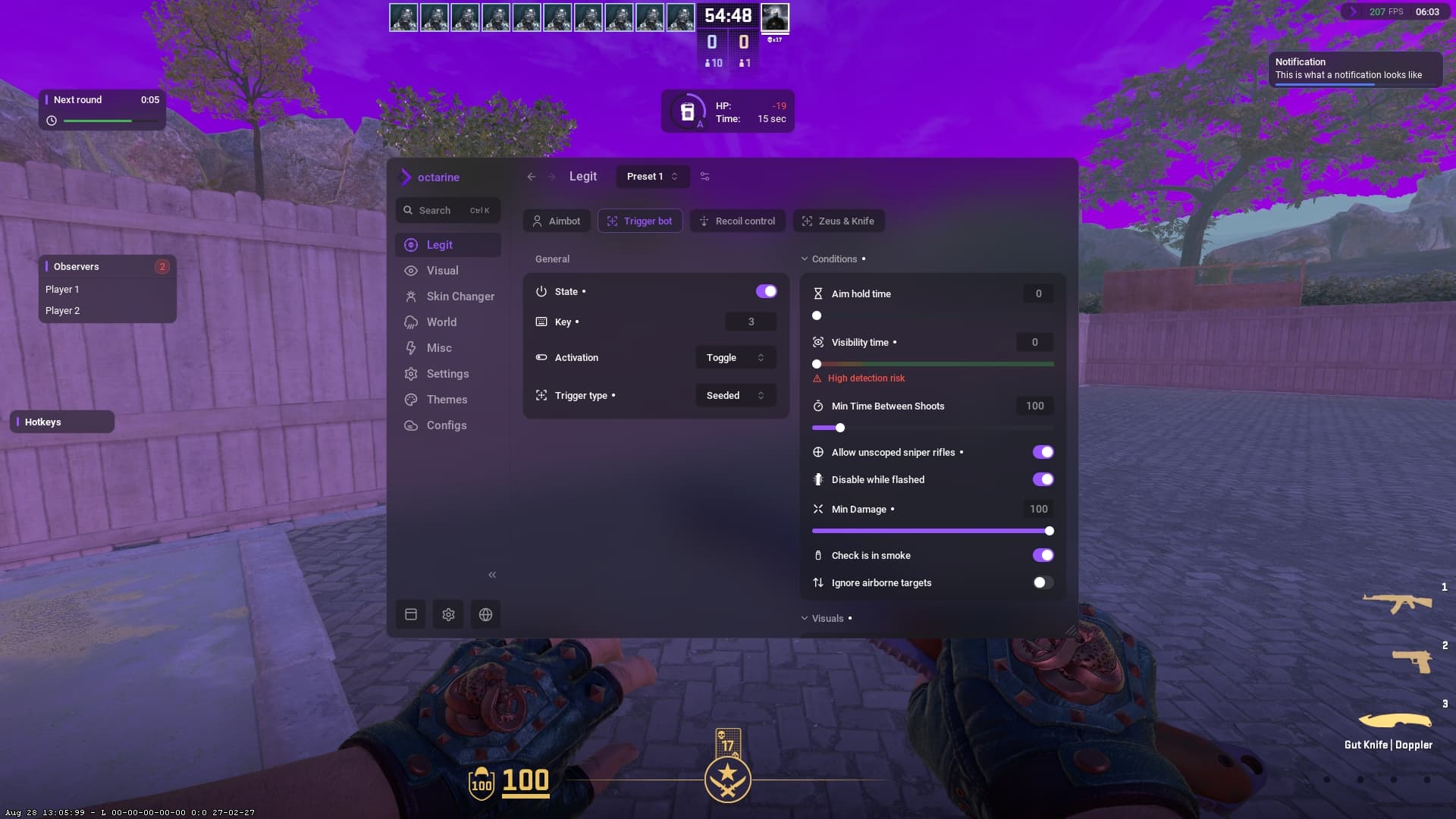
More accurate triggerbot and Seeded mode
The triggerbot is now more accurate. We've also added Seeded mode, which lets you land AWP headshots even while jumping.
Zeus and Knife
The new Zeus and Knife tab includes automatic knife attacks when a target is within striking range.
Watermark: customise every detail
Even the small panel in the corner of the screen has its own settings. Choose from four layouts, show the logo and name together or separately, and add icons, FPS, frame time, 1% Low and a clock with seconds. Adjust the panel size and refresh rate, and drag the readings to change their order.
Try it yourself: the interactive Watermark below uses the settings from our menu.
Drag the readings to change their order. The handle beside the panel moves the whole panel; right-click to open settings.
FPS, frame time and 1% Low are measured in this browser. The clock shows your local time.
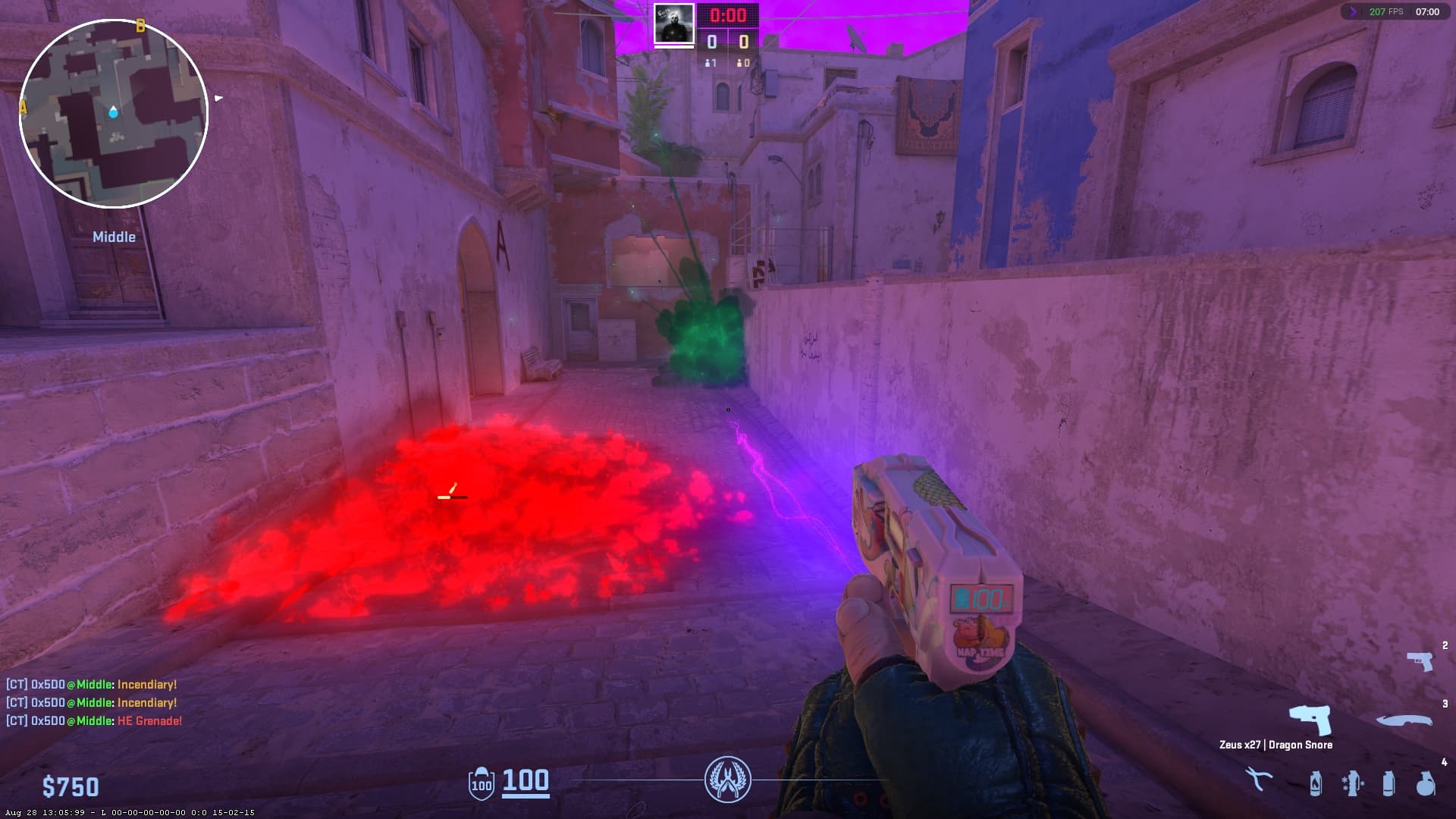
Particle colours
New particle colour settings let you change the colour of Molotov flames, explosions, smoke grenade clouds and Zeus discharges separately. Pick your own colour for each effect.
Off-screen enemies and grenades
Off-screen enemy indicators have a new look. They now show grenades too.
Bomb panel: new design and damage calculation
The bomb panel has a new design and now includes blast damage calculation.
Grenade Helper
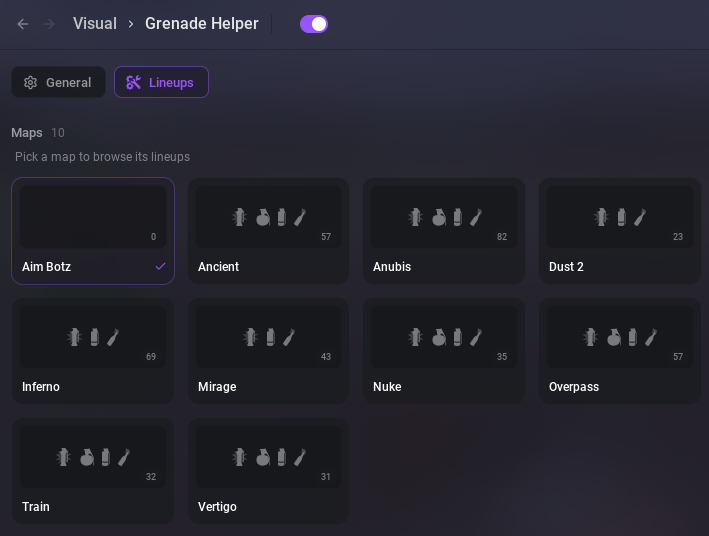
We've added Grenade Helper: in-game markers show where to stand and where to aim for a grenade throw. Open Lineups to pick a map and browse ready-made lineups.
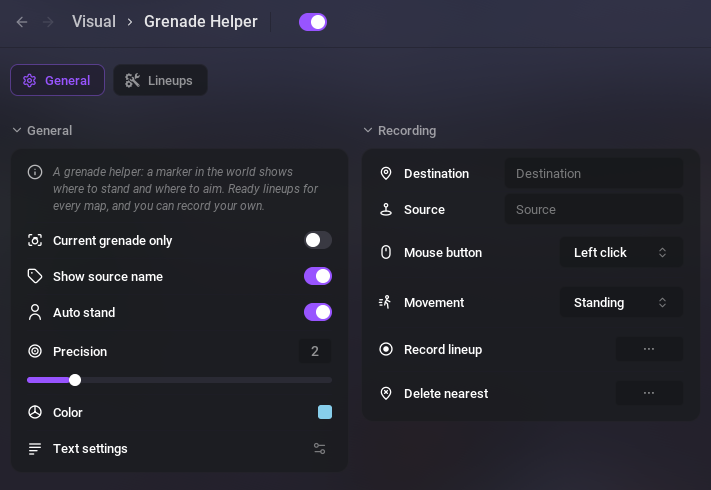
You can also record your own: name the source and destination, then choose the mouse button and movement for the throw. In General, you can show only the current grenade's lineups, enable Auto stand, and customise the colour and text of the markers.
Sound ESP
For legit play, you can now customise materials that appear on a character's model when they make a sound.